Photoshop Image Upscaler
Recover Real Detail, Don't Just Enlarge
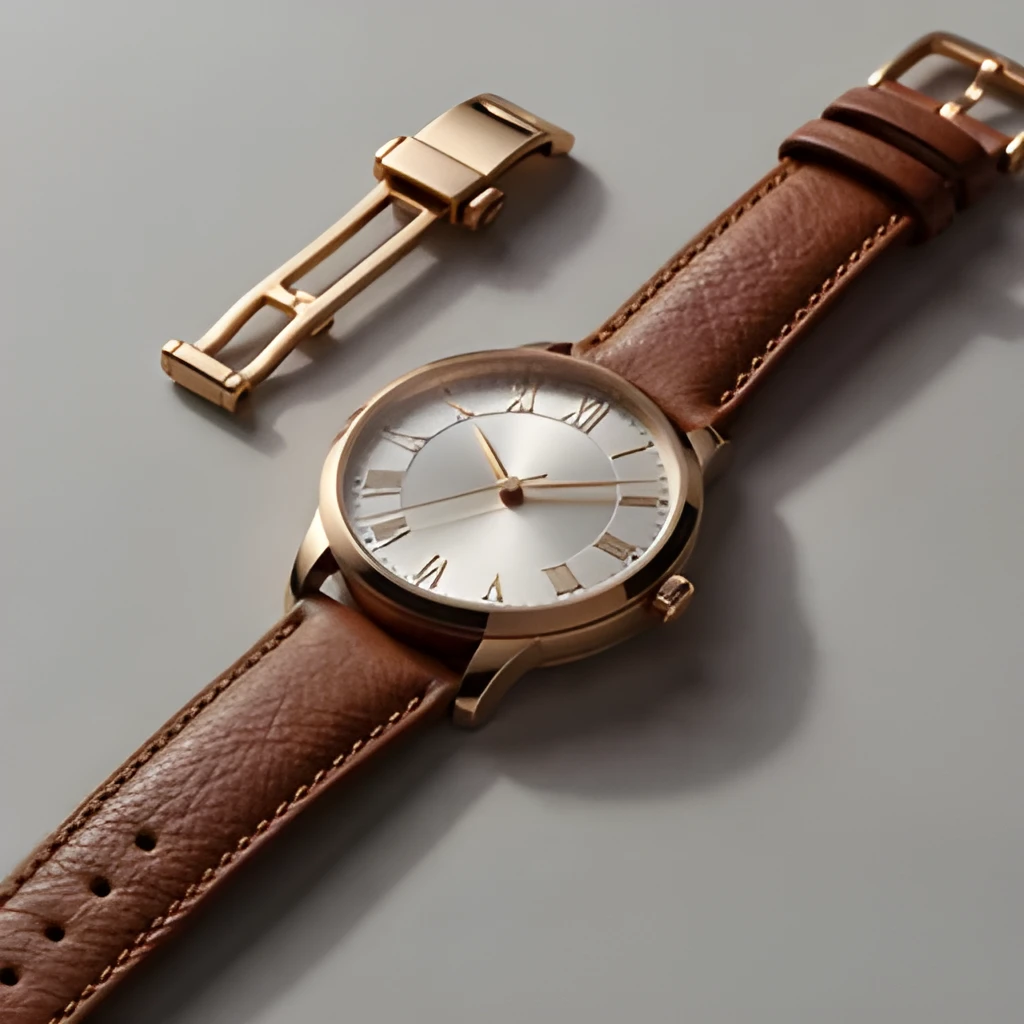
A photoshop image upscaler powered by AI doesn't simply stretch pixels—it intelligently reconstructs lost detail, sharpness, and texture. Whether you're working with a compressed JPEG, a small design asset, or a photo that's been scaled down in Photoshop, our upscaler analyzes the original content and fills in the gaps with genuine visual information. You get crisp edges, smooth gradients, and refined textures that look like they were captured at high resolution from the start.
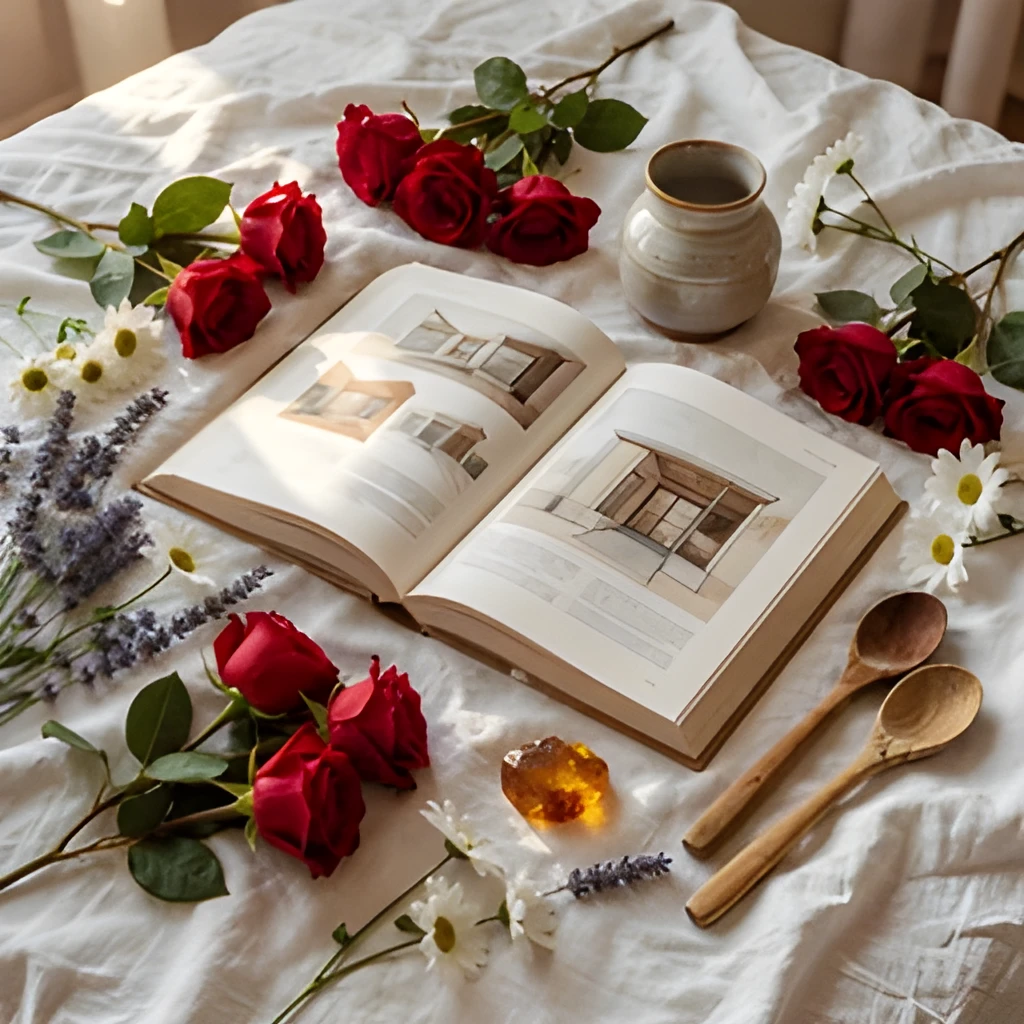

Print-Ready & Web-Perfect Resolution
Your upscaled Photoshop images are instantly ready for any medium. Whether you're preparing graphics for large-format printing, social media feeds, or high-density displays, the enhanced output meets professional quality standards. No more pixelated thumbnails or blurry enlargements—just sharp, vibrant images that look polished on billboards, portfolios, or mobile screens. The photoshop image upscaler generates files that rival images shot at native high resolution.
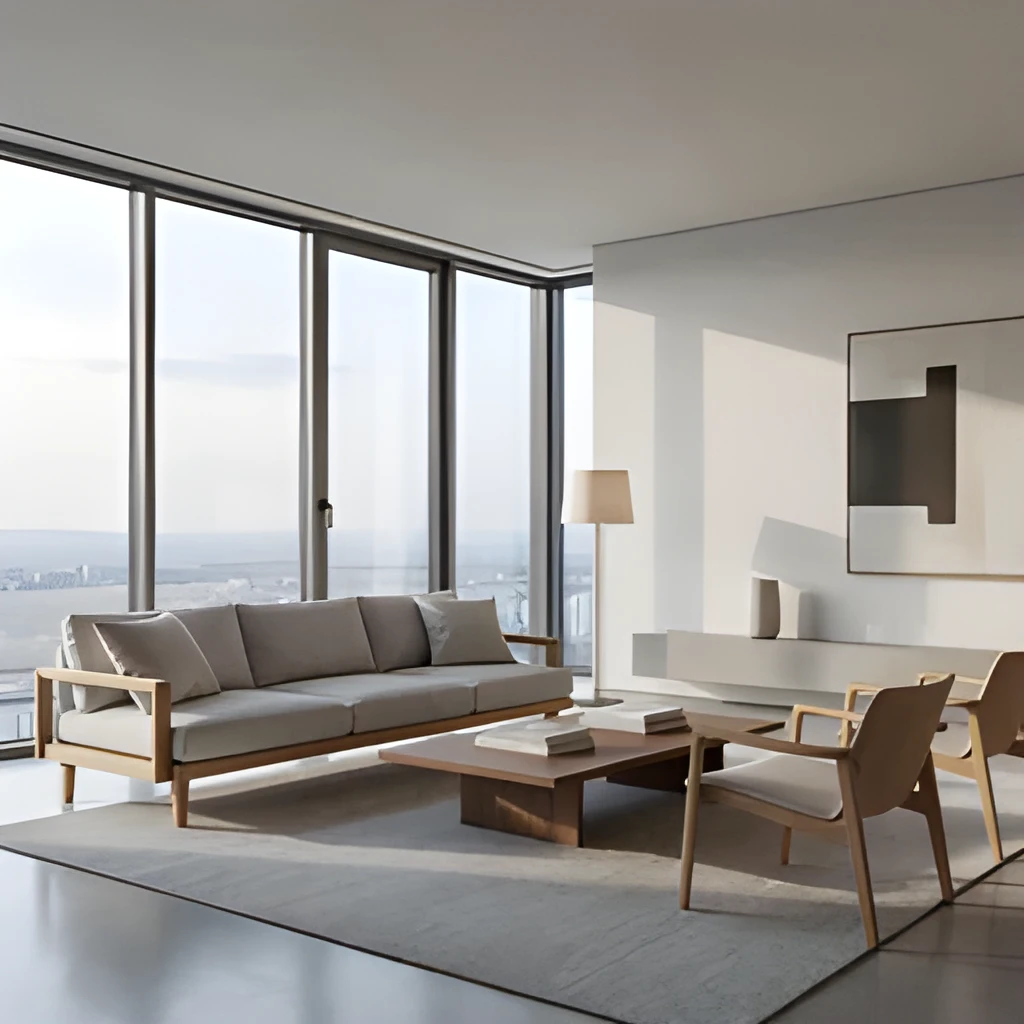

One-Click Enhancement—No Retouching
Forget hours spent manually sharpening, interpolating, or applying filters in Photoshop. With our photoshop image upscaler, simply upload your image and let AI handle the heavy lifting. The entire process takes seconds, and the result is a pristine, upscaled file ready to download and use. No layers, no adjustments, no learning curve—just intelligent, automated enhancement that respects your original vision.
Popular Uses for Upscaled Photoshop Images
Design Assets & Graphics
Upscale vector mockups, UI elements, and graphic designs that need to be enlarged without quality loss. Perfect for preparing web graphics, marketing materials, and design portfolios at multiple sizes.Product & E-Commerce Photography
Enhance product photos and catalog images to showcase detail and quality across print catalogs, online storefronts, and marketing campaigns. Clean, sharp product images drive sales and build brand trust.Social Media & Digital Marketing
Upscale promotional images, banner ads, and social media graphics to look crisp on high-resolution displays. Ensure your marketing visuals stand out with professional-quality clarity across all platforms.
Frequently Asked Questions
Can I use this photoshop image upscaler for images I've already edited in Photoshop?
Absolutely. Export your Photoshop file as a JPEG or PNG and upload it to our upscaler. We'll enhance it to high resolution while preserving your edits, colors, and composition. It's the perfect final step before exporting for print or web.
What file formats does the photoshop image upscaler support?
We support JPEG, PNG, WebP, and other common image formats. Simply export your Photoshop project in your preferred format, upload it, and download the upscaled version in the same format—ready to reimport into Photoshop or use anywhere else.
How do I upscale my own image?
Click "Upscale an Image" to open the Patternful Image Upscaler, upload your photoshop image upscaler (or any photo), and let the AI enhance the resolution and detail. Then download the high-resolution result — no design skills required.
Will upscaling add detail or just make the image bigger?
The AI upscaler reconstructs fine detail and sharpens edges as it increases resolution, so results look genuinely crisper — not just a stretched, blurry enlargement. It works best on photos that are soft, low-resolution, or small.
What formats and sizes are supported?
You can upload common image formats (JPEG, PNG, WEBP) and download the upscaled result at a higher resolution suitable for print, social media, and web. Larger source images produce larger, more detailed outputs.