Photo Images
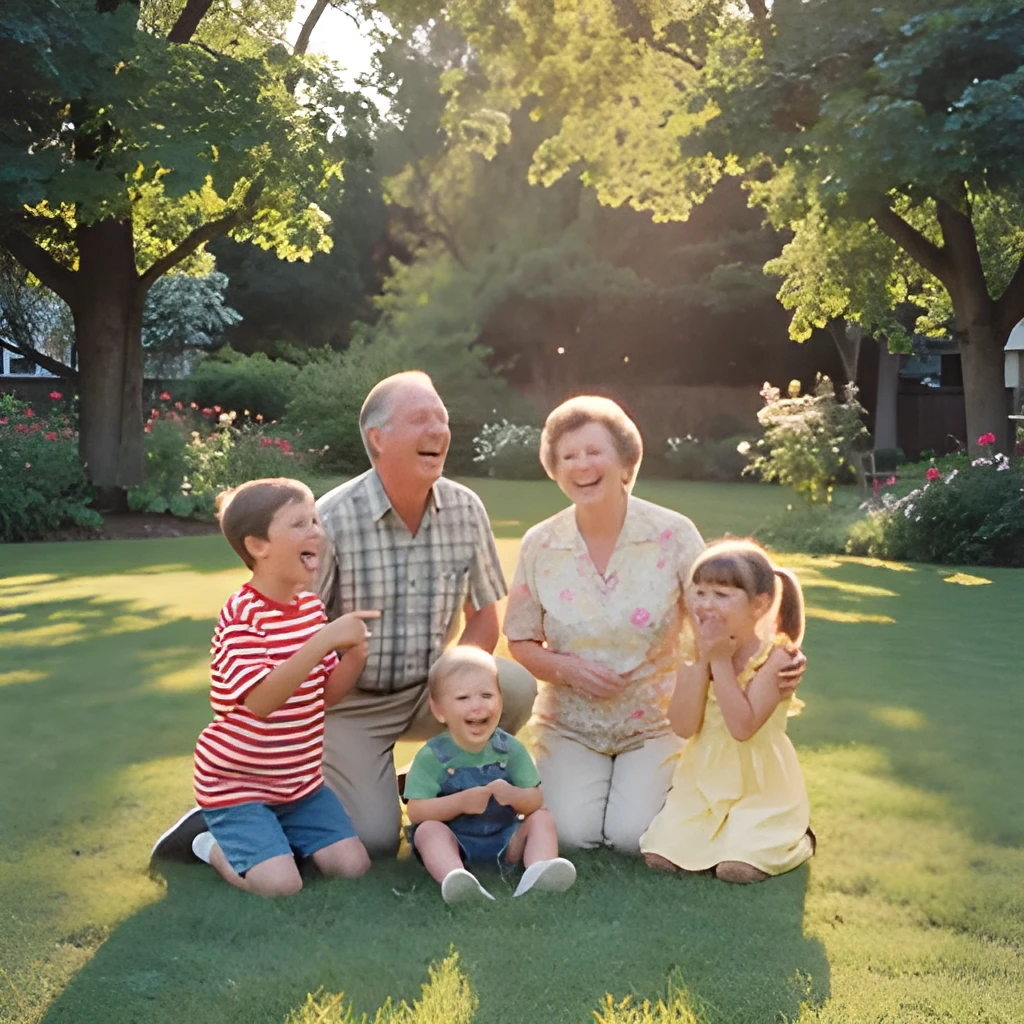
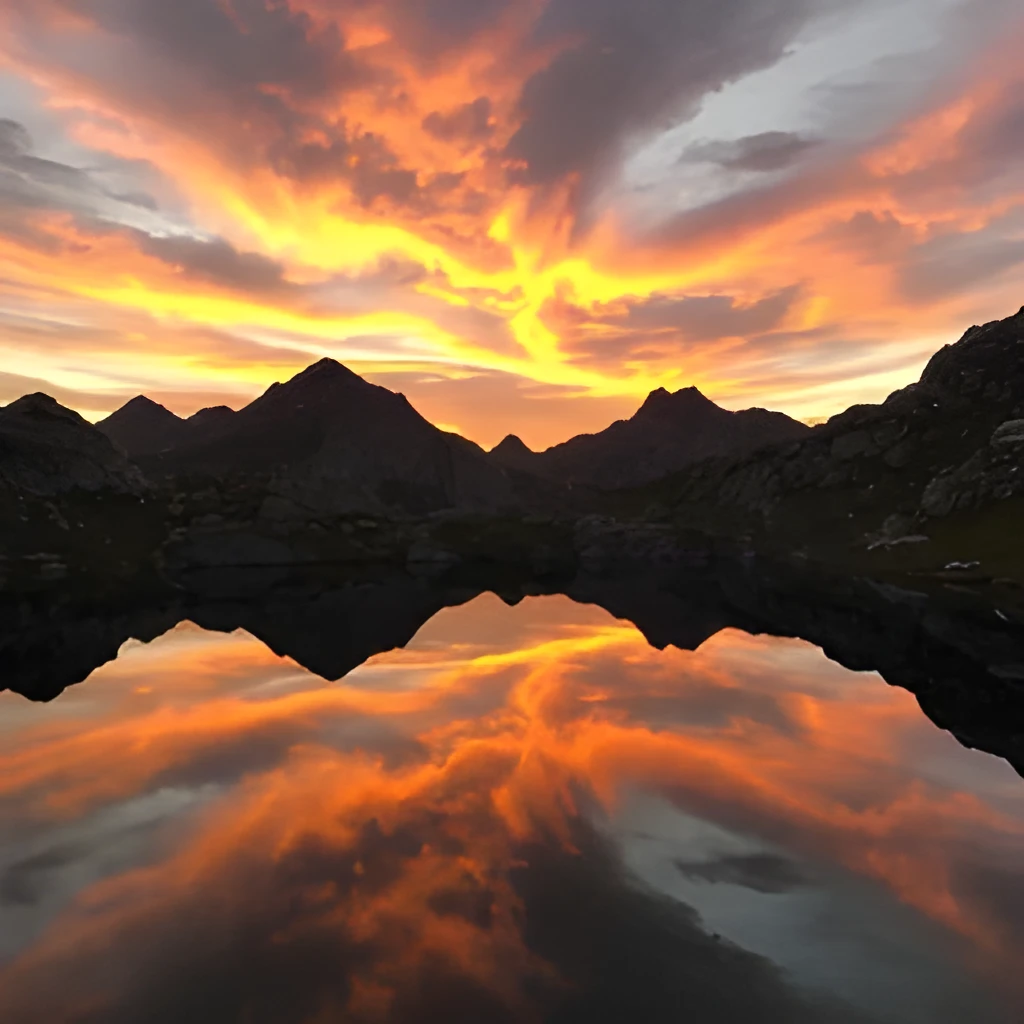
Recover Real Detail, Not Just Enlarge
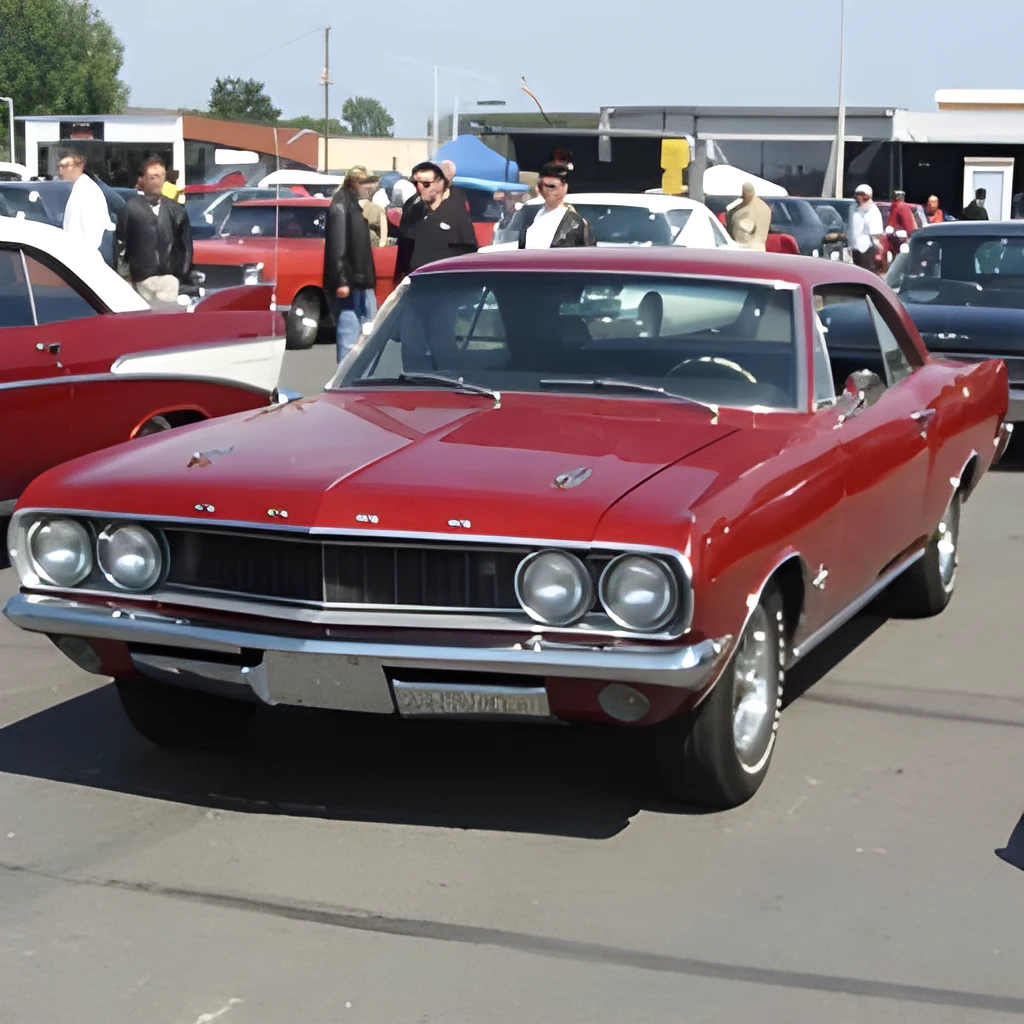
Our photo image upscaler doesn't simply stretch your pixels—it intelligently reconstructs lost detail using advanced AI. Whether your photo is a small thumbnail, compressed snapshot, or old digital file, the upscaler analyzes patterns and textures to restore clarity and sharpness. You get a genuinely improved image that looks like it was shot at high resolution from the start, not a blurry enlargement.
Print-Ready and Web-Optimized Output
Scale your photos to any size without sacrificing quality. Our photo image upscaler produces crisp, vibrant results whether you're printing large canvases, creating social media posts, or displaying images on your website. Say goodbye to pixelation and graininess—get professional-grade photos ready for any platform or format in seconds.
One-Click Enhancement, Zero Retouching
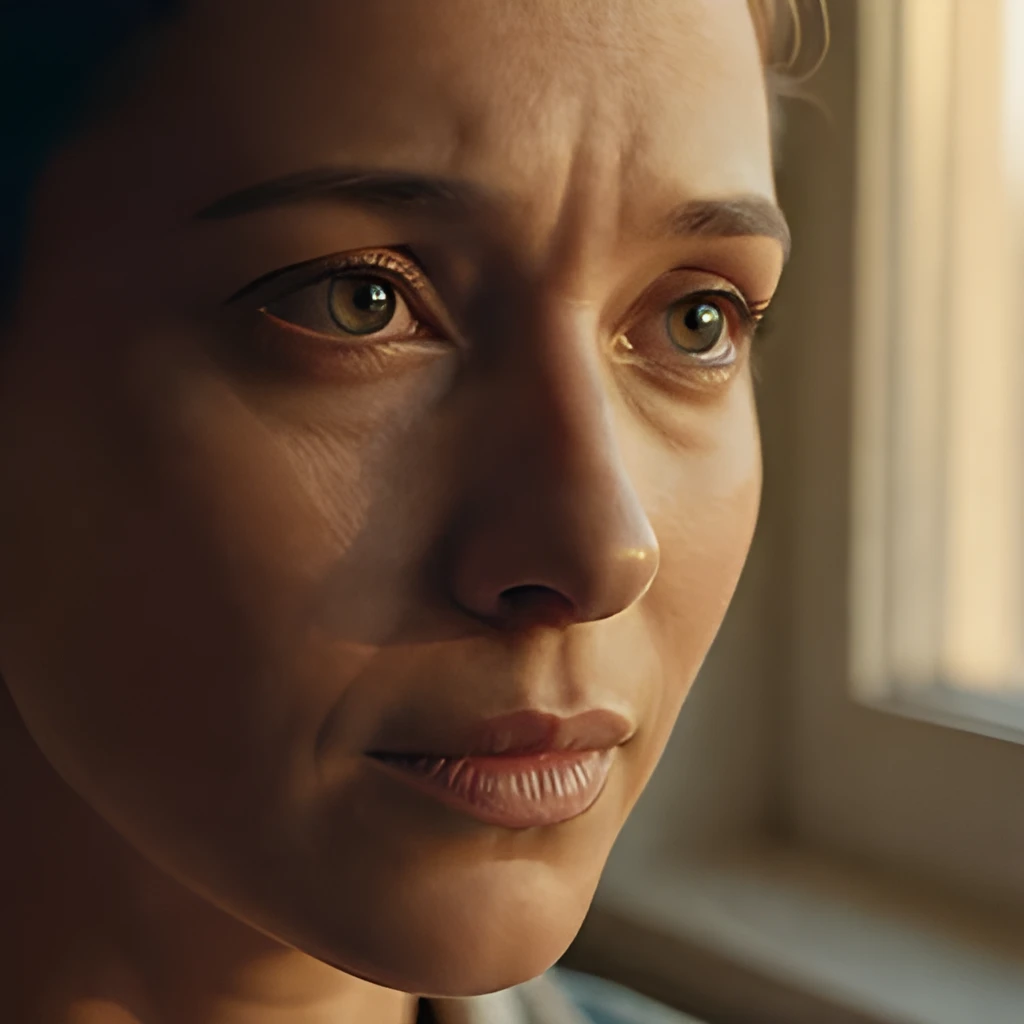
No complicated settings, no Photoshop skills required. Simply upload your photo, and our AI photo image upscaler instantly enhances it with optimal quality. Get publication-ready results in one click, with no manual editing or tedious retouching needed. Perfect for photographers, content creators, and anyone who wants faster, better-looking photos.
Popular Uses for Photo Image Upscaler
Print Large Without Losing Quality
Take a small digital photo and upscale it for printing at poster or canvas size. Our photo image upscaler ensures your prints remain crisp and detailed, ideal for wall art, family photos, and professional displays.Enhance Old or Compressed Photos
Restore clarity to archived digital photos, screenshots, or compressed files. Use our photo image upscaler to bring new life to memories that have lost detail over time or been reduced in quality.Optimize for Social Media and Web
Boost the visual impact of your Instagram, website, or portfolio images. Our photo image upscaler sharpens and enhances photos for better engagement and a more professional appearance across digital platforms.
Frequently Asked Questions
How much can a photo image upscaler enlarge my image?
Patternful's photo image upscaler can enhance images up to 4x their original resolution while maintaining exceptional quality. The more detail your original photo contains, the better the upscaled result. Even small or compressed photos can be dramatically improved.
Will my upscaled photo look natural?
Yes. Our photo image upscaler uses AI to intelligently reconstruct detail rather than simply enlarging pixels. The result looks like a naturally sharp photo, not an artificially processed one—perfect for prints, portfolios, and professional use.
How do I upscale my own image?
Click "Upscale an Image" to open the Patternful Image Upscaler, upload your photo images (or any photo), and let the AI enhance the resolution and detail. Then download the high-resolution result — no design skills required.
Will upscaling add detail or just make the image bigger?
The AI upscaler reconstructs fine detail and sharpens edges as it increases resolution, so results look genuinely crisper — not just a stretched, blurry enlargement. It works best on photos that are soft, low-resolution, or small.
What formats and sizes are supported?
You can upload common image formats (JPEG, PNG, WEBP) and download the upscaled result at a higher resolution suitable for print, social media, and web. Larger source images produce larger, more detailed outputs.