Midjourney Art Images
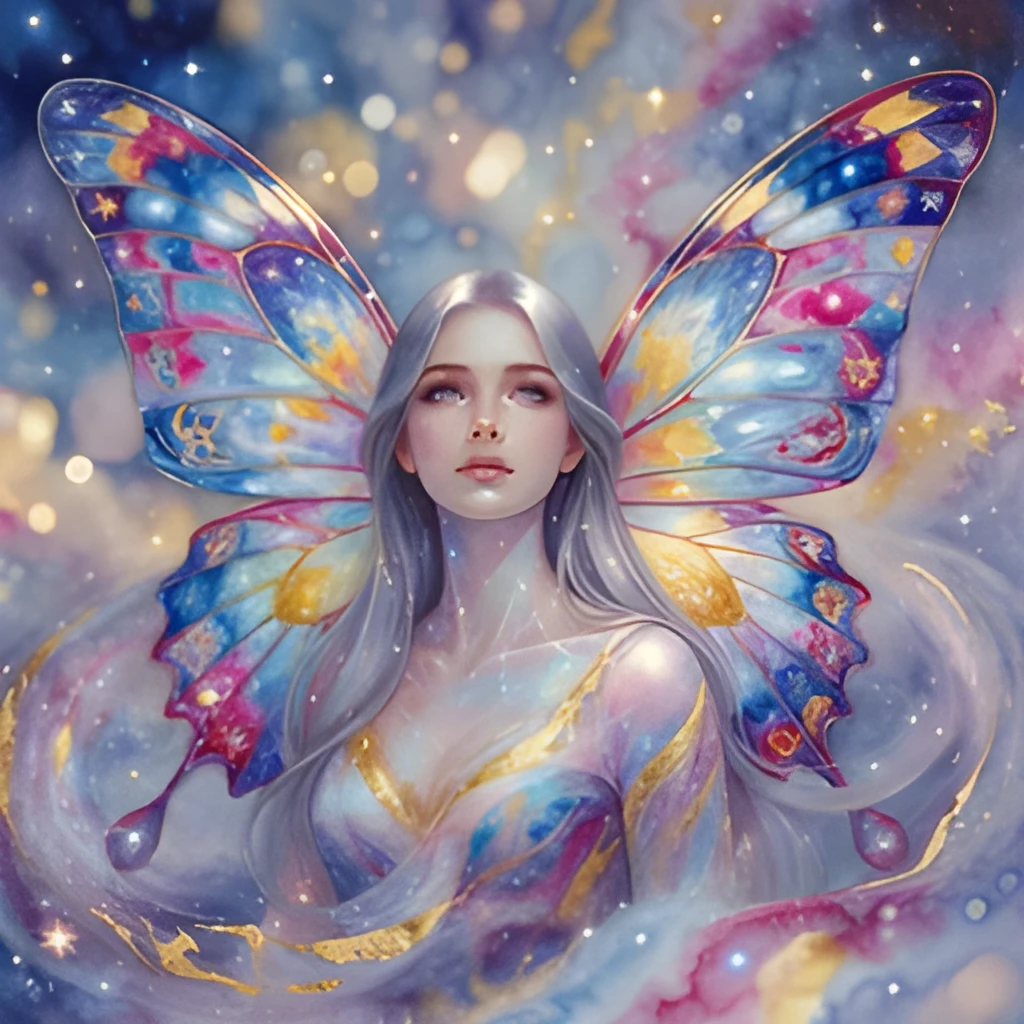
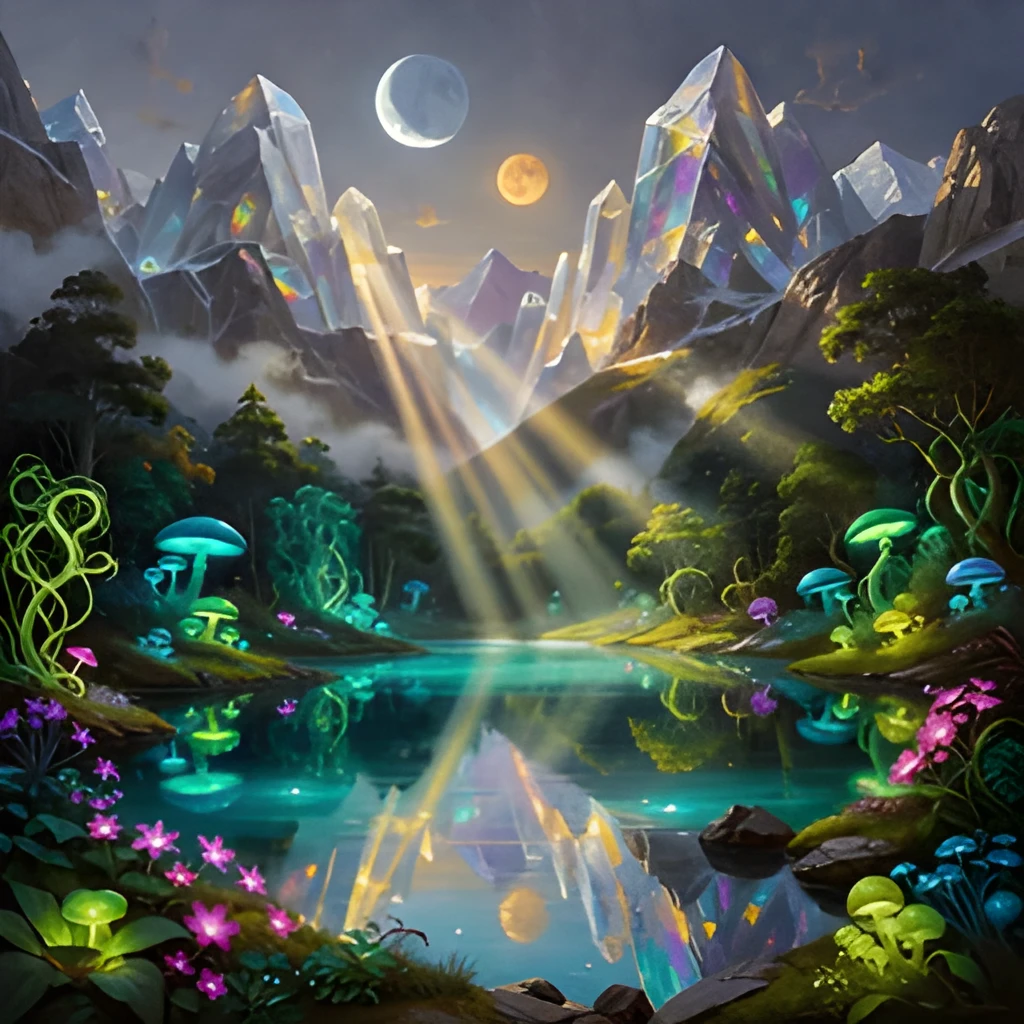
Recover Lost Detail in AI-Generated Art
Midjourney art images often compress details when rendered at smaller sizes. Patternful's AI upscaler intelligently reconstructs fine brushstrokes, textures, and subtle gradients that disappear in low-resolution exports. Watch intricate patterns, fabric folds, and lighting effects emerge with clarity. Your artistic vision comes through sharper and more vibrant than the original file, perfect for showcasing the full complexity of your AI-generated compositions.
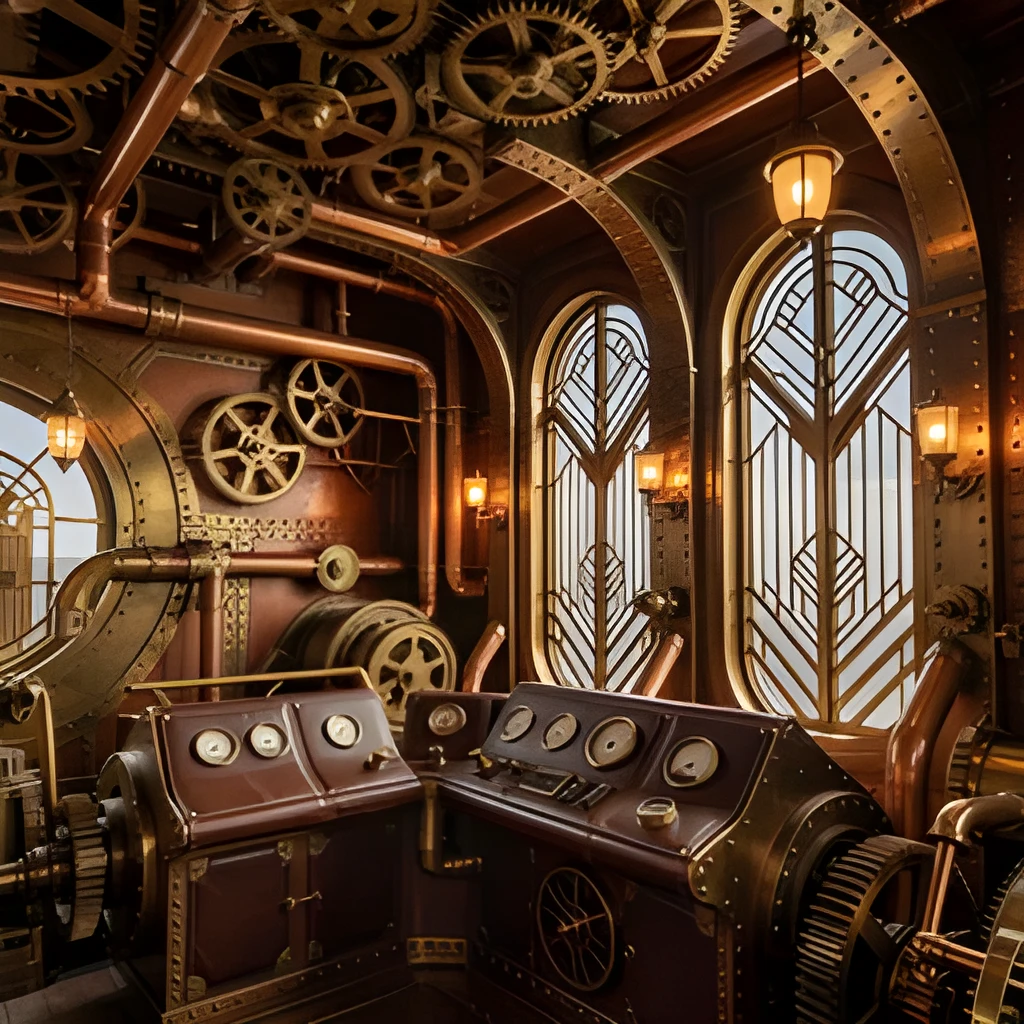
Print-Ready Resolution in One Click
Scale your Midjourney art images up to 4× their original size while maintaining crisp, gallery-quality clarity. Patternful delivers true high-resolution output suitable for canvas prints, poster production, and fine art displays—no blurriness, no degradation. Skip the manual upscaling workflows and export ready-to-print files instantly. Whether you're selling prints, framing artwork, or submitting to galleries, your enhanced Midjourney art image upscaler results look professional and polished.
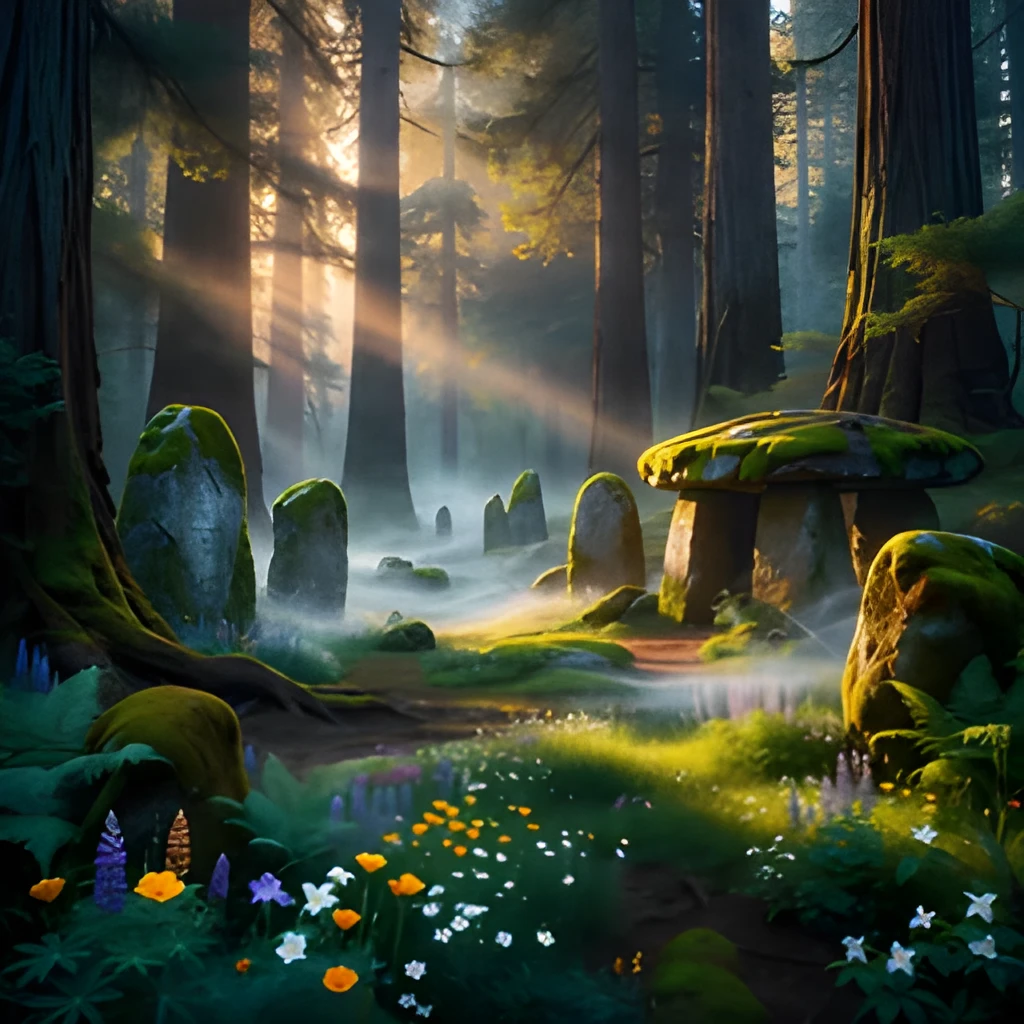
Instant Enhancement Without Retouching
No Photoshop skills, no plugins, no wait times. Simply upload your Midjourney art image and let AI do the heavy lifting. Patternful automatically enhances resolution, sharpens edges, and balances colors in seconds. The entire process is hands-off—your original artistic intent is preserved while technical quality soars. Perfect for artists working fast and iterating frequently, or anyone who needs polished results without learning complex software.
Popular Uses for Upscaled Midjourney Art Images
Portfolio and Print Sales
Midjourney artists selling prints or building professional portfolios need images that look stunning at scale. Upscaled art images attract buyers and impress potential clients by showcasing fine detail and production quality that small files can't deliver.Social Media and Web Display
High-resolution Midjourney art images stand out on Instagram, portfolio sites, and artist blogs. Upscaling ensures your work looks crisp on desktop and mobile, preventing compression artifacts and preserving the visual impact that makes AI art compelling.Client Deliverables and Licensing
Freelance artists and studios providing AI-generated artwork to clients need professional, high-resolution files. Patternful's Midjourney art image upscaler delivers the quality standards expected for commercial use, licensing, or corporate commissions.
Frequently Asked Questions
Will upscaling my Midjourney art image change the original composition or colors?
No. Patternful's upscaler enhances resolution and recovers detail without altering composition, colors, or artistic intent. Your original Midjourney art image remains faithful to your creative vision—we simply make it sharper, crisper, and larger.
What file formats work best for Midjourney art image upscaling?
Patternful accepts PNG, JPG, WebP, and most common image formats. We recommend uploading the highest-quality export from your Midjourney generation for best results, though even compressed versions will see dramatic clarity improvement.
How do I upscale my own image?
Click "Upscale an Image" to open the Patternful Image Upscaler, upload your midjourney art images (or any photo), and let the AI enhance the resolution and detail. Then download the high-resolution result — no design skills required.
Will upscaling add detail or just make the image bigger?
The AI upscaler reconstructs fine detail and sharpens edges as it increases resolution, so results look genuinely crisper — not just a stretched, blurry enlargement. It works best on photos that are soft, low-resolution, or small.
What formats and sizes are supported?
You can upload common image formats (JPEG, PNG, WEBP) and download the upscaled result at a higher resolution suitable for print, social media, and web. Larger source images produce larger, more detailed outputs.