Lightroom Images
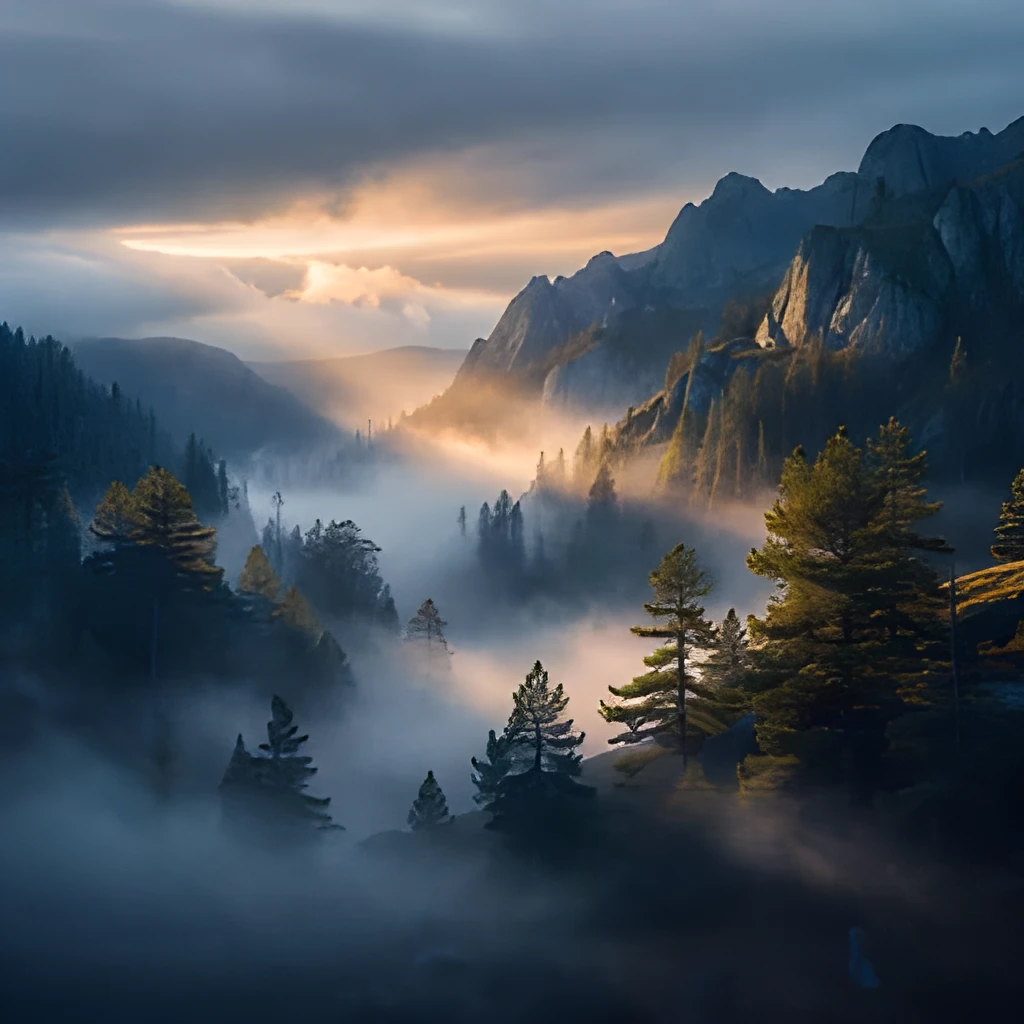
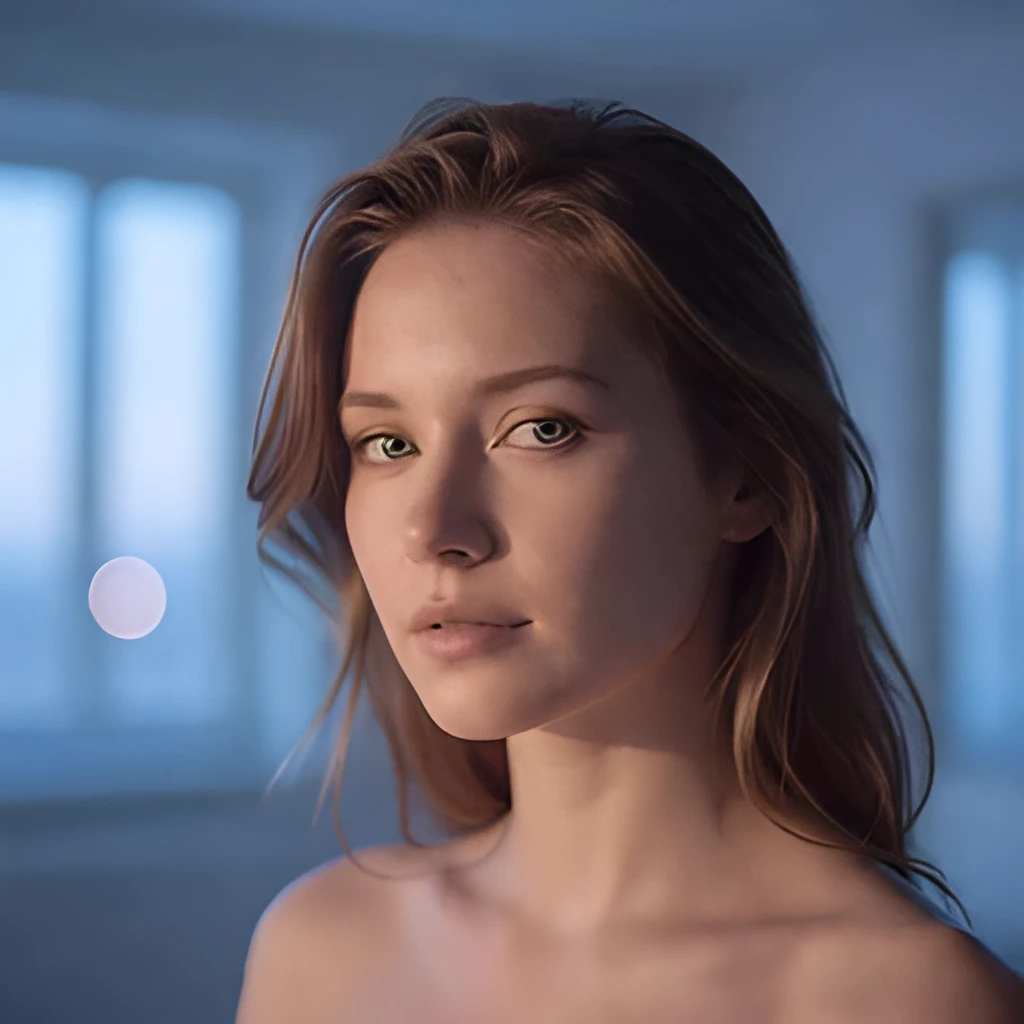

Recover Lost Detail from Your Lightroom Edits
When you export from Lightroom at smaller dimensions, subtle details in your carefully adjusted shadows, highlights, and color grading can get compressed. Patternful's lightroom image upscaler intelligently reconstructs those fine textures and tones, restoring the depth and nuance you created in your original edits. Your color corrections, tone curves, and local adjustments remain intact while the upscaled image gains the resolution it deserves.
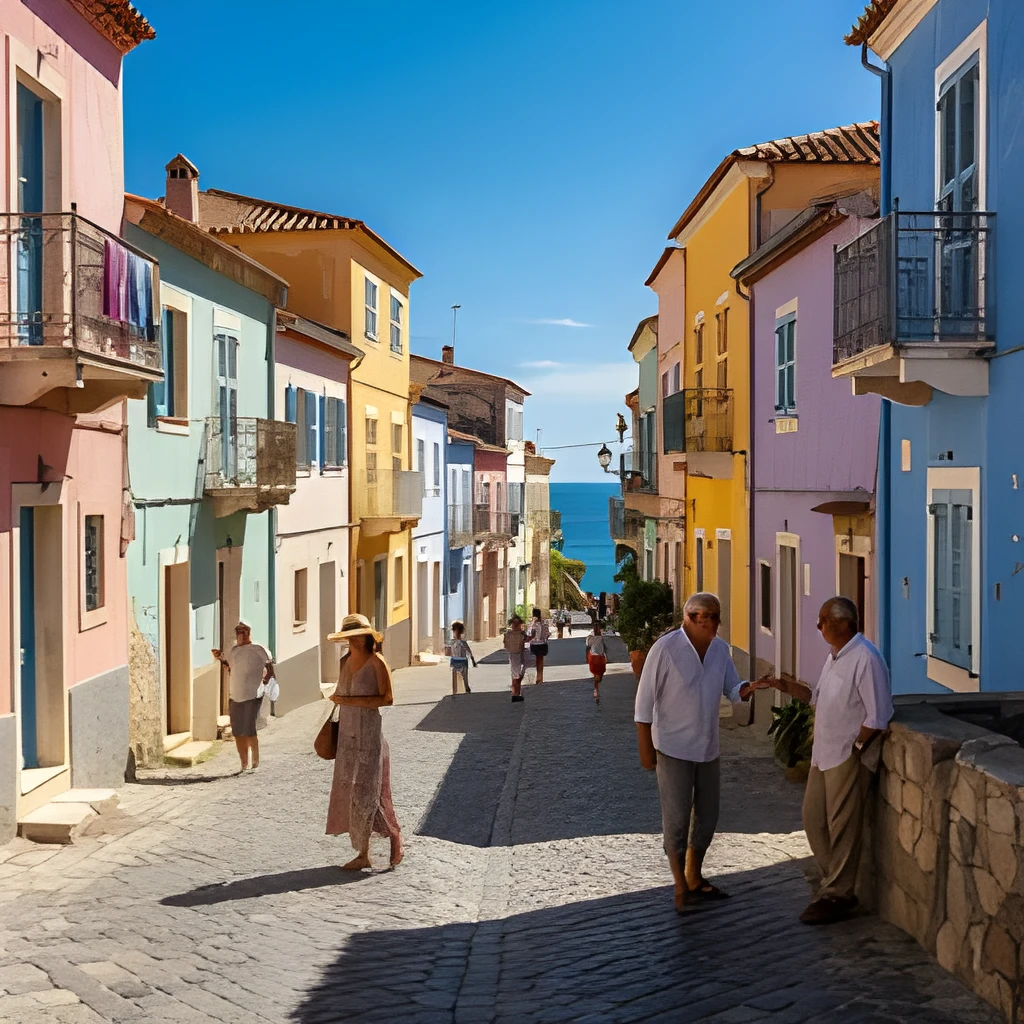

Print-Ready, Web-Ready Resolution in Seconds
Whether you're preparing gallery prints, portfolio websites, or social media galleries, your Lightroom images need to shine at any size. Our lightroom image upscaler transforms web-sized exports into full-resolution files suitable for large-format printing, magazine spreads, and retina displays. Go from web dimensions straight to exhibition quality without re-editing.

One-Click Enhancement—No Manual Retouching Needed
Skip the tedious work of hand-sharpening or re-exporting from Lightroom at higher settings. Just upload your finalized Lightroom export and let the lightroom image upscaler do the work automatically. Your edits are preserved exactly as you made them, and the output is ready to use immediately—no brushing, masking, or adjustment panel tweaking required.
Popular Uses for Upscaled Lightroom Images
Photography Portfolios & Client Proofs
Deliver stunning, high-resolution images to clients and showcase your work on portfolio sites without losing the refined look of your Lightroom edits.Fine Art & Gallery Prints
Upscale your Lightroom masterpieces to gallery-quality dimensions, perfect for canvas, metal, or premium paper with colors and details fully preserved.Social Media & Web Publishing
Create crisp, detailed versions of your Lightroom photos for Instagram, blogs, and websites that look sharp on all devices and screen sizes.
Frequently Asked Questions
Will upscaling my Lightroom image change my edits or color grading?
No. The lightroom image upscaler preserves your existing edits, tone curves, color corrections, and adjustments perfectly. It only enhances resolution and recovers fine detail without altering the creative decisions you made in Lightroom.
What file sizes and formats should I export from Lightroom for upscaling?
Export your final image as JPEG, PNG, or TIFF from Lightroom at any dimension—web size, mid-size, or full resolution. The lightroom image upscaler will intelligently enlarge it while maintaining quality. For best results with color-graded images, use a high-quality export setting.
How do I upscale my own image?
Click "Upscale an Image" to open the Patternful Image Upscaler, upload your lightroom images (or any photo), and let the AI enhance the resolution and detail. Then download the high-resolution result — no design skills required.
Will upscaling add detail or just make the image bigger?
The AI upscaler reconstructs fine detail and sharpens edges as it increases resolution, so results look genuinely crisper — not just a stretched, blurry enlargement. It works best on photos that are soft, low-resolution, or small.
What formats and sizes are supported?
You can upload common image formats (JPEG, PNG, WEBP) and download the upscaled result at a higher resolution suitable for print, social media, and web. Larger source images produce larger, more detailed outputs.