JPG Images
Recover Hidden Detail, Don't Just Enlarge
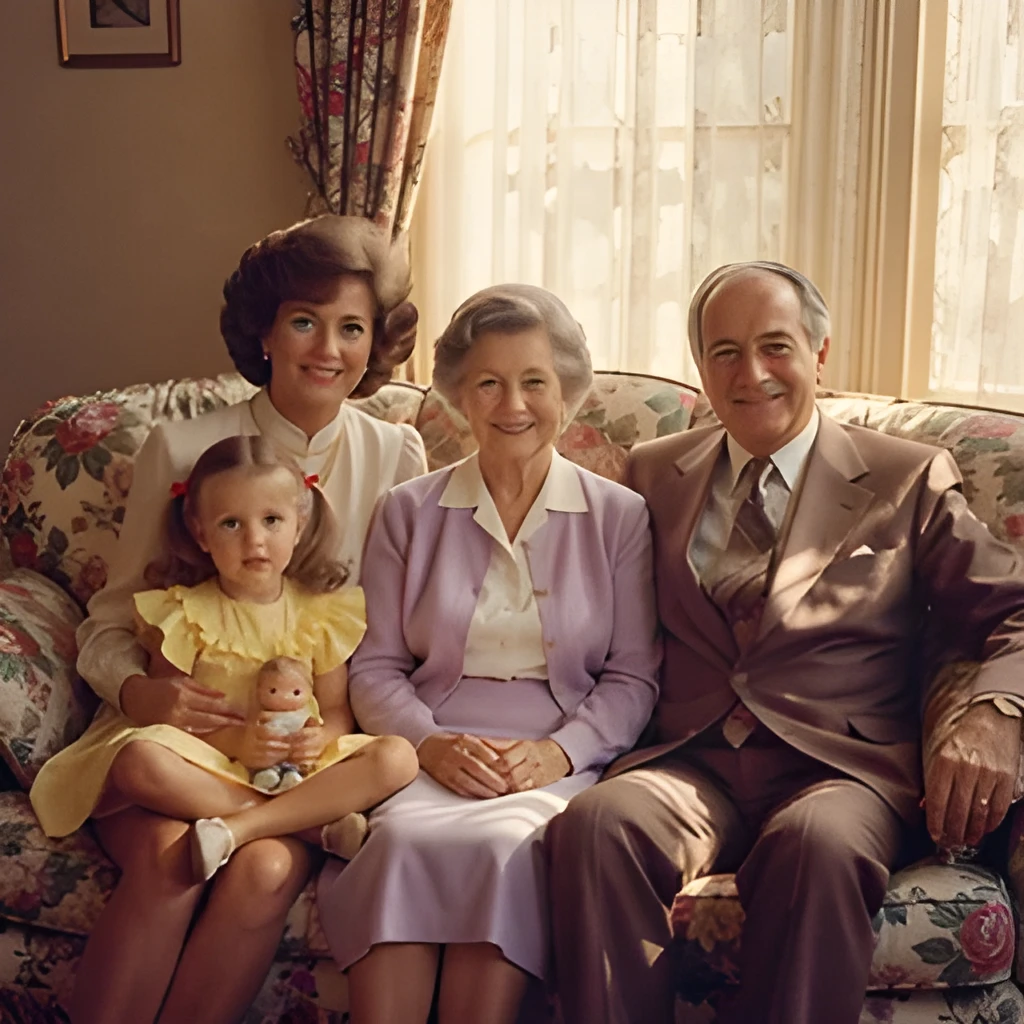
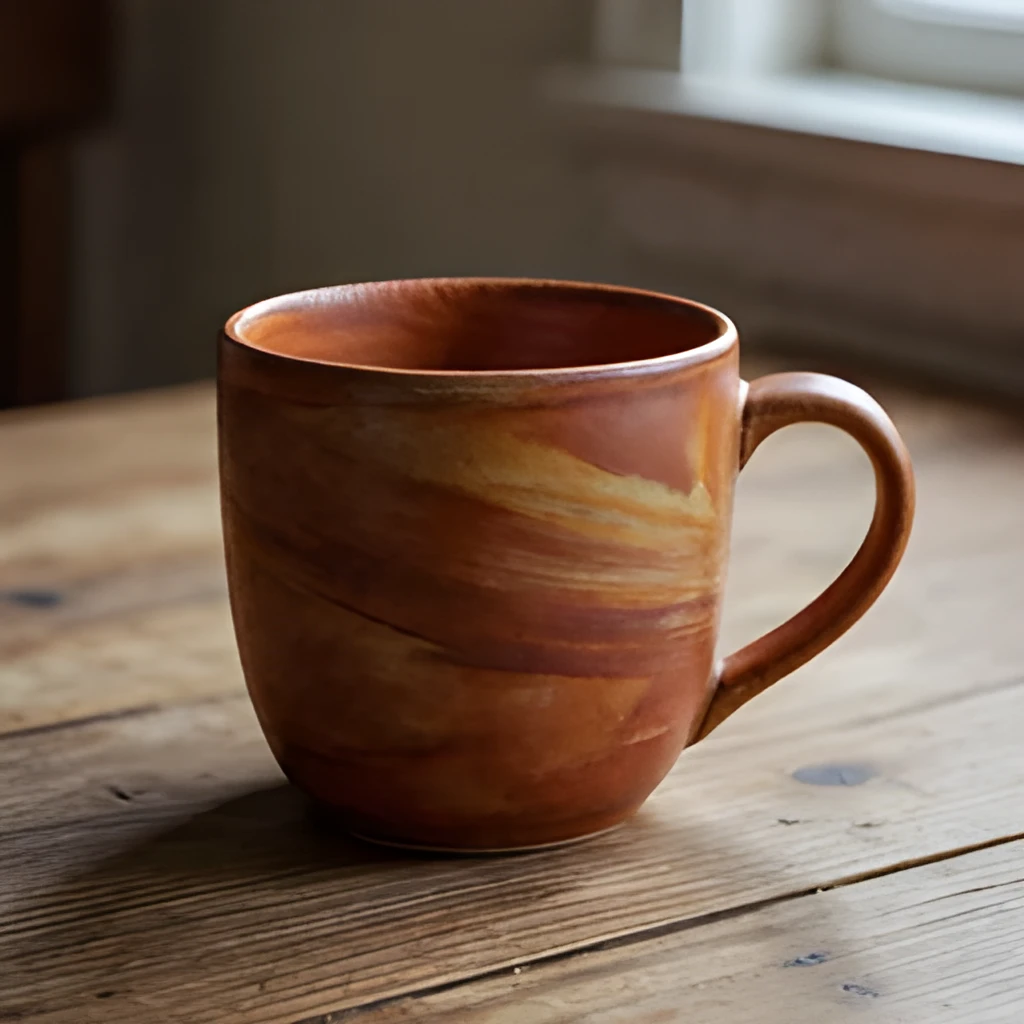
Our JPG image upscaler doesn't simply stretch pixels—it uses advanced AI to intelligently reconstruct detail that compression artifacts have obscured. Where a standard enlargement would produce blurry results, Patternful's algorithm analyzes the original JPG and restores texture, sharpness, and fine features. Whether it's facial features in a portrait or fabric texture in a product photo, you'll see genuine detail emerge, not artificial smoothing.
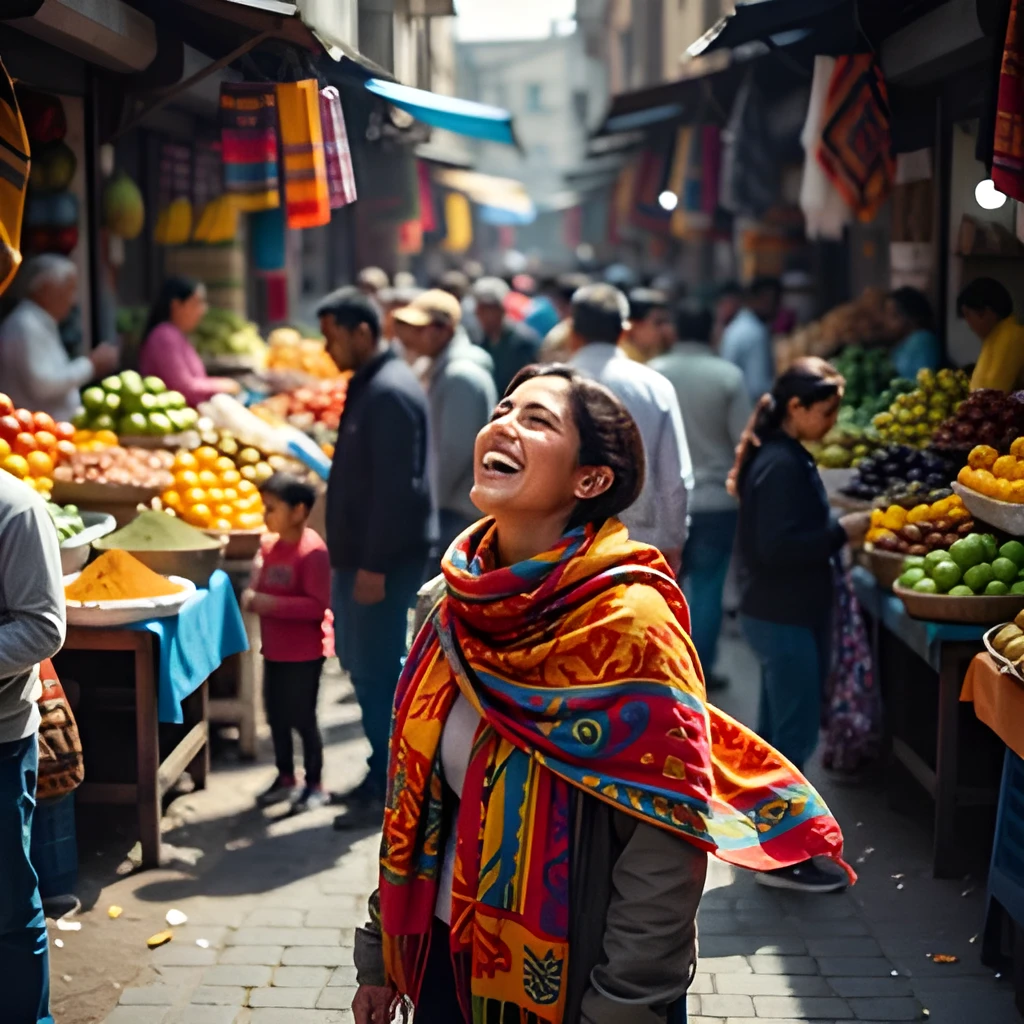
Print-Ready and Web-Perfect Output
Upscale your JPG images to resolutions that work everywhere—from large format prints to crisp social media posts. Our JPG image upscaler produces high-resolution files that maintain quality across devices and print sizes, eliminating the blocky artifacts that plague standard enlargements. Get sharp, vibrant results whether you're preparing for a billboard, a framed print, or a high-DPI display, all from a single compressed JPG source.
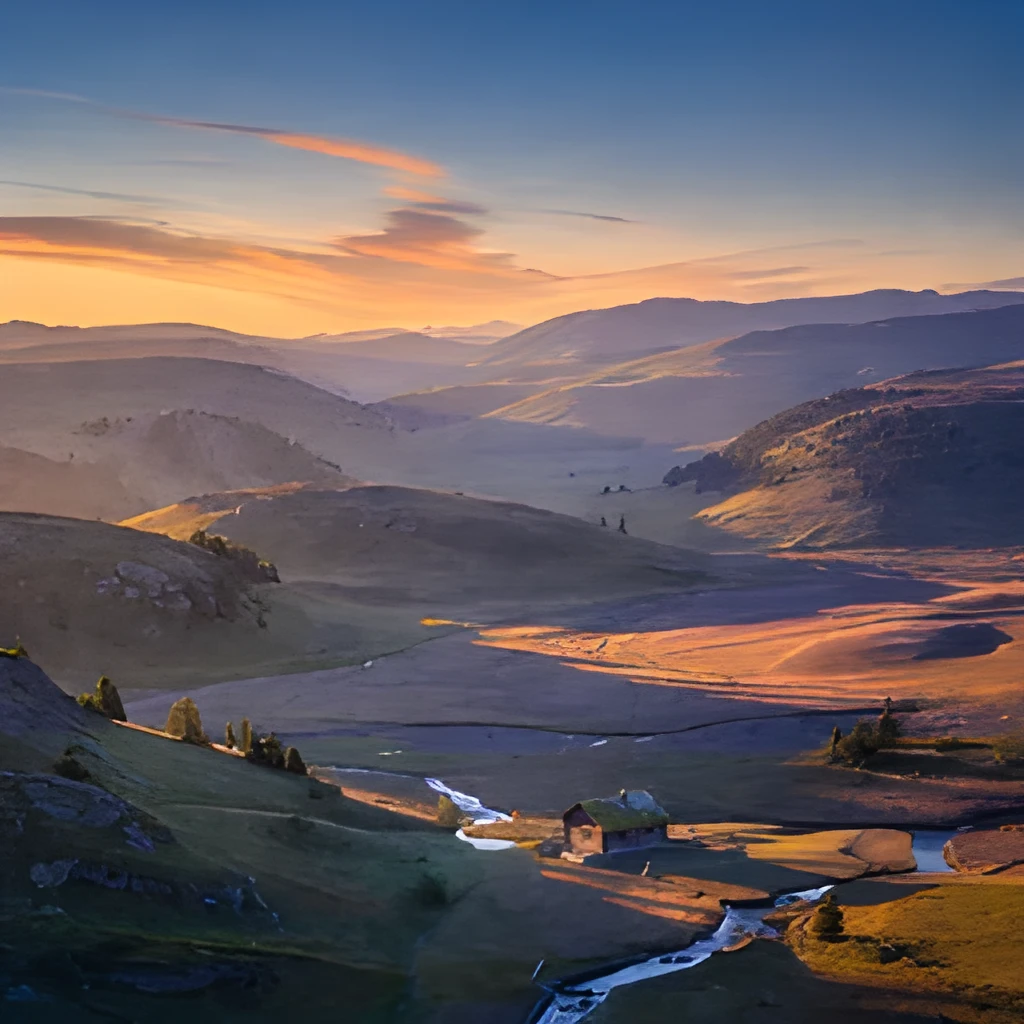
One-Click Enhancement, No Manual Work
Simply upload your JPG, choose your target resolution, and let the AI handle the rest. Our JPG image upscaler works instantly—no sliders to tweak, no layers to blend, no retouching required. The results are polished and professional in seconds, letting you focus on what matters instead of spending hours in editing software. Perfect for bulk upscaling, quick turnarounds, and anyone who wants beautiful results without technical complexity.
Popular Uses for Upscaled JPG Images
Restore Old Family Photos
Bring faded or degraded JPG photos back to life. Upscale small digital scans of vintage prints to high resolution, revealing details you thought were lost forever. Perfect for creating large prints, sharing on family sites, or preserving memories for future generations.Enhance Product Photography
Turn low-resolution product JPGs into sharp, detailed images for e-commerce listings and marketing materials. Make small thumbnails print-ready or scale them for large ads and posters without loss of clarity or unwanted artifacts.Improve Social Media Content
Upscale compressed JPG images before posting to ensure they look crisp and professional on all platforms. Rescue phone screenshots, memes, and shared images that have lost quality, then showcase them at their best.
Frequently Asked Questions
Will upscaling a JPG image introduce artifacts or make it look worse?
No. Our JPG image upscaler uses intelligent reconstruction to avoid the typical pixelation and artifacting of basic enlargement. Instead of just stretching existing pixels, the AI analyzes your image and intelligently restores detail and sharpness. The result is a cleaner, crisper photo—not a degraded or artificially processed one.
What file sizes and resolutions can I upscale?
You can upscale JPG images of nearly any size, from small thumbnails to large originals. Our JPG image upscaler can increase resolution up to 4x or more, depending on your needs—transforming a 500px image into 2000px or larger, perfect for print and high-resolution displays.
How do I upscale my own image?
Click "Upscale an Image" to open the Patternful Image Upscaler, upload your jpg images (or any photo), and let the AI enhance the resolution and detail. Then download the high-resolution result — no design skills required.
Will upscaling add detail or just make the image bigger?
The AI upscaler reconstructs fine detail and sharpens edges as it increases resolution, so results look genuinely crisper — not just a stretched, blurry enlargement. It works best on photos that are soft, low-resolution, or small.
What formats and sizes are supported?
You can upload common image formats (JPEG, PNG, WEBP) and download the upscaled result at a higher resolution suitable for print, social media, and web. Larger source images produce larger, more detailed outputs.