Infographic Images
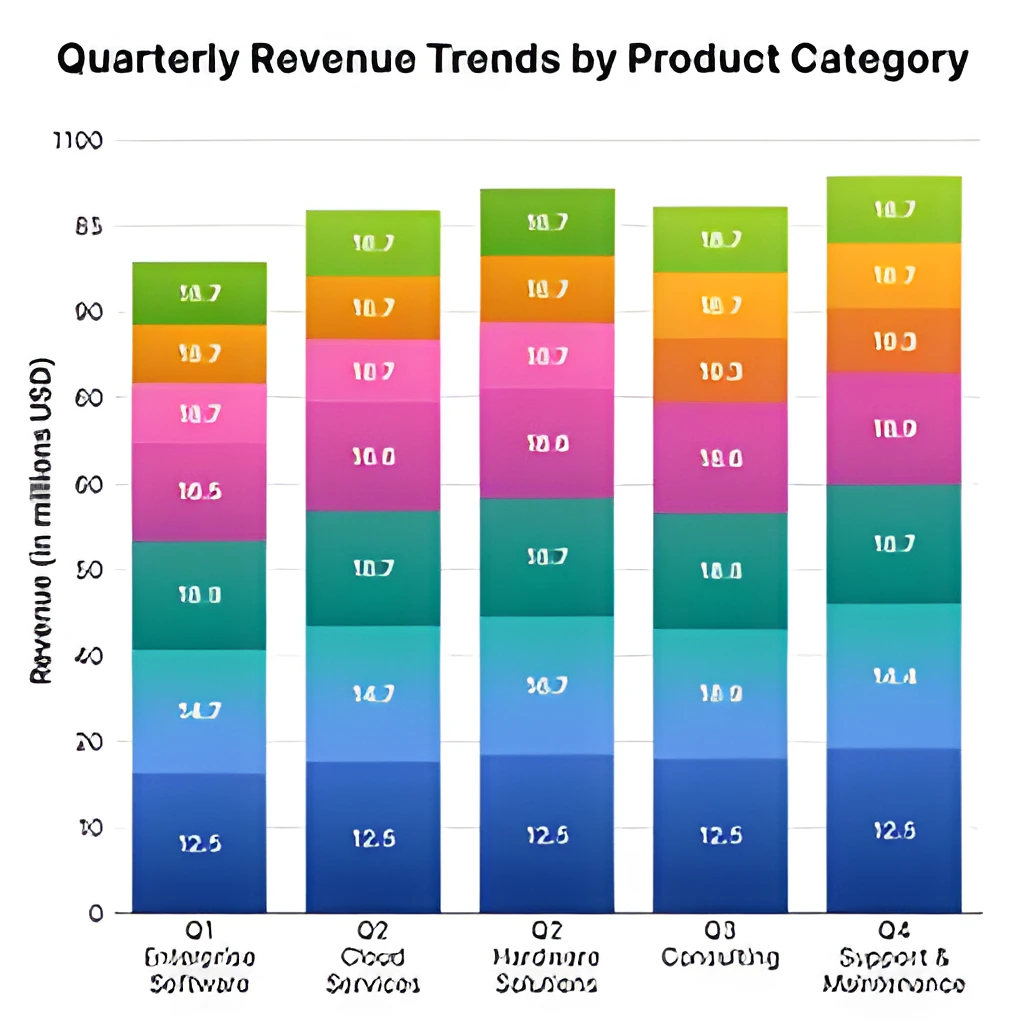
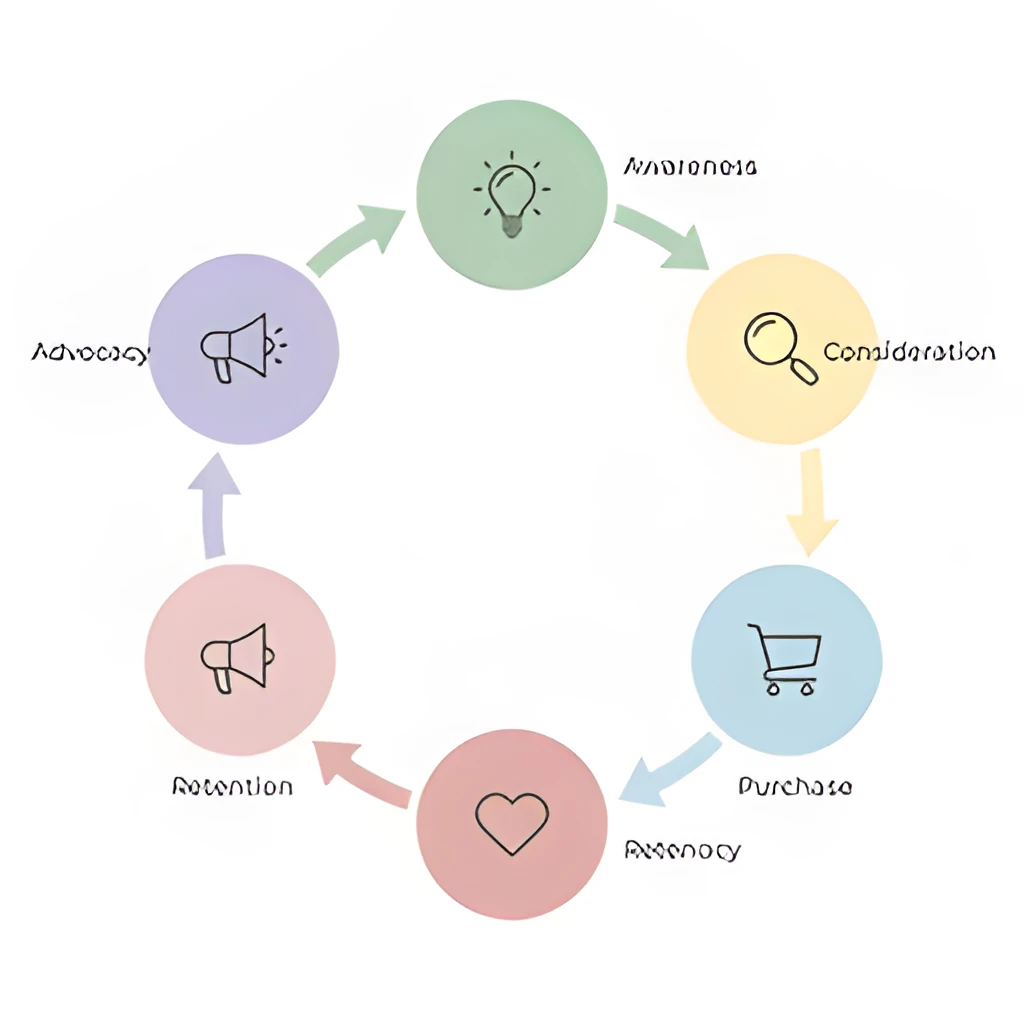
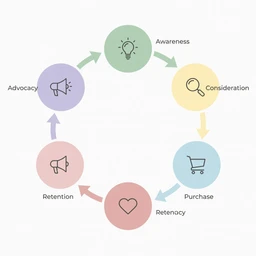
Recover Lost Detail in Charts & Diagrams
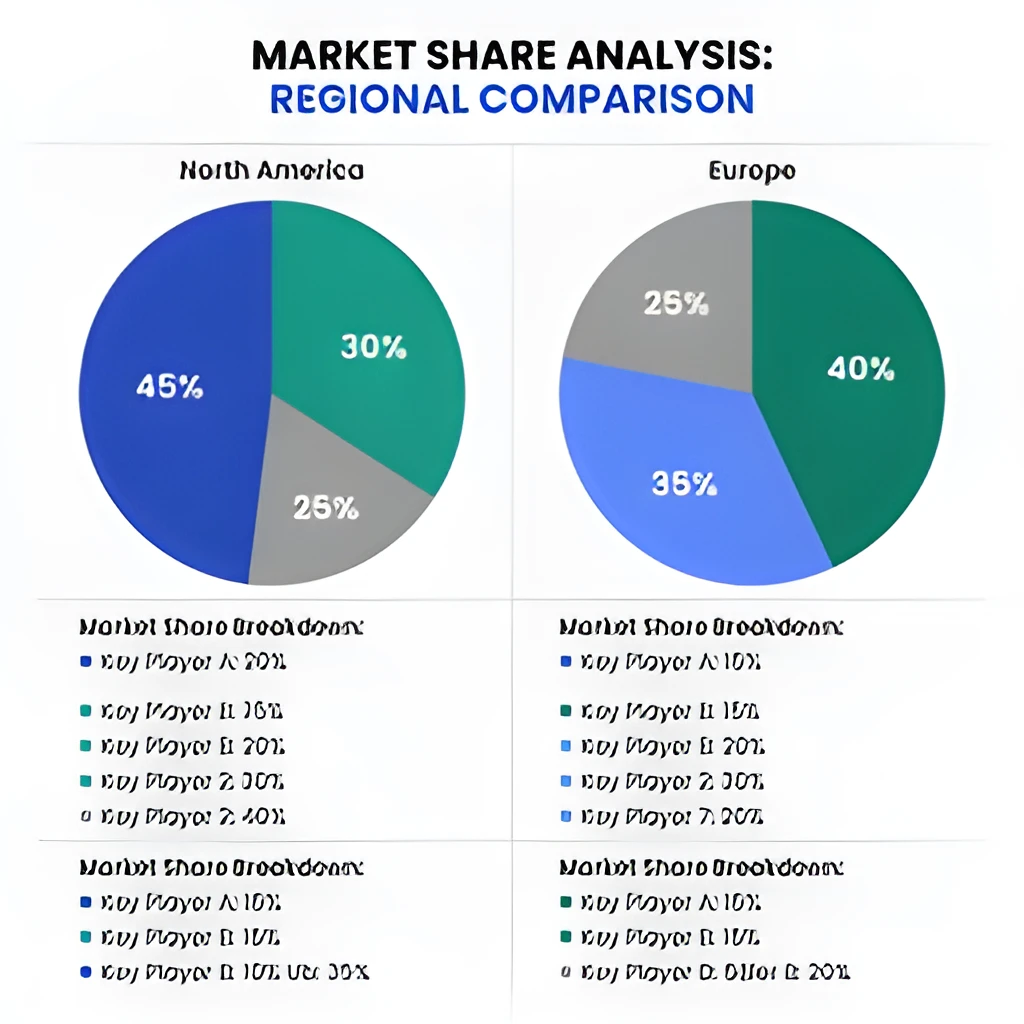
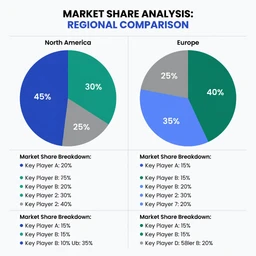
Infographic image upscaler technology restores fine lines, text, and data visualization elements that blur at smaller sizes. Instead of simply enlarging a pixelated image, Patternful intelligently reconstructs the detail in charts, flowcharts, and statistical infographics. Your data visualizations stay crisp and readable, preserving the precision that makes infographics effective for communicating complex information.
Print & Presentation Ready in Seconds
Generate publication-quality infographic images for reports, marketing materials, and large-format printing. Patternful's infographic image upscaler produces sharp, high-resolution output that scales beautifully on posters, slides, and digital displays without pixelation or quality loss. Whether you're presenting to stakeholders or printing for an event, your upscaled infographics maintain professional clarity.
One-Click Enhancement, No Retouching Needed
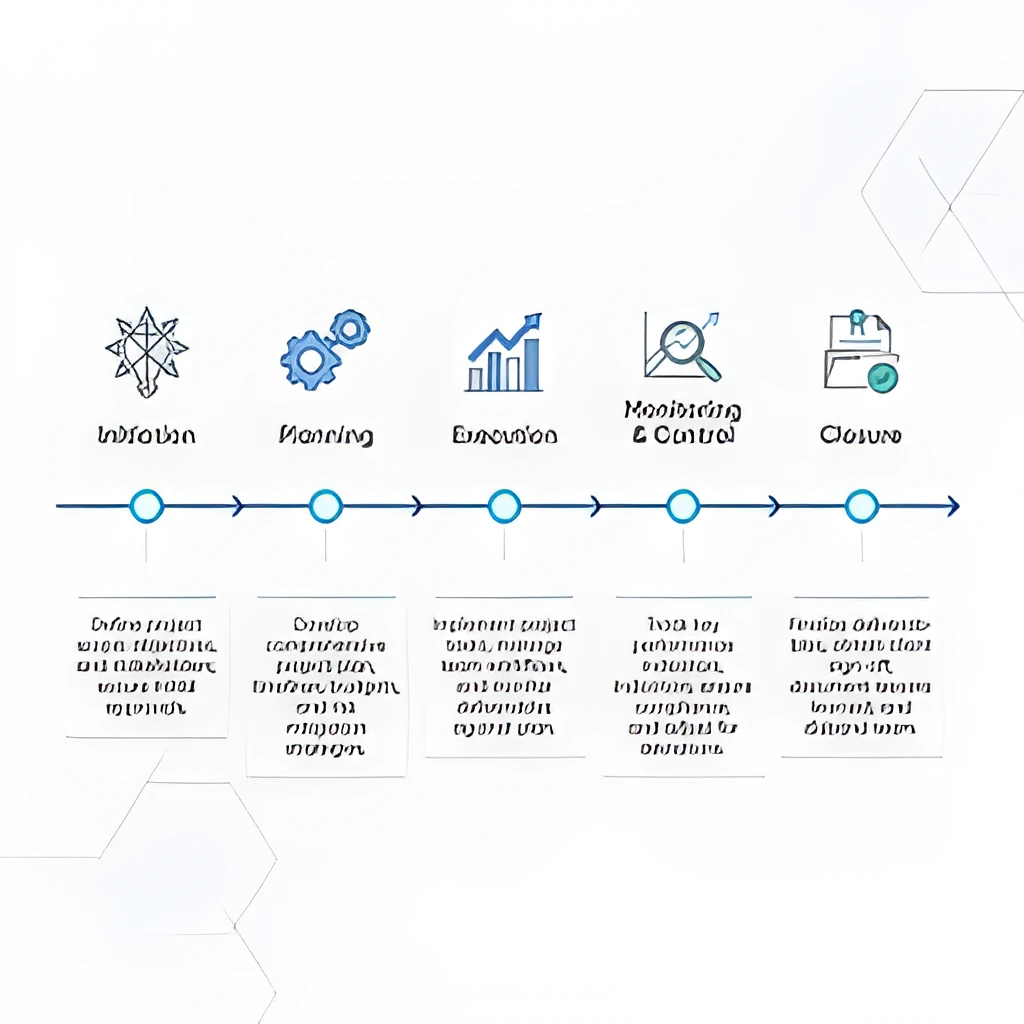
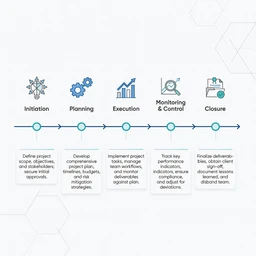
Skip manual redrawing and Photoshop workarounds—just upload your infographic image and let AI handle the upscaling instantly. Patternful's infographic image upscaler works on flow diagrams, process charts, comparison infographics, and more, delivering polished results with zero manual editing. Save hours on production and focus on your content instead.
Popular Uses for Upscaled Infographic Images
Business Reports & Data Analysis
Upscale infographic images embedded in presentations, annual reports, and business intelligence dashboards. Ensure every chart, KPI visualization, and data-driven diagram displays at professional quality when shared across teams or printed for stakeholder meetings.Marketing & Social Media Content
Enhance infographic images for blog posts, LinkedIn, Pinterest, and email campaigns. Patternful's infographic image upscaler ensures your educational graphics, step-by-step process diagrams, and statistical infographics look sharp and credible across all digital platforms and screen sizes.Educational Materials & E-Learning
Restore clarity to infographic images used in textbooks, online courses, and training modules. Clear, high-resolution infographics improve student comprehension and make instructional diagrams more engaging and easier to understand in digital and printed formats.
Frequently Asked Questions
Can Patternful upscale infographic images with small text and fine lines?
Yes. Patternful's infographic image upscaler is designed to recover text clarity and fine detail in charts, diagrams, and data visualizations. The AI reconstructs thin lines and readable text, so your upscaled infographics remain legible and professional, even at large sizes.
What file formats does the infographic image upscaler support?
Patternful accepts PNG, JPG, JPEG, and WebP files. Upload your infographic image in any standard format, and the upscaler will enhance it to high resolution while maintaining the visual integrity of your charts and diagrams.
How do I upscale my own image?
Click "Upscale an Image" to open the Patternful Image Upscaler, upload your infographic images (or any photo), and let the AI enhance the resolution and detail. Then download the high-resolution result — no design skills required.
Will upscaling add detail or just make the image bigger?
The AI upscaler reconstructs fine detail and sharpens edges as it increases resolution, so results look genuinely crisper — not just a stretched, blurry enlargement. It works best on photos that are soft, low-resolution, or small.
What formats and sizes are supported?
You can upload common image formats (JPEG, PNG, WEBP) and download the upscaled result at a higher resolution suitable for print, social media, and web. Larger source images produce larger, more detailed outputs.