GIMP Image Upscaler
Recover Hidden Detail, Don't Just Enlarge
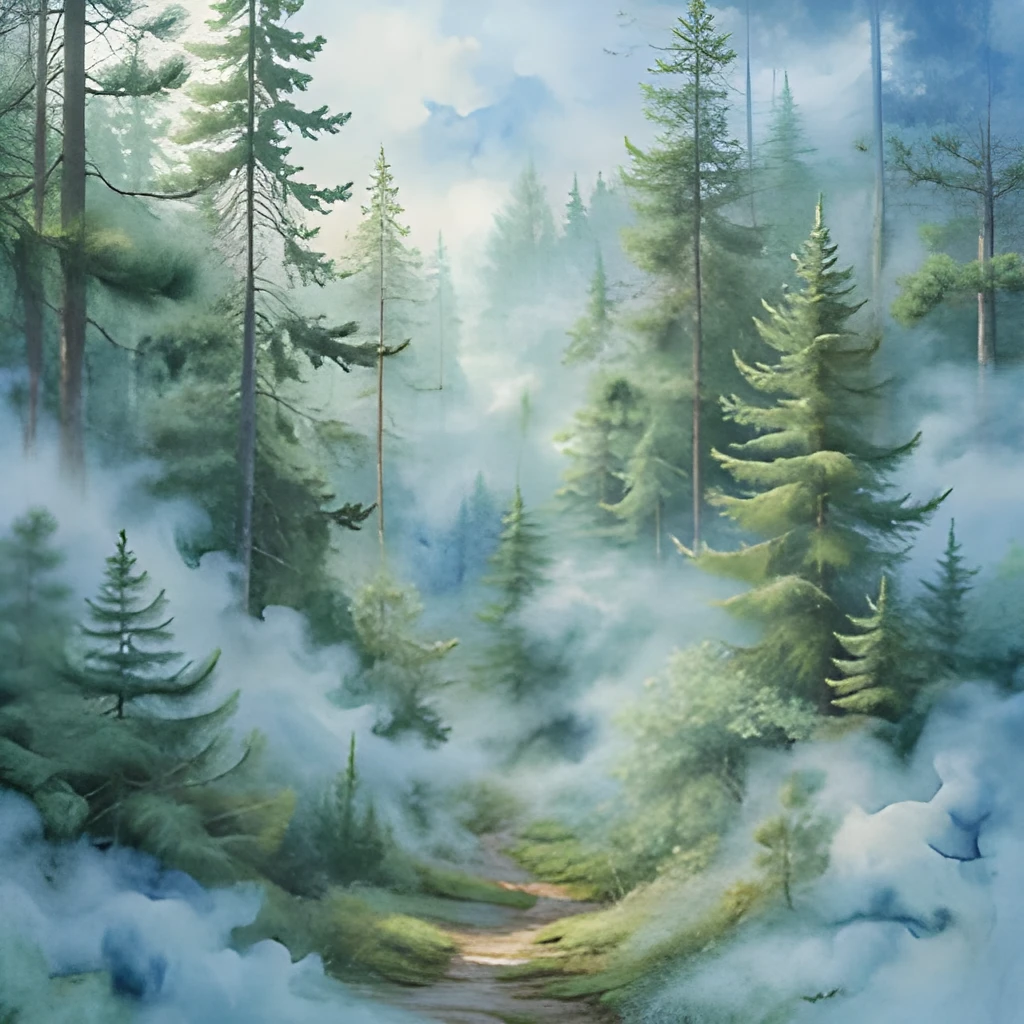
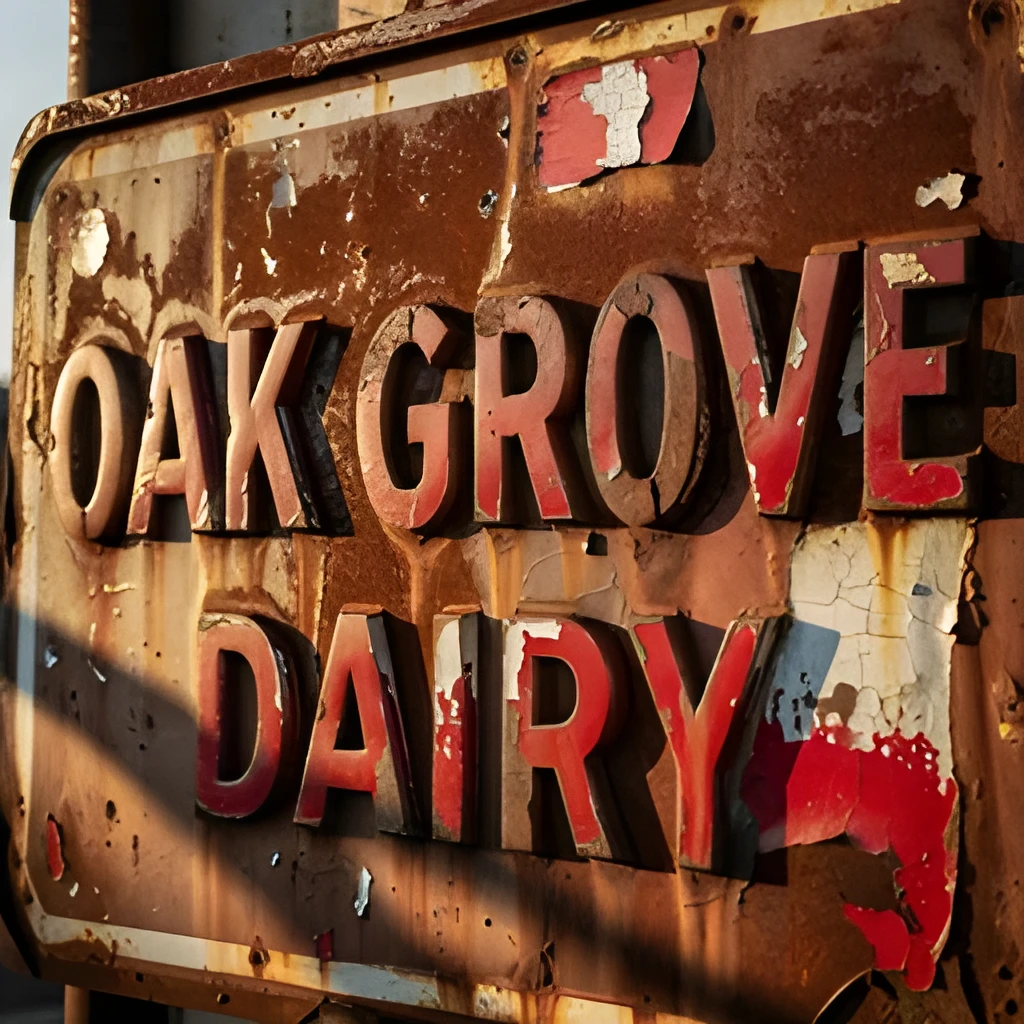
When you export from GIMP at lower resolutions, fine details get compressed away. Our GIMP image upscaler doesn't just stretch pixels—it uses advanced AI to intelligently reconstruct lost texture, sharpness, and clarity. Whether you're scaling a GIMP project for print or web, you'll see edges become crisp again, subtle tones reappear, and colors become vibrant. It's like having a second pair of eyes to find the quality you always knew was there.
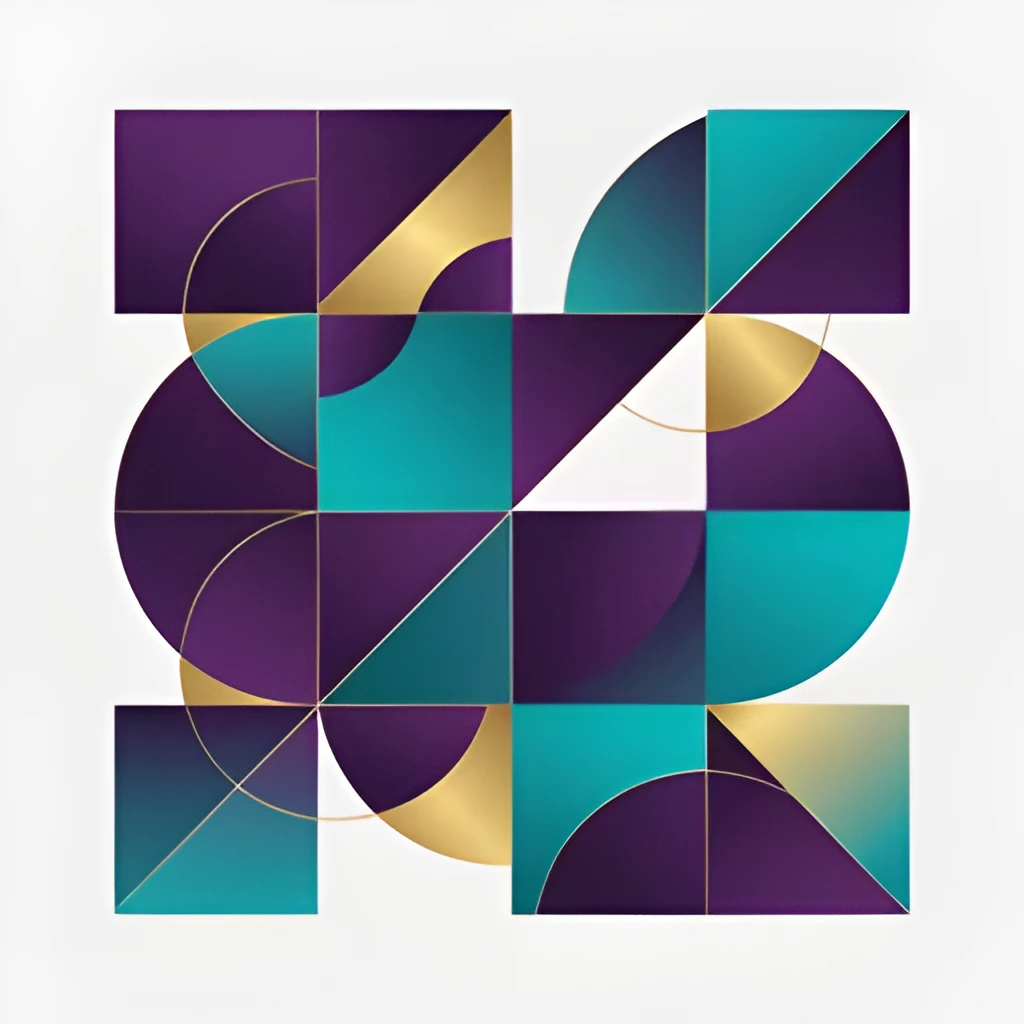
Print-Ready Resolution in One Click
GIMP workflows often produce web-sized or low-resolution outputs, but your design deserves to shine on larger formats. Our GIMP image upscaler takes your creation and scales it intelligently to gallery-ready, print-quality resolution. From small thumbnails to large posters, you get sharp, professional results without the manual retouching headache. Upload, click upscale, and download a file ready for your printer or portfolio.
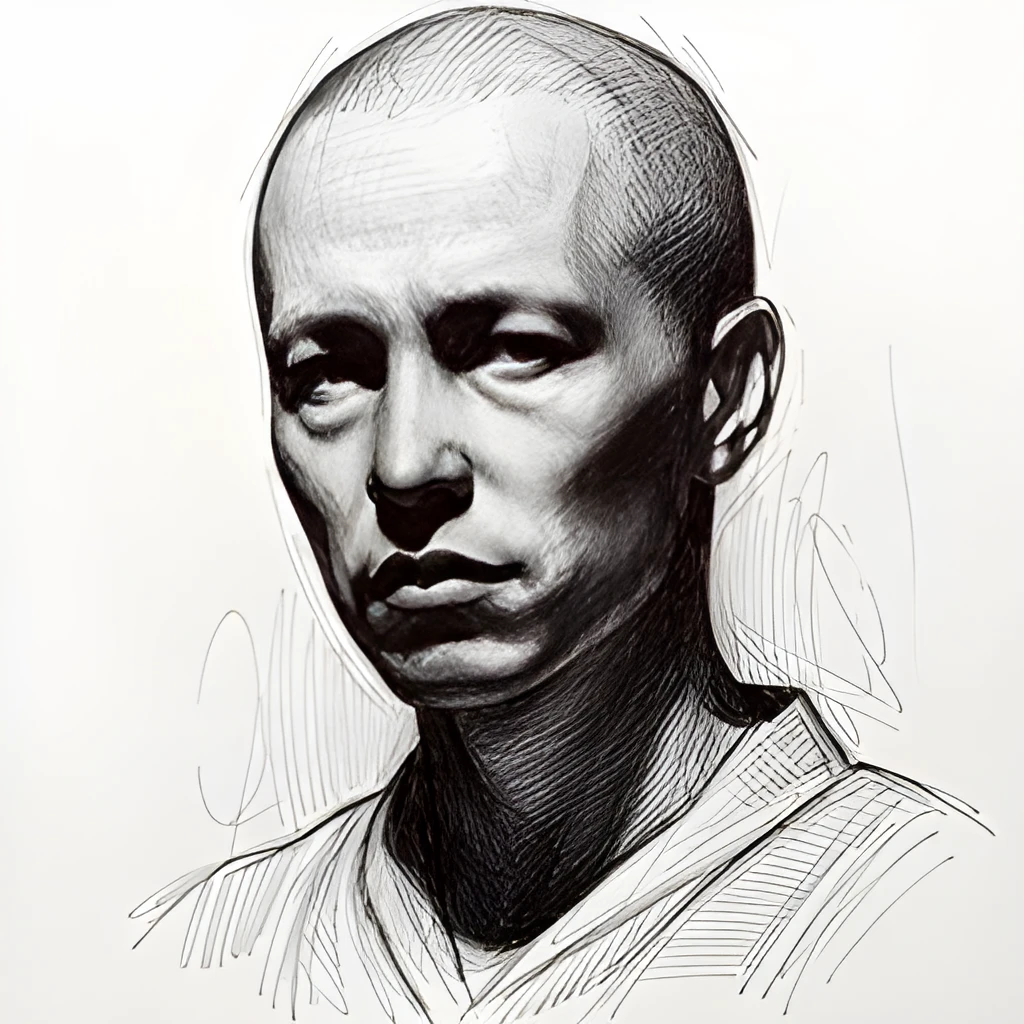
Fast, Automated Enhancement—No GIMP Tweaking Required
Forget re-opening GIMP, adjusting filters, and manually sharpening. With our dedicated GIMP image upscaler, enhancement happens outside the app—instantly and intelligently. No more trial-and-error in the editor, no need to fiddle with unsharp mask settings. Your GIMP exports transform automatically while you move on to the next project. One upload, one click, one polished result.
Popular Uses for GIMP Image Upscaling
Scale GIMP Design Projects for Print
Designers working in GIMP often start at screen resolution then need to output for large-format printing. Our GIMP image upscaler intelligently expands your artwork to poster, banner, or billboard size while maintaining crisp edges and vibrant color fidelity. Perfect for graphics, illustrations, and design comps.Enhance Edited Photos from GIMP Exports
After finishing photo edits in GIMP, your final export might be smaller than ideal for social or web use. Use our GIMP image upscaler to boost resolution and recover detail without re-opening the editor. Share sharp, polished images to Instagram, portfolios, or print without quality compromise.Recover Detail from Compressed GIMP Output
GIMP compression or low-res export settings sometimes sacrifice sharpness. Our GIMP image upscaler reconstructs lost clarity, sharpens soft edges, and enhances texture—giving your finished work the crispness you intended. Great for portfolio pieces, product shots, and client deliverables.
Frequently Asked Questions
Can I upscale any image exported from GIMP?
Yes. Whether you're upscaling a GIMP design, photo edit, illustration, or graphic, our GIMP image upscaler works on any exported file format—JPEG, PNG, TIFF, or more. Upload your GIMP export and we'll enhance it intelligently to higher resolution while preserving quality and detail.
Will upscaling my GIMP image make it blurry or pixelated?
No. Unlike simple enlargement, our GIMP image upscaler uses AI to reconstruct detail rather than just stretching pixels. Your upscaled GIMP images come back sharp, clear, and professional-looking—ready for print, web, or portfolio use.
How do I upscale my own image?
Click "Upscale an Image" to open the Patternful Image Upscaler, upload your gimp image upscaler (or any photo), and let the AI enhance the resolution and detail. Then download the high-resolution result — no design skills required.
Will upscaling add detail or just make the image bigger?
The AI upscaler reconstructs fine detail and sharpens edges as it increases resolution, so results look genuinely crisper — not just a stretched, blurry enlargement. It works best on photos that are soft, low-resolution, or small.
What formats and sizes are supported?
You can upload common image formats (JPEG, PNG, WEBP) and download the upscaled result at a higher resolution suitable for print, social media, and web. Larger source images produce larger, more detailed outputs.