Facebook Marketplace Images
Recover Hidden Detail in Your Product Photos
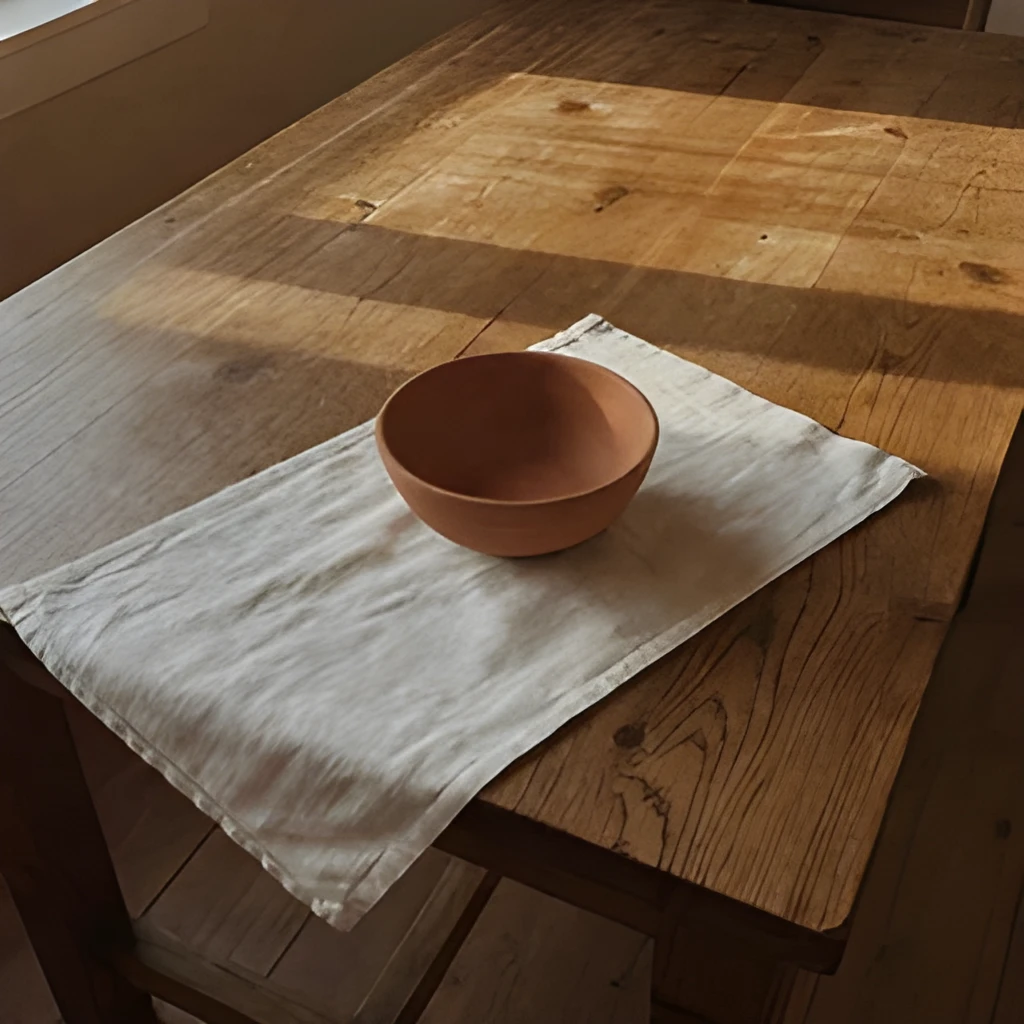
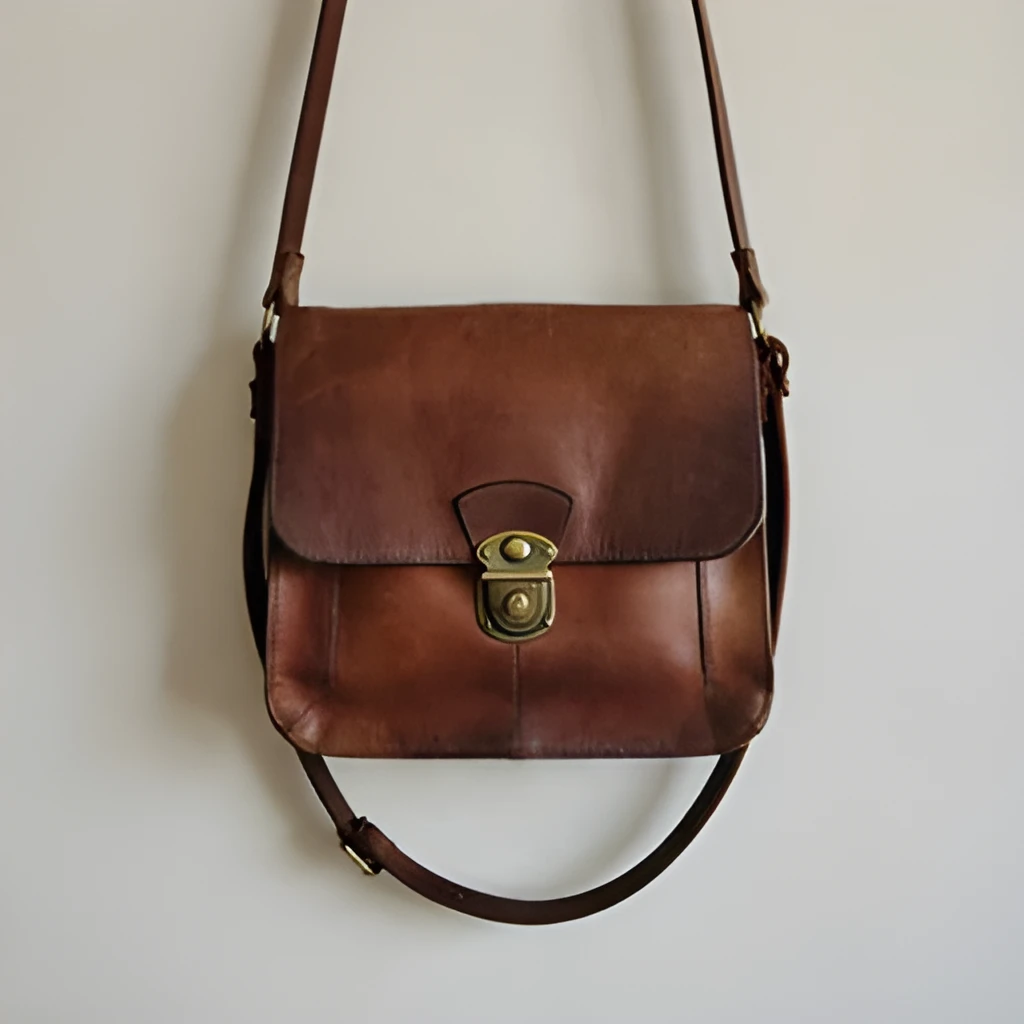
When you list items on Facebook Marketplace, phone camera noise and compression can wash out important details—fabric texture, wear patterns, color accuracy. Our Facebook Marketplace image upscaler doesn't just enlarge pixels; it reconstructs the fine details that help buyers make confident purchasing decisions. See the true grain of wood, the exact shade of that vintage coat, or the real condition of electronics—all from a small, grainy original.
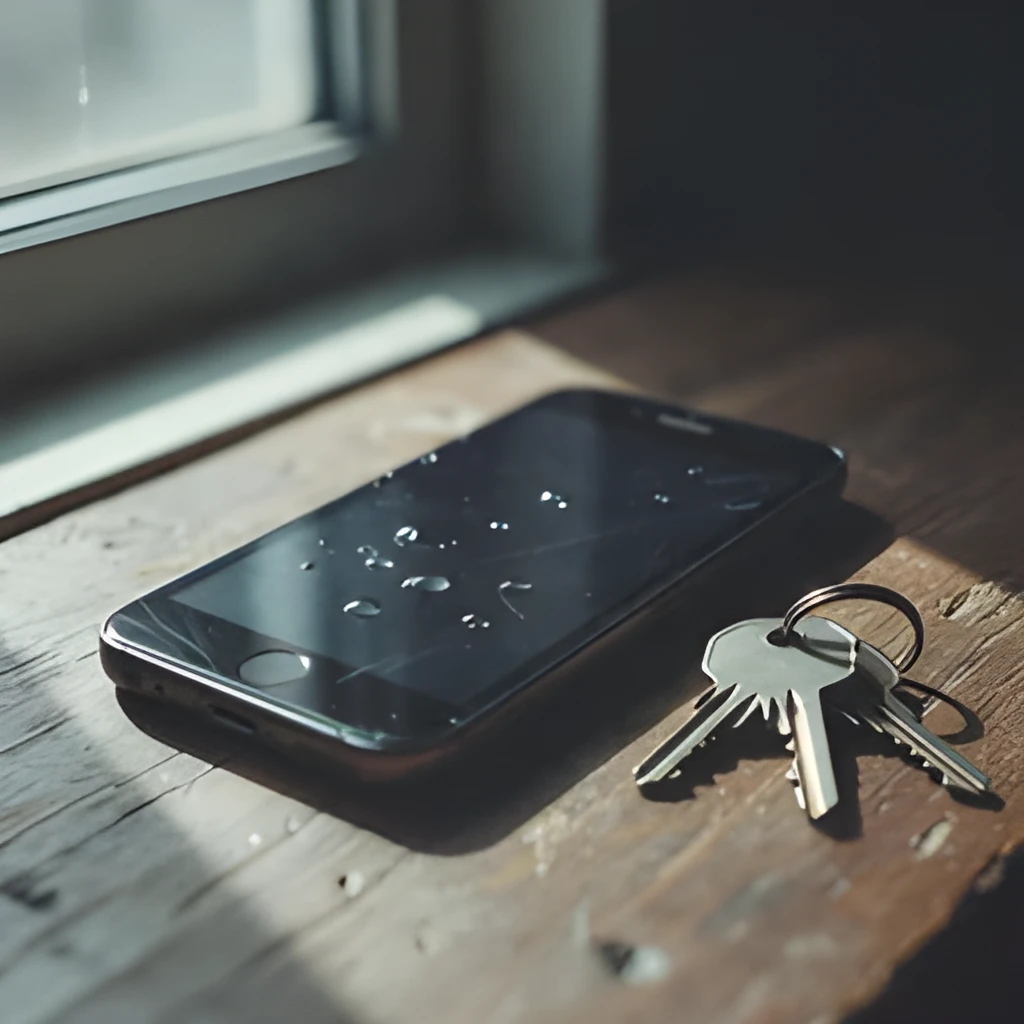

Gallery-Ready Resolution for Premium Listings
Professional-looking listings get more inquiries and faster sales. Upscale your Facebook Marketplace images to crisp, web-ready resolution that displays beautifully on mobile phones, tablets, and desktop browsers. Whether you're selling furniture, fashion, collectibles, or electronics, high-resolution product photos build buyer confidence and reduce return questions. Your listings will look polished and trustworthy.
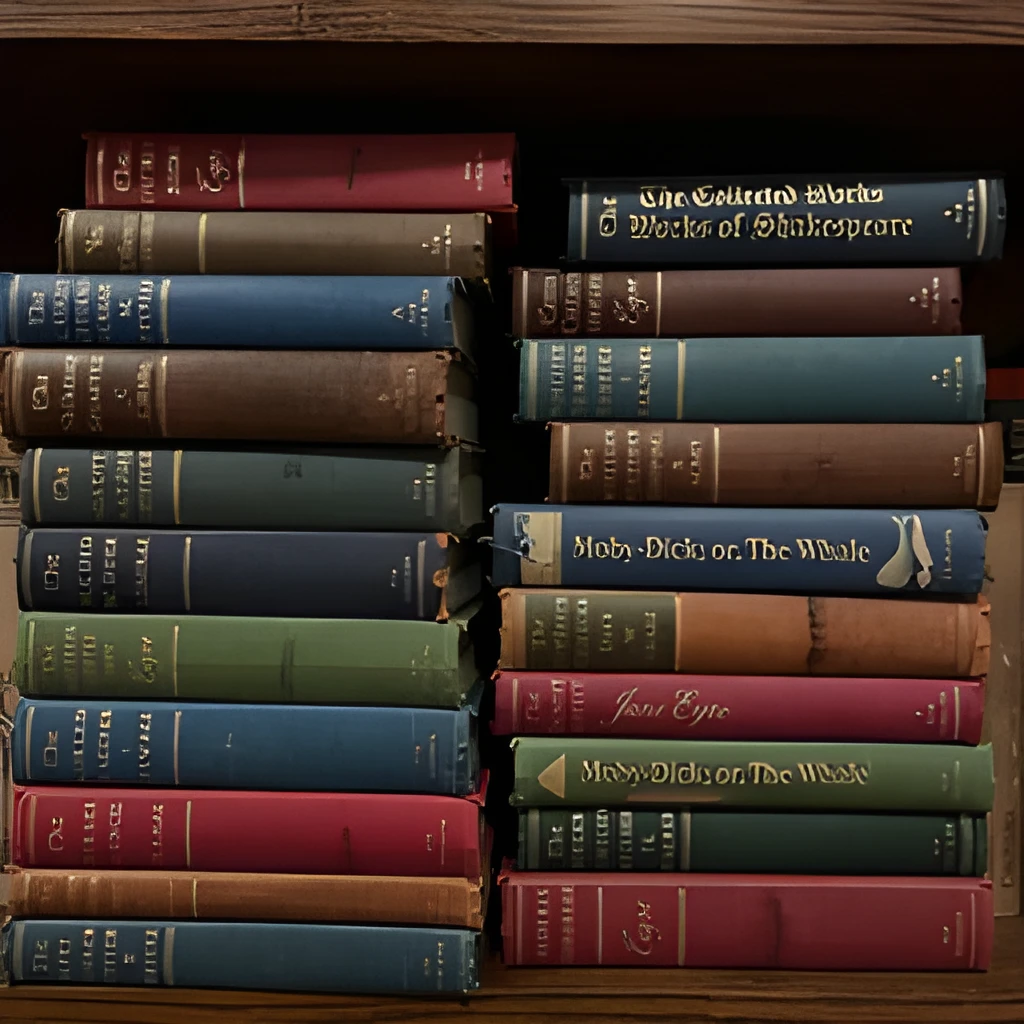

One-Click Upscaling—No Editing Skills Required
Upload your Facebook Marketplace photo, click upscale, and get a professional result in seconds. No manual retouching, no Photoshop skills, no complicated settings. Whether your original photo is shot on an old phone, taken in dim lighting, or simply too small, our Facebook Marketplace image upscaler handles it instantly. Spend less time editing and more time selling.
Popular Uses for Upscaled Facebook Marketplace Images
Furniture & Home Décor Listings
Showcase the condition, finish, and style of couches, tables, lamps, and décor items. High-resolution upscaling reveals wood grain, fabric texture, and color accuracy—making buyers confident enough to bid or message.Electronics & Gadgets
Product defects, scratches, and exact condition matter for used phones, cameras, and electronics. Upscaled Facebook Marketplace images show real wear and working condition, reducing disputes and building trust.Fashion & Collectibles
Details like stitching, labels, brand marks, and fabric weave are deal-breakers for vintage clothing, handbags, and collectibles. Clear, upscaled photos help serious buyers see authenticity and condition at a glance.
Frequently Asked Questions
Why do my Facebook Marketplace photos look blurry or small?
Mobile cameras often produce compressed, noisy images, especially in poor lighting or when you're taking quick snapshots. Phone screens and Facebook's compression make small photos look even softer. Our Facebook Marketplace image upscaler reconstructs lost detail and enlarges your photo to professional quality, making your listing stand out.
Will upscaling my Facebook Marketplace image look fake or artificially processed?
No. Our AI is trained to enhance photos naturally—it recovers real detail and sharpness without obvious artifacts, watermarks, or unnatural-looking edits. The result looks like a professional photo of the same product, not an AI-generated image.
How do I upscale my own image?
Click "Upscale an Image" to open the Patternful Image Upscaler, upload your facebook marketplace images (or any photo), and let the AI enhance the resolution and detail. Then download the high-resolution result — no design skills required.
Will upscaling add detail or just make the image bigger?
The AI upscaler reconstructs fine detail and sharpens edges as it increases resolution, so results look genuinely crisper — not just a stretched, blurry enlargement. It works best on photos that are soft, low-resolution, or small.
What formats and sizes are supported?
You can upload common image formats (JPEG, PNG, WEBP) and download the upscaled result at a higher resolution suitable for print, social media, and web. Larger source images produce larger, more detailed outputs.