Auction Images
Recover Hidden Detail, Not Just Blur
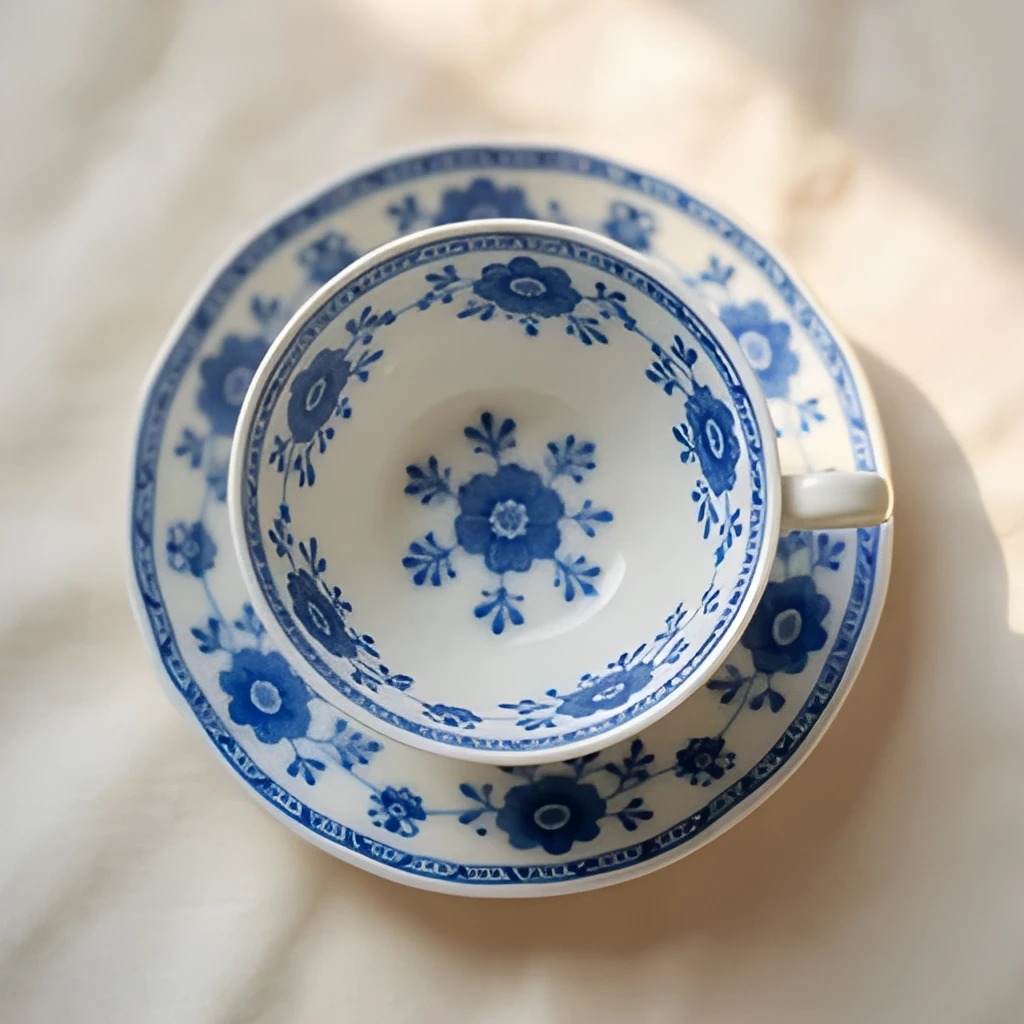
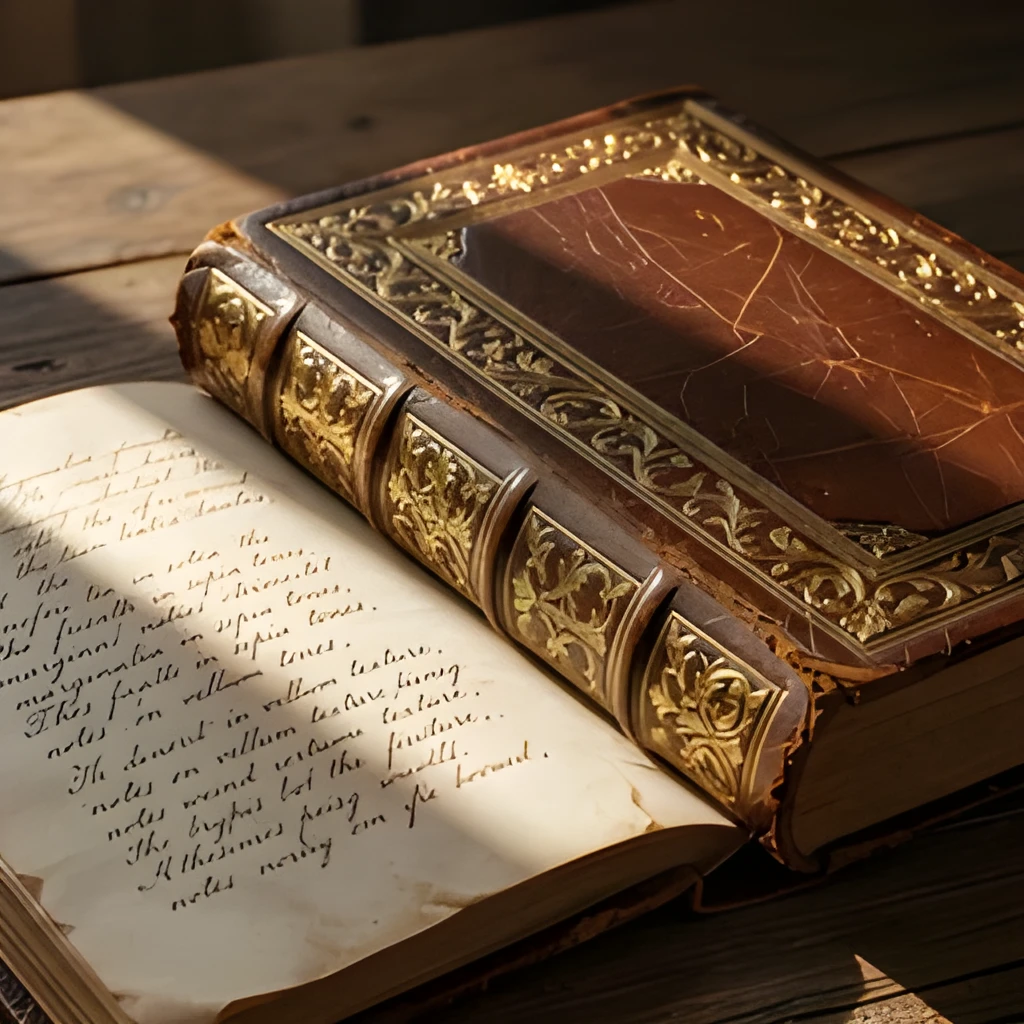
Our auction image upscaler doesn't simply enlarge pixels—it intelligently reconstructs fine details that were lost in compression or lower-resolution scans. Tiny hallmarks on silver, texture in fabric, condition marks on collectibles: all become visible and sharp. Every upscaled auction image reveals details a buyer needs to see, transforming muddy product shots into professional catalog-quality photos that inspire confidence and higher bids.
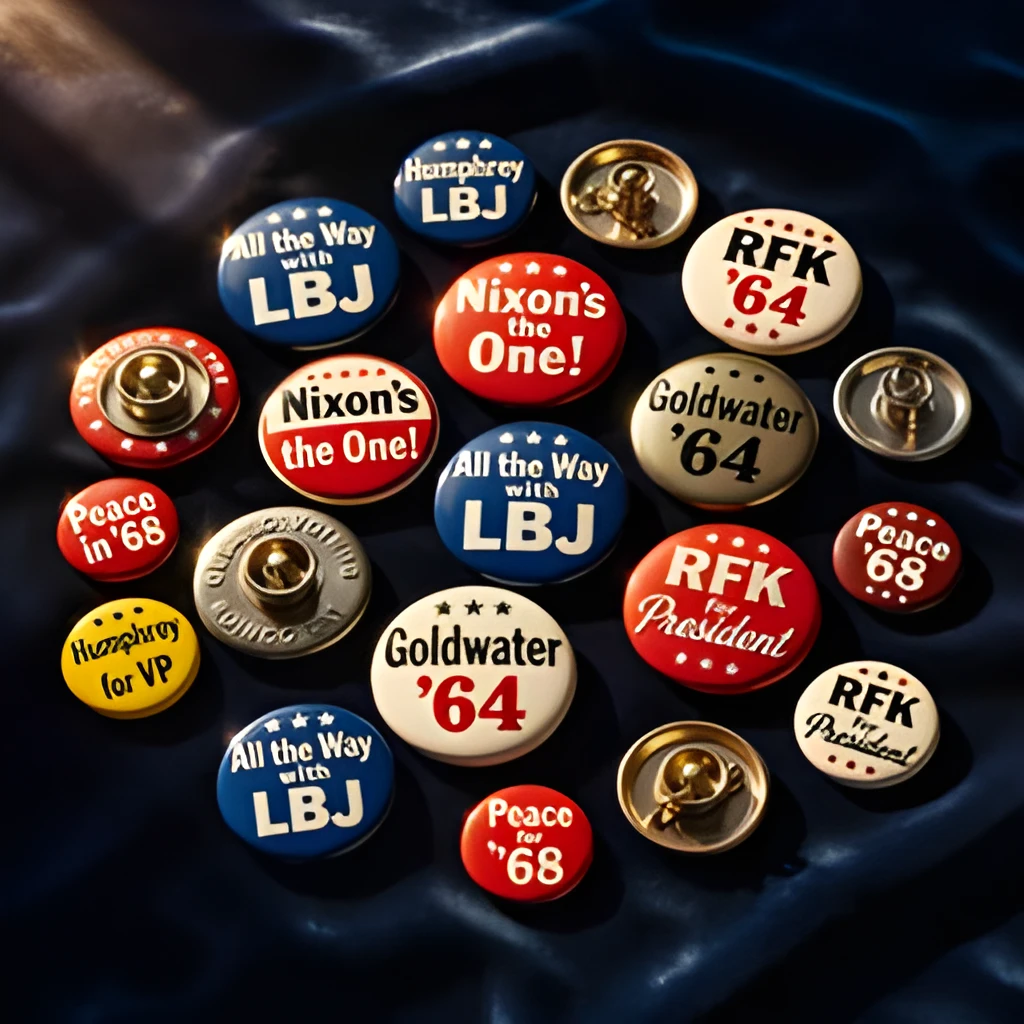
Print-Ready, Web-Ready Resolution
Turn small auction photos into high-resolution images suitable for print catalogs, online listings, and display screens. Whether you're preparing a luxury collectibles auction or a high-volume estate sale, our auction image upscaler delivers crisp output in seconds. Use upscaled images across eBay, specialized auction platforms, printed brochures, and social media—all from a single enhanced file.
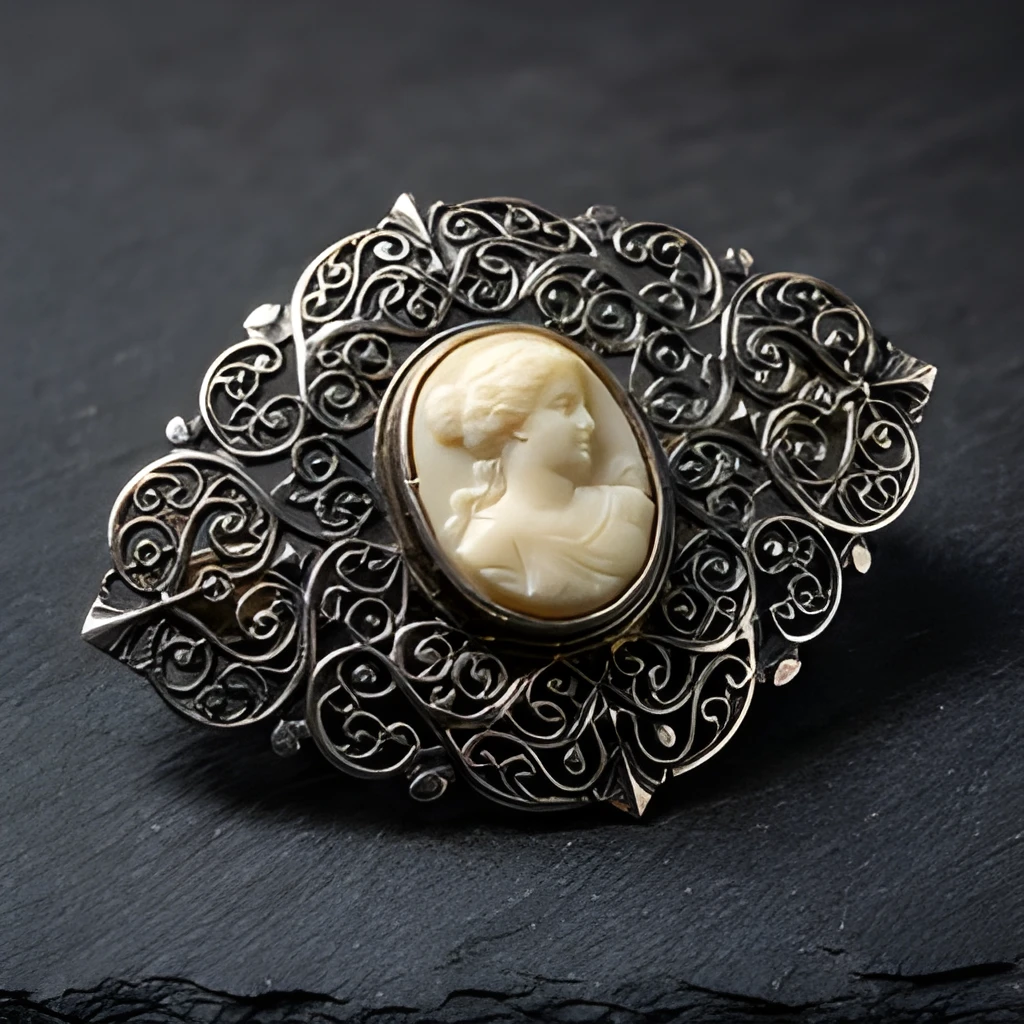
One-Click Enhancement—Zero Retouching
Skip the manual touch-up workflow. Upload your auction image, click upscale, and receive a polished high-resolution result instantly. No layers, no learning curve, no guesswork. Whether you're processing dozens of lot photos before an auction or enhancing a single estate piece, the auction image upscaler saves hours while maintaining authentic color and form.
Popular Uses for Upscaled Auction Images
Auction House Catalogs
Enhance low-resolution lot photos for printed and digital auction catalogs. Upscaled auction images showcase condition, craftsmanship, and provenance details that drive competitive bidding and justify presale estimates.Online Marketplace Listings
Convert small smartphone or scanner photos into gallery-quality images for eBay, Invaluable, Catawiki, and other auction platforms. Sharp, detailed auction image upscaler results increase buyer confidence and average sale prices.Estate & Collectibles Appraisal
Create clear, high-resolution documentation of jewelry, art, antiques, and memorabilia for insurance, appraisal, and provenance records. The auction image upscaler preserves every visible characteristic needed for expert evaluation.
Frequently Asked Questions
Can an auction image upscaler fix blurry or out-of-focus photos?
Our auction image upscaler specializes in enlarging and sharpening low-resolution images, recovering detail that was lost during compression or scanning. Severely out-of-focus photos cannot be refocused, but slightly soft auction images are dramatically improved, revealing condition details and surface quality that were hidden before.
What file formats does the auction image upscaler accept?
The auction image upscaler accepts JPG, PNG, WebP, and other common image formats. You can upload photos from your phone, scanner, or camera directly. Upscaled auction images are delivered as high-resolution JPGs ready for immediate use in listings, catalogs, or print.
How do I upscale my own image?
Click "Upscale an Image" to open the Patternful Image Upscaler, upload your auction images (or any photo), and let the AI enhance the resolution and detail. Then download the high-resolution result — no design skills required.
Will upscaling add detail or just make the image bigger?
The AI upscaler reconstructs fine detail and sharpens edges as it increases resolution, so results look genuinely crisper — not just a stretched, blurry enlargement. It works best on photos that are soft, low-resolution, or small.
What formats and sizes are supported?
You can upload common image formats (JPEG, PNG, WEBP) and download the upscaled result at a higher resolution suitable for print, social media, and web. Larger source images produce larger, more detailed outputs.