Anime Images
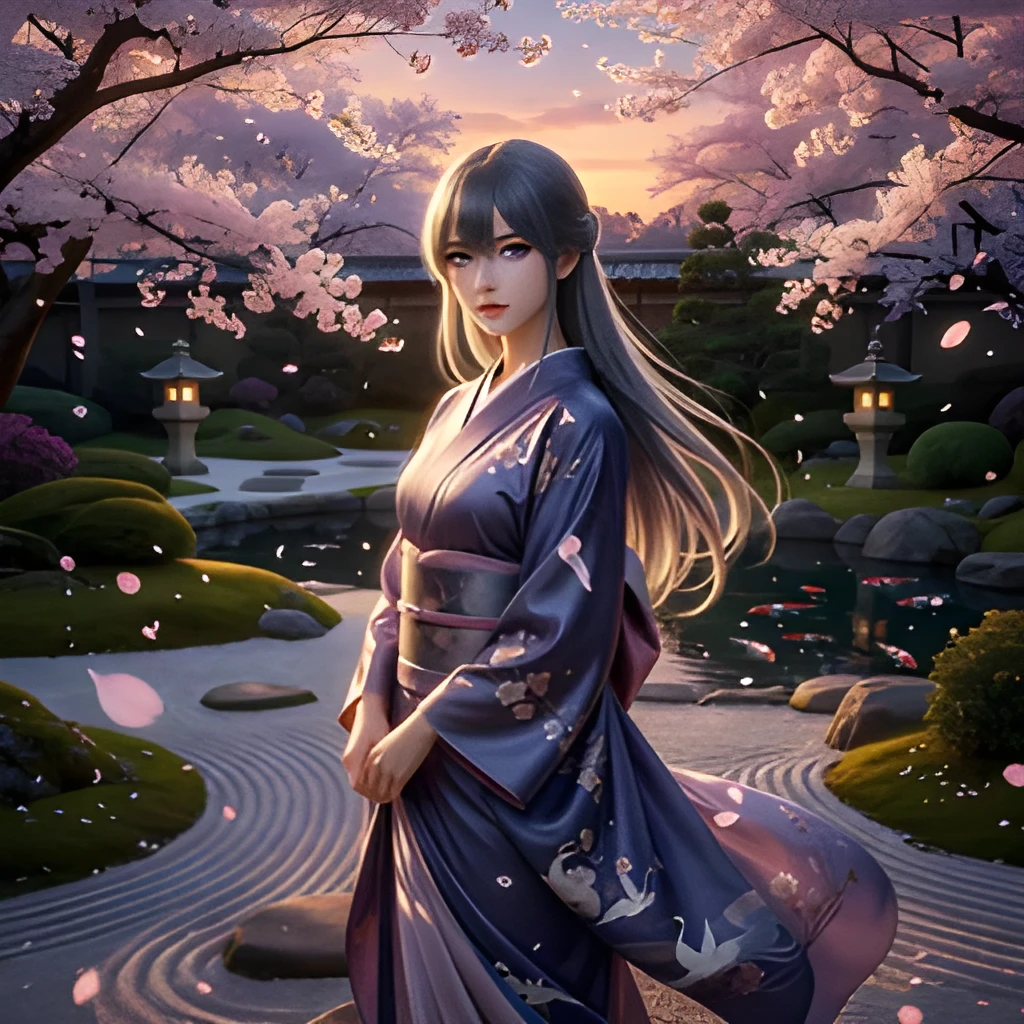
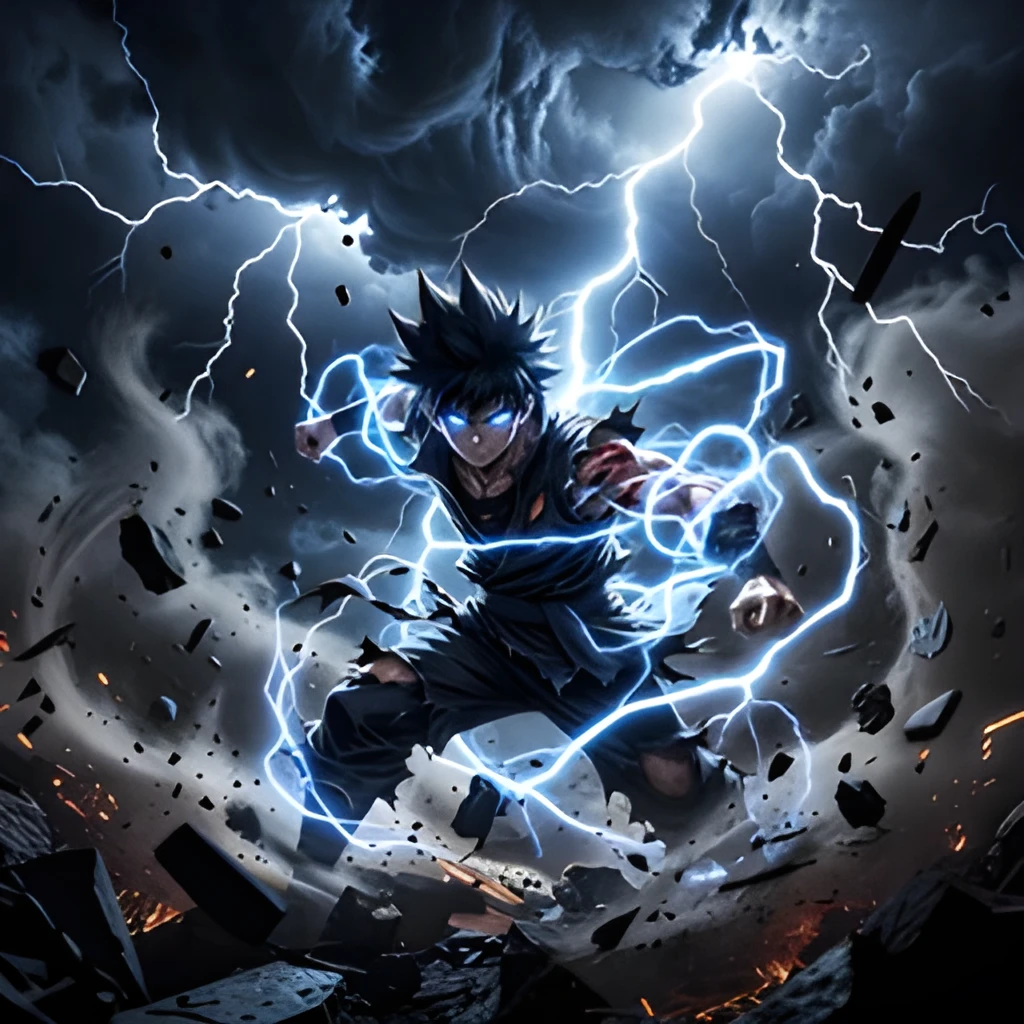
Recover Hidden Detail in Anime Art
Your anime image upscaler doesn't just enlarge—it intelligently reconstructs fine details lost in low-resolution originals. Watch character linework, shading, and expressions sharpen and clarify. Whether you're working with compressed screenshots, old scans, or small fan art, the AI fills in the gaps with pixel-perfect anime aesthetics. The result feels like the original artist intended, not a blurry stretch.
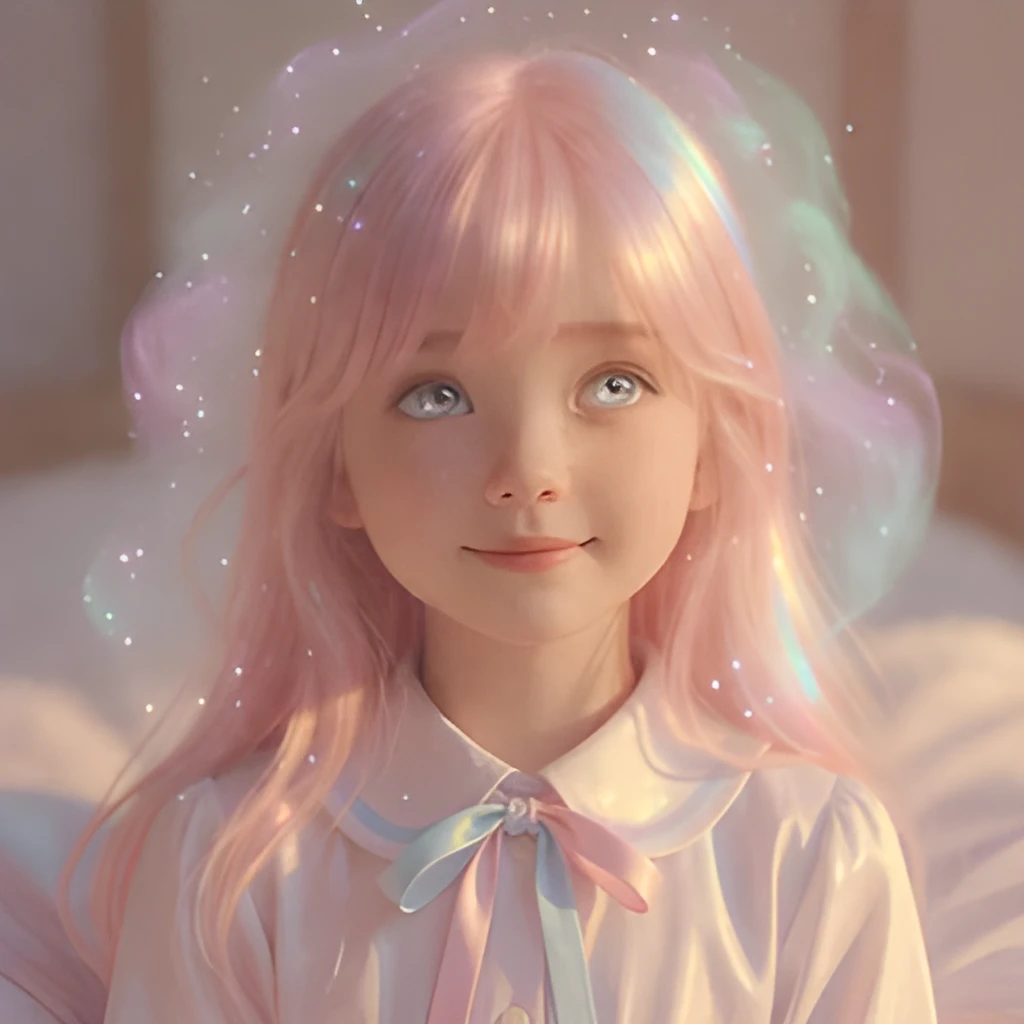
Print-Ready and Web-Optimized Output
Transform small anime images into professional-grade, high-resolution files suitable for prints, posters, and merchandise. A 400×600px screenshot becomes a stunning 2400×3600px masterpiece. Share upscaled anime on social media, Discord, or forums without quality loss. Whether you need anime image upscaler output for a poster, portfolio, or digital gallery, Patternful delivers the resolution and clarity your work deserves.
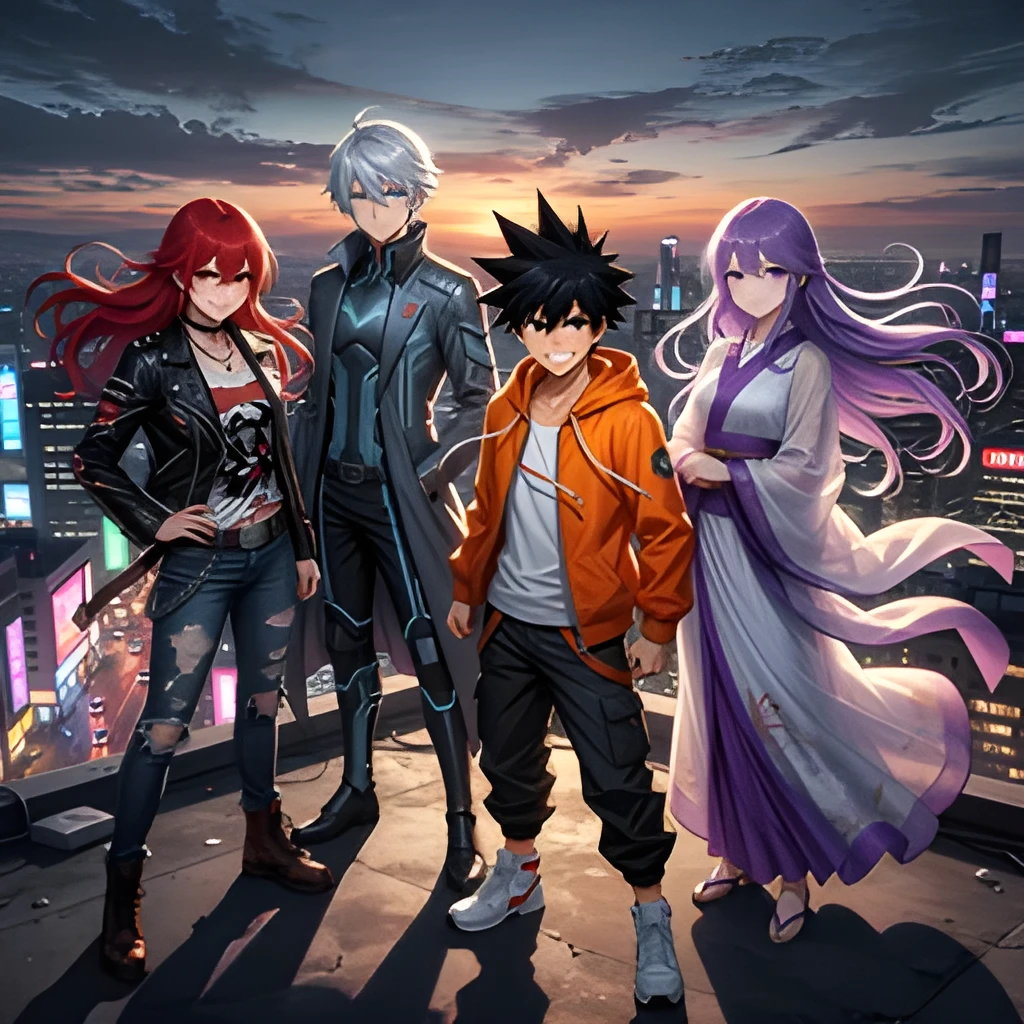
One-Click Enhancement, Zero Manual Work
No complicated settings or retouching required. Upload your low-resolution anime image, and the upscaler works instantly—no prompts, no tweaking, no guesswork. The AI understands anime styles and handles them with precision, preserving color vibrancy and artistic intent automatically. Get professional results in seconds, every time, so you can focus on sharing and enjoying your favorite anime content.
Popular Uses for Upscaled Anime Images
Fan Art & Screenshot Upscaling
Enhance anime screenshots, fan art, and scene captures to high resolution for sharing, printing, and archiving. Perfect for anime enthusiasts who want crisp, detailed versions of favorite moments.Manga & Scan Restoration
Upscale manga pages, scans, and raw chapters to restore clarity and detail. Great for collectors, translators, and readers who want to preserve and enjoy manga at its best quality.Poster & Merchandise Creation
Turn small anime images into large, print-ready artwork for posters, wall art, clothing, and collectibles. Achieve professional resolution and quality for custom merchandise and displays.
Frequently Asked Questions
How does this anime image upscaler differ from simple resizing?
Simple resizing just stretches pixels and creates blurry results. Our anime image upscaler uses advanced AI to intelligently reconstruct missing detail—sharpening linework, restoring colors, and enhancing texture while preserving the anime art style. The output looks like a higher-quality original, not an enlarged blur.
What anime file formats and sizes can I upscale?
The anime image upscaler accepts JPG, PNG, and WebP formats at virtually any resolution—from tiny 200×200px thumbnails to large files. Upload screenshots, scans, fan art, or any anime image. We can upscale up to 4× the original size while maintaining quality and anime-specific detail.
How do I upscale my own image?
Click "Upscale an Image" to open the Patternful Image Upscaler, upload your anime images (or any photo), and let the AI enhance the resolution and detail. Then download the high-resolution result — no design skills required.
Will upscaling add detail or just make the image bigger?
The AI upscaler reconstructs fine detail and sharpens edges as it increases resolution, so results look genuinely crisper — not just a stretched, blurry enlargement. It works best on photos that are soft, low-resolution, or small.
What formats and sizes are supported?
You can upload common image formats (JPEG, PNG, WEBP) and download the upscaled result at a higher resolution suitable for print, social media, and web. Larger source images produce larger, more detailed outputs.