Affinity Image Upscaler
Recover Lost Detail, Not Just Enlarge
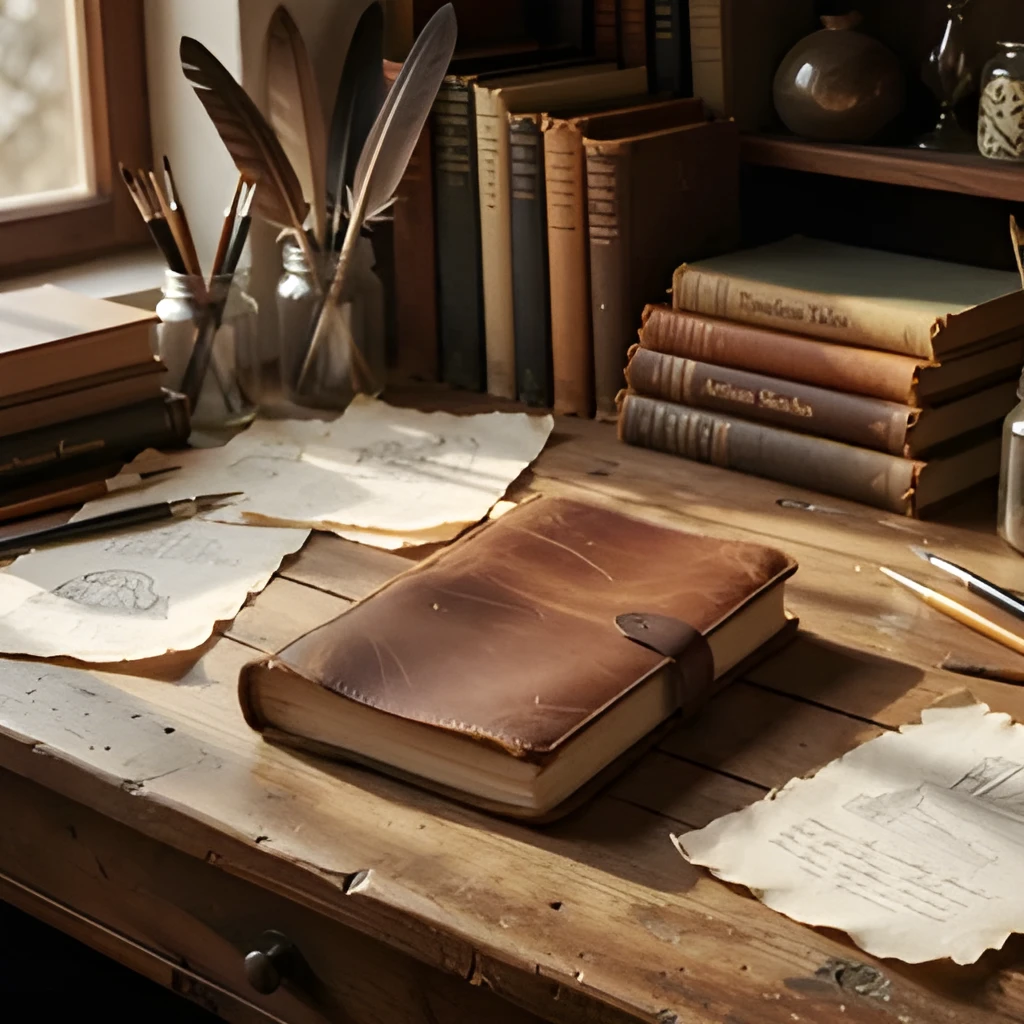
Affinity image upscaler doesn't simply stretch pixels—it uses advanced AI to intelligently reconstruct fine details, textures, and edges. Whether you're working with design assets, illustrations, or exported images from Affinity, our upscaler analyzes the original content and fills in missing information with remarkable accuracy. You get crisp, natural-looking results that preserve the integrity of your creative work while boosting resolution significantly.
Print-Ready & Web-Optimized in One Click
Transform your Affinity designs into high-resolution files suitable for large-format printing, social media, and digital displays. The affinity image upscaler creates sharp, artifact-free output that looks professional on any platform—from Instagram feeds to billboard mockups. No manual cleanup, no complex settings. Upload, upscale, download, and integrate seamlessly back into your Affinity projects.


Fast, Automated, Zero Retouching Required
Skip the tedious manual upscaling workflows. This affinity image upscaler handles the heavy lifting automatically, delivering polished results in seconds. Perfect for designers juggling tight deadlines, photographers expanding their archives, and creatives who need to repurpose work across multiple platforms. No plugins, no learning curve—just instant, professional-quality enhancement.
Popular Uses for Upscaled Affinity Images
Design Assets & Illustrations
Upscale logos, icons, and vector-based designs exported from Affinity Designer for use in print materials, merchandise, and large-scale applications without quality loss.Photo Editing & Composition Work
Enhance exported images from Affinity Photo to maximize detail and sharpness for gallery prints, client deliverables, and portfolio displays.Social Media & Marketing Content
Boost resolution of Affinity creations for Instagram, Pinterest, and web graphics to ensure they look crisp and professional across all devices and screen sizes.
Frequently Asked Questions
Can I upscale images directly exported from Affinity Designer or Affinity Photo?
Yes, absolutely. The affinity image upscaler works with any image file format—whether it's a PNG, JPG, or other standard format exported from your Affinity projects. Simply upload the image and let our AI enhance it to your desired resolution.
Will upscaling my Affinity design reduce quality or introduce artifacts?
No. Our AI-powered affinity image upscaler is specifically designed to enhance without degrading quality. It intelligently reconstructs details and preserves the integrity of your original design, maintaining sharpness and clarity even at large magnifications.
How do I upscale my own image?
Click "Upscale an Image" to open the Patternful Image Upscaler, upload your affinity image upscaler (or any photo), and let the AI enhance the resolution and detail. Then download the high-resolution result — no design skills required.
Will upscaling add detail or just make the image bigger?
The AI upscaler reconstructs fine detail and sharpens edges as it increases resolution, so results look genuinely crisper — not just a stretched, blurry enlargement. It works best on photos that are soft, low-resolution, or small.
What formats and sizes are supported?
You can upload common image formats (JPEG, PNG, WEBP) and download the upscaled result at a higher resolution suitable for print, social media, and web. Larger source images produce larger, more detailed outputs.