3D Render Images
Recover Fine Details, Not Just Size
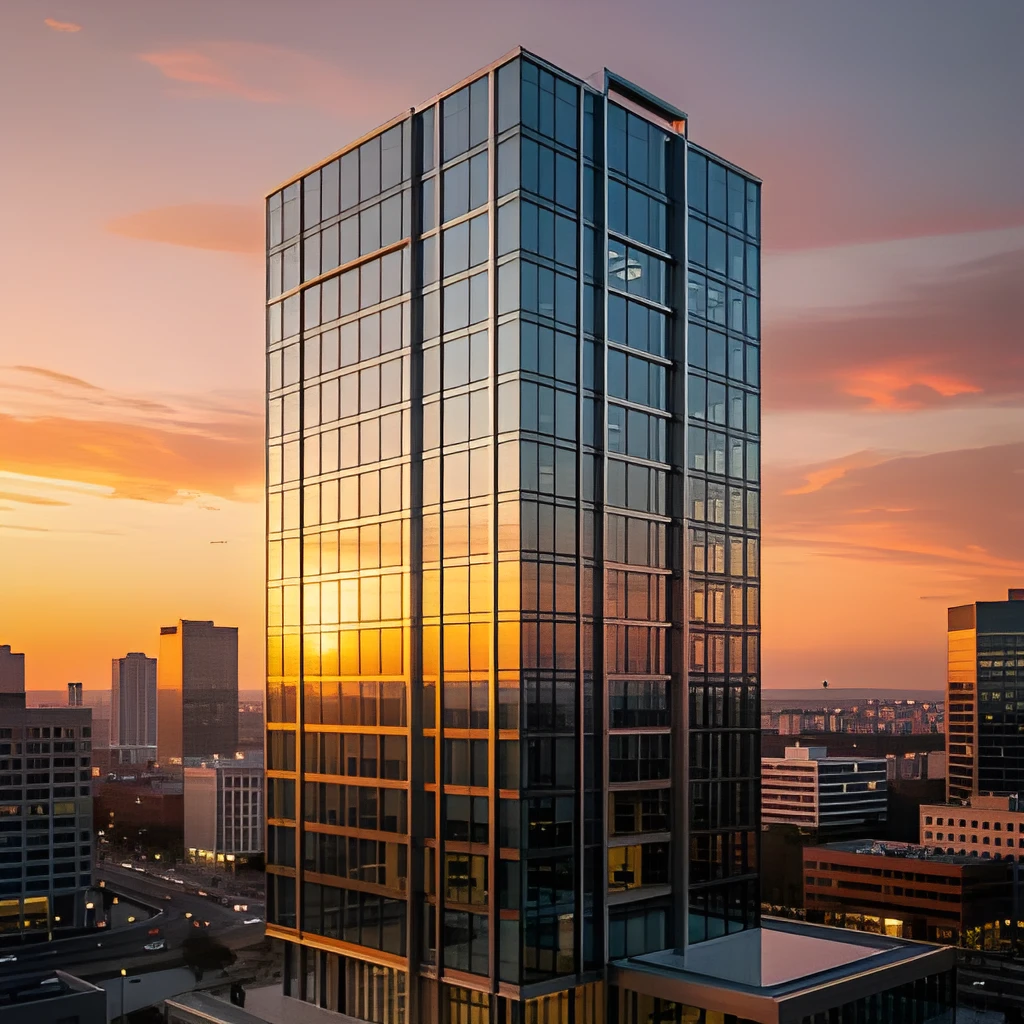
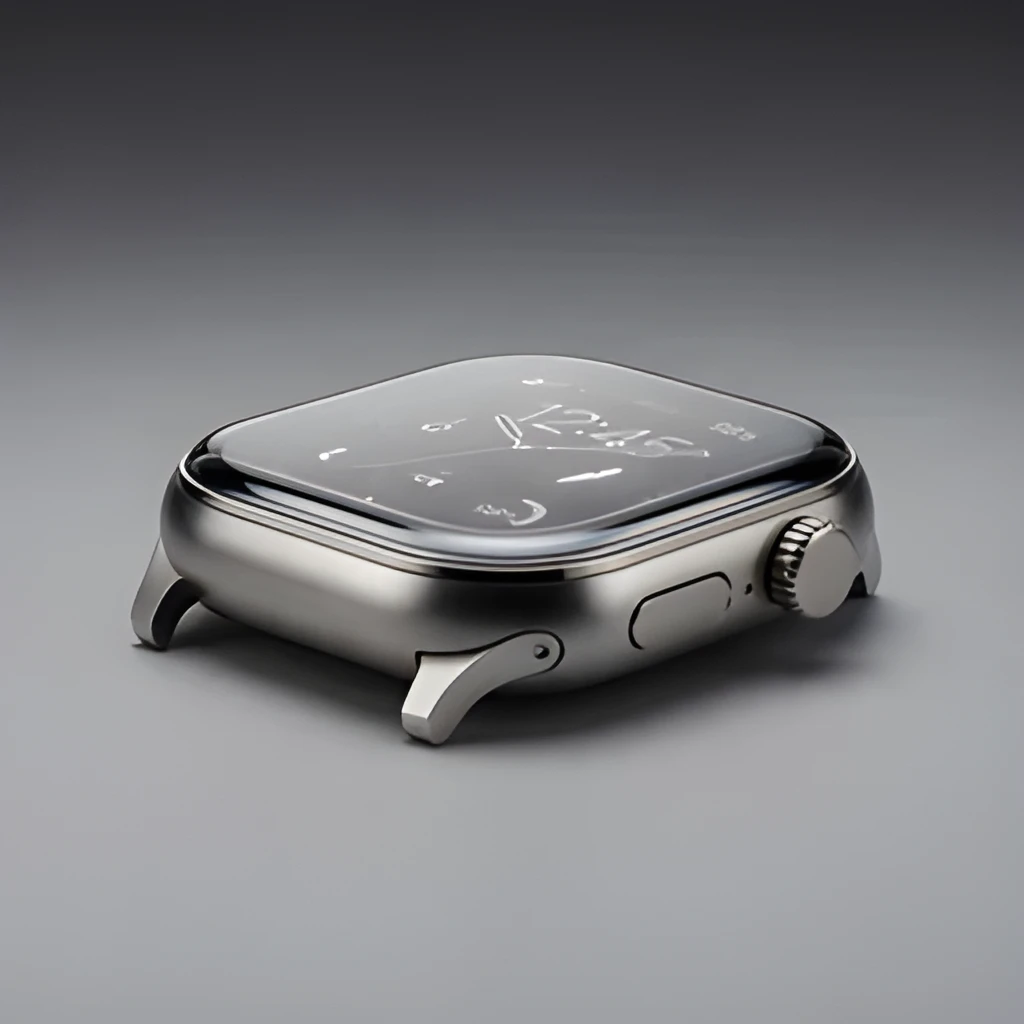
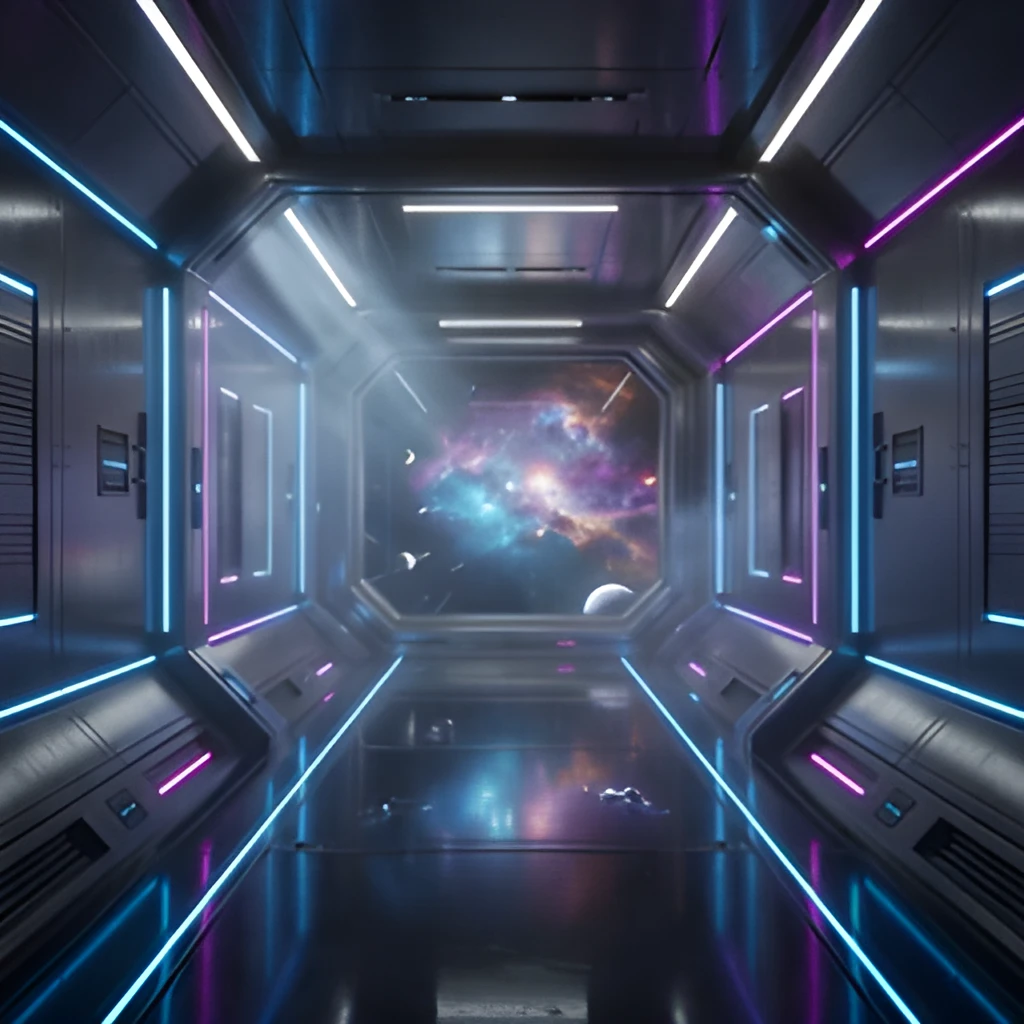
A 3D render image upscaler powered by advanced AI doesn't simply enlarge your renders—it intelligently reconstructs lost detail and texture. Surface imperfections, material subtleties, and lighting nuances are enhanced and clarified, revealing the full quality of your original 3D work. Your renders gain sharpness and depth, making every polygon, shader, and reflection pop with precision that manual scaling cannot achieve.
Professional-Grade Output for Any Medium
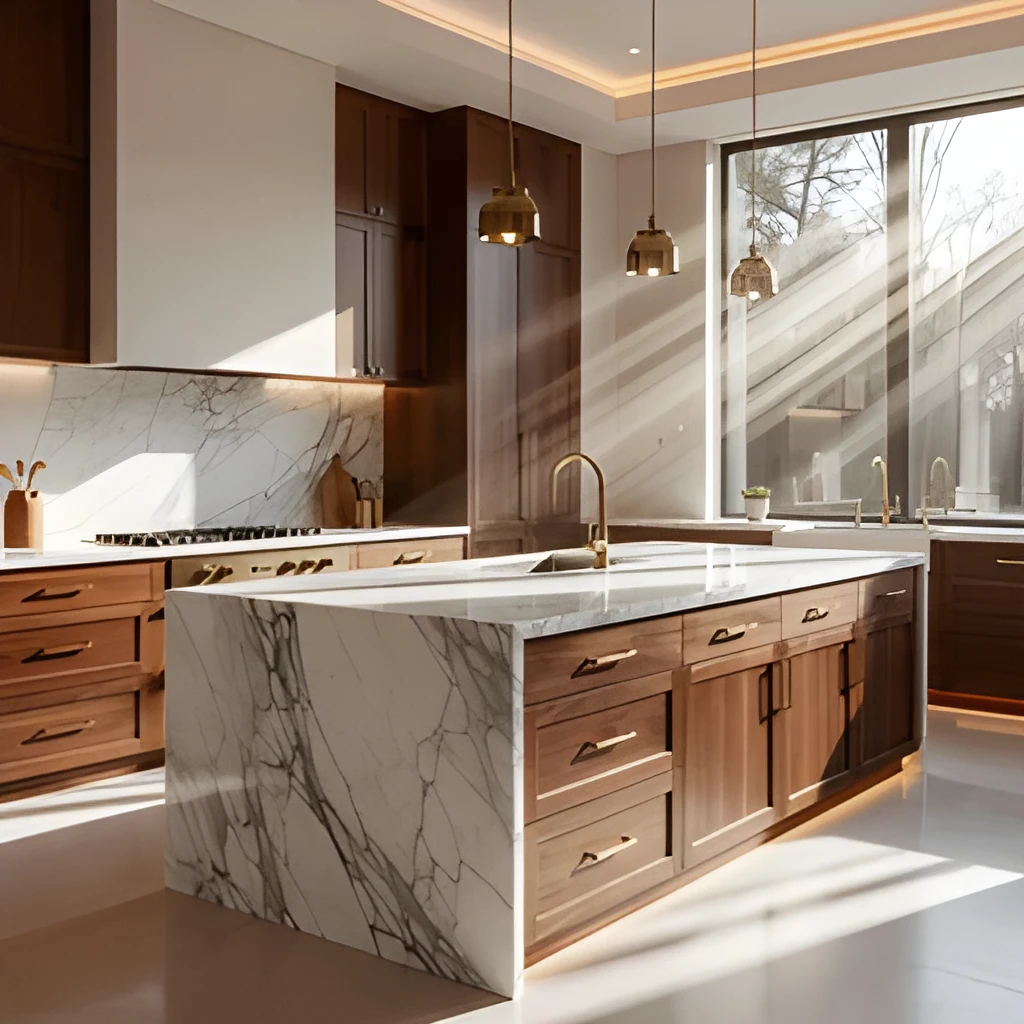
Whether you're printing architectural renders for client presentations, publishing product visualizations online, or building a portfolio, our 3D render image upscaler delivers exhibition-ready clarity. Transform your designs into high-resolution assets suitable for billboards, web galleries, and print materials without quality loss. One upscale unlocks unlimited display possibilities across screens and paper.
One Click, Instant Results—No Manual Work
Skip hours of re-rendering or painstaking retouching. Upload your 3D render image, select your desired resolution, and let the upscaler work in seconds. Our intelligent 3D render image upscaler handles complex geometries, intricate materials, and layered lighting automatically—no filters to tweak, no manual adjustment needed. Get gallery-ready renders immediately.
Popular Uses for Upscaled 3D Render Images
Architectural Visualization & Design Pitches
Elevate your architectural renders for client presentations and competitions. An upscaled 3D render image showcases every structural detail, material finish, and environmental context with crisp clarity, making designs more compelling and professional.Product & Industrial Design Portfolios
Showcase your product renders at museum-quality resolution. Upscaling 3D render images reveals surface imperfections, material authenticity, and lighting finesse—essential for attracting clients, landing design roles, and standing out in competitive pitches.Game Art & Digital Asset Publishing
Prepare game environments, character renders, and asset previews for marketing, documentation, and web galleries. A 3D render image upscaler ensures every polygon and texture is crystal clear, making your digital art look polished and professional across all platforms.
Frequently Asked Questions
Can a 3D render image upscaler preserve the quality of complex materials and lighting?
Yes. Our AI is trained to recognize and enhance intricate material properties, reflections, shadows, and lighting interactions common in 3D renders. Unlike simple enlargement, upscaling understands the visual language of 3D work and reconstructs fine details—metallics, glass, fabric, and complex shaders remain sharp and authentic.
What file formats work with the 3D render image upscaler?
We accept PNG, JPG, WebP, and most common image formats. Whether your 3D render image came from Blender, Cinema 4D, 3ds Max, Octane, V-Ray, or any renderer, simply upload and upscale. The AI handles any render engine's output seamlessly.
How do I upscale my own image?
Click "Upscale an Image" to open the Patternful Image Upscaler, upload your 3d render images (or any photo), and let the AI enhance the resolution and detail. Then download the high-resolution result — no design skills required.
Will upscaling add detail or just make the image bigger?
The AI upscaler reconstructs fine detail and sharpens edges as it increases resolution, so results look genuinely crisper — not just a stretched, blurry enlargement. It works best on photos that are soft, low-resolution, or small.
What formats and sizes are supported?
You can upload common image formats (JPEG, PNG, WEBP) and download the upscaled result at a higher resolution suitable for print, social media, and web. Larger source images produce larger, more detailed outputs.