Black Background - Change Backgrounds to Black
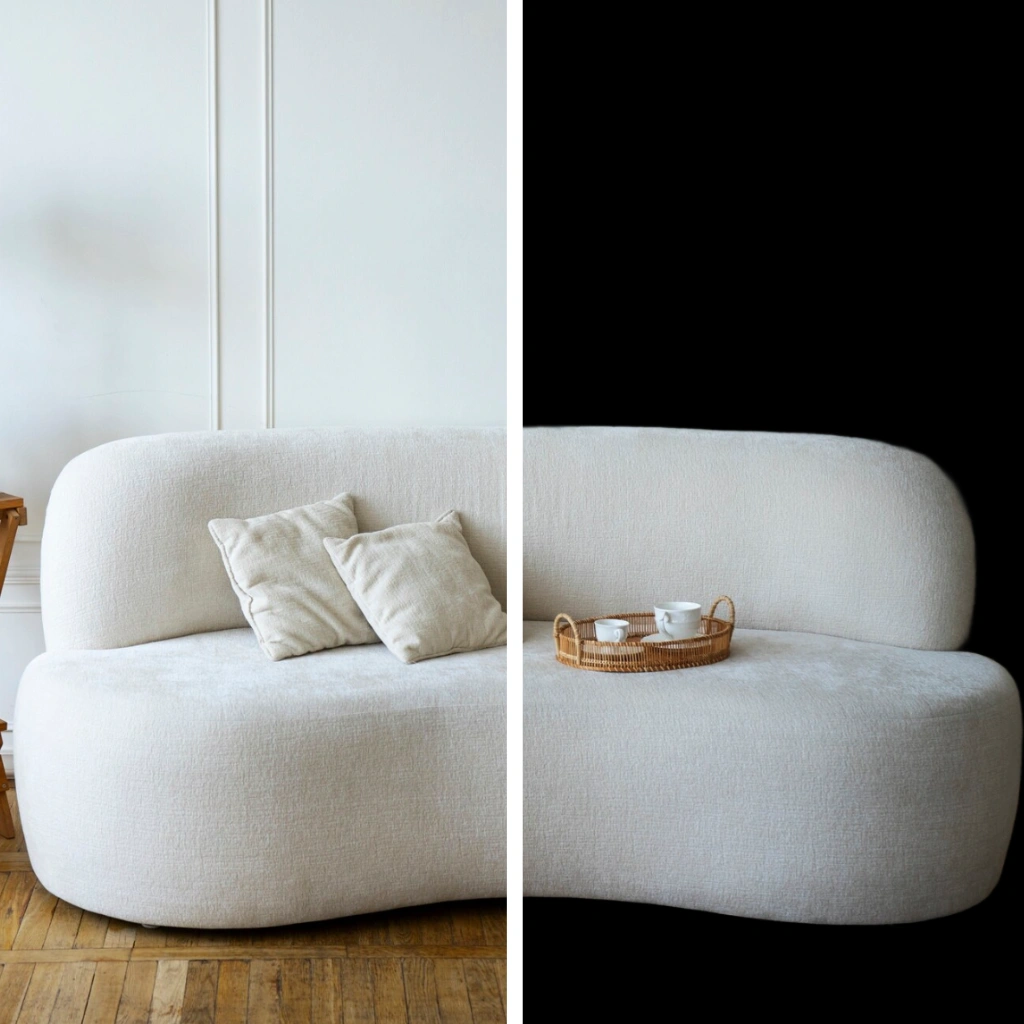
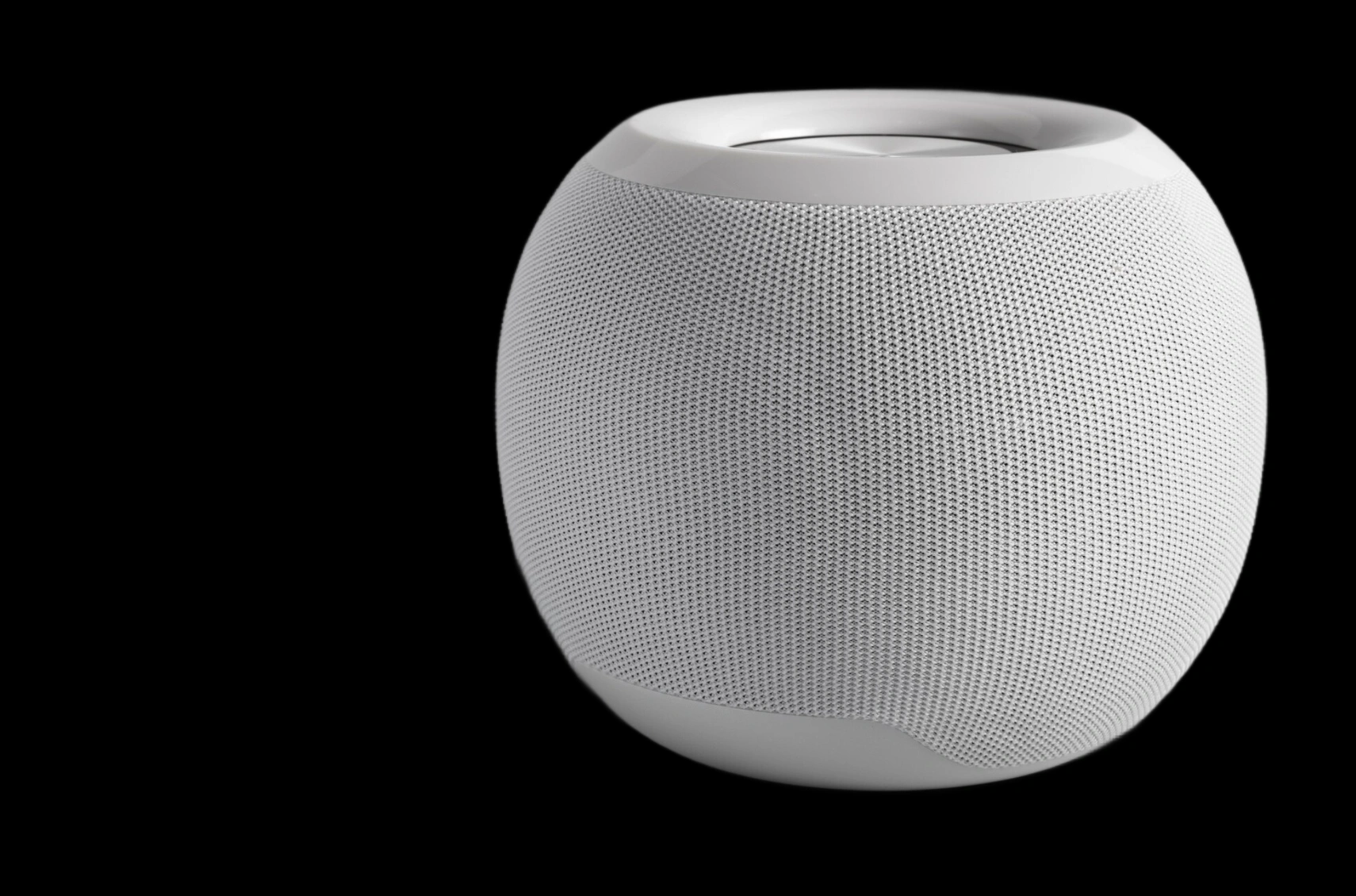
Make Your Product Stand Out with Strong Contrast
A black background creates bold contrast that makes your product easier to see and more likely to catch the eye. This is especially helpful on marketplace pages where shoppers are scrolling quickly through rows of similar listings. Black adds visual weight to your image so it stands out in search results, category pages, and product feeds where every product is competing for attention.
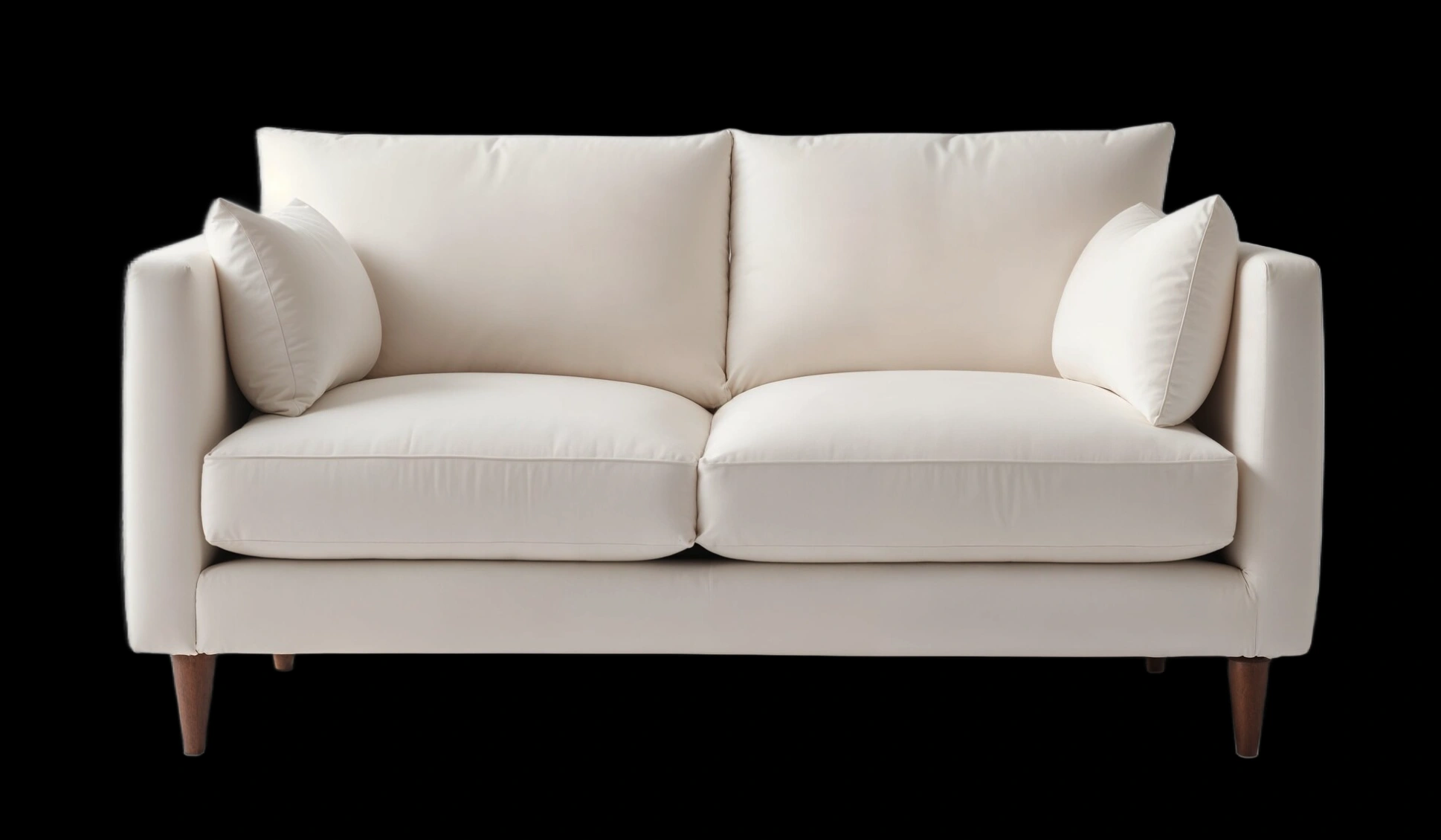
Show More Detail in Every Shot
A black background gives your product photos a clean and polished finish that feels familiar to shoppers on trusted retail sites. Even if your original image was taken in natural light or outside of a studio, adding a black background can make it look like part of a professional catalog. With Patternful's black background tool, it is easy to upgrade the quality of your product shots without special equipment or editing skills.
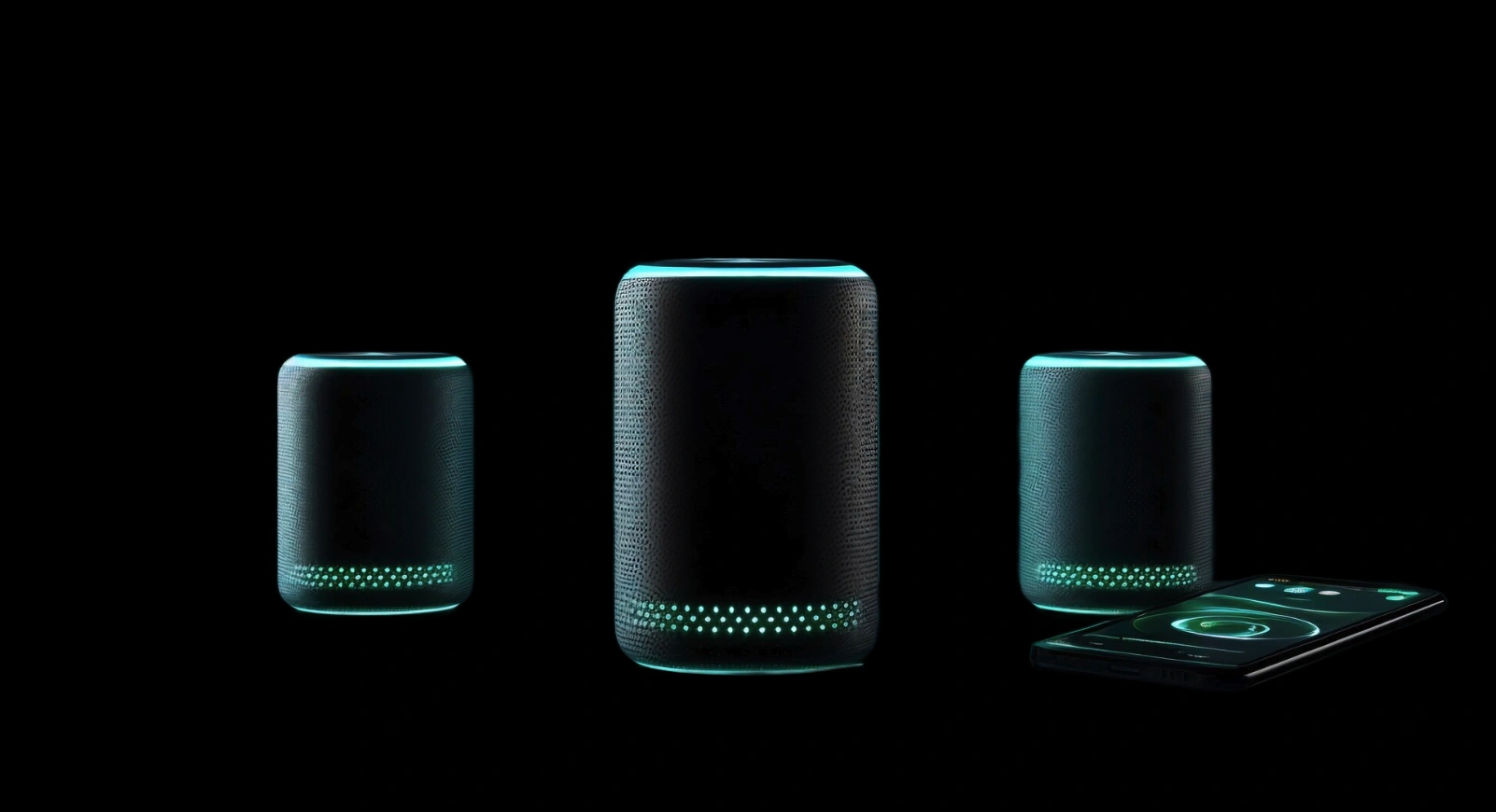
Bring Focus to Light-Colored Products
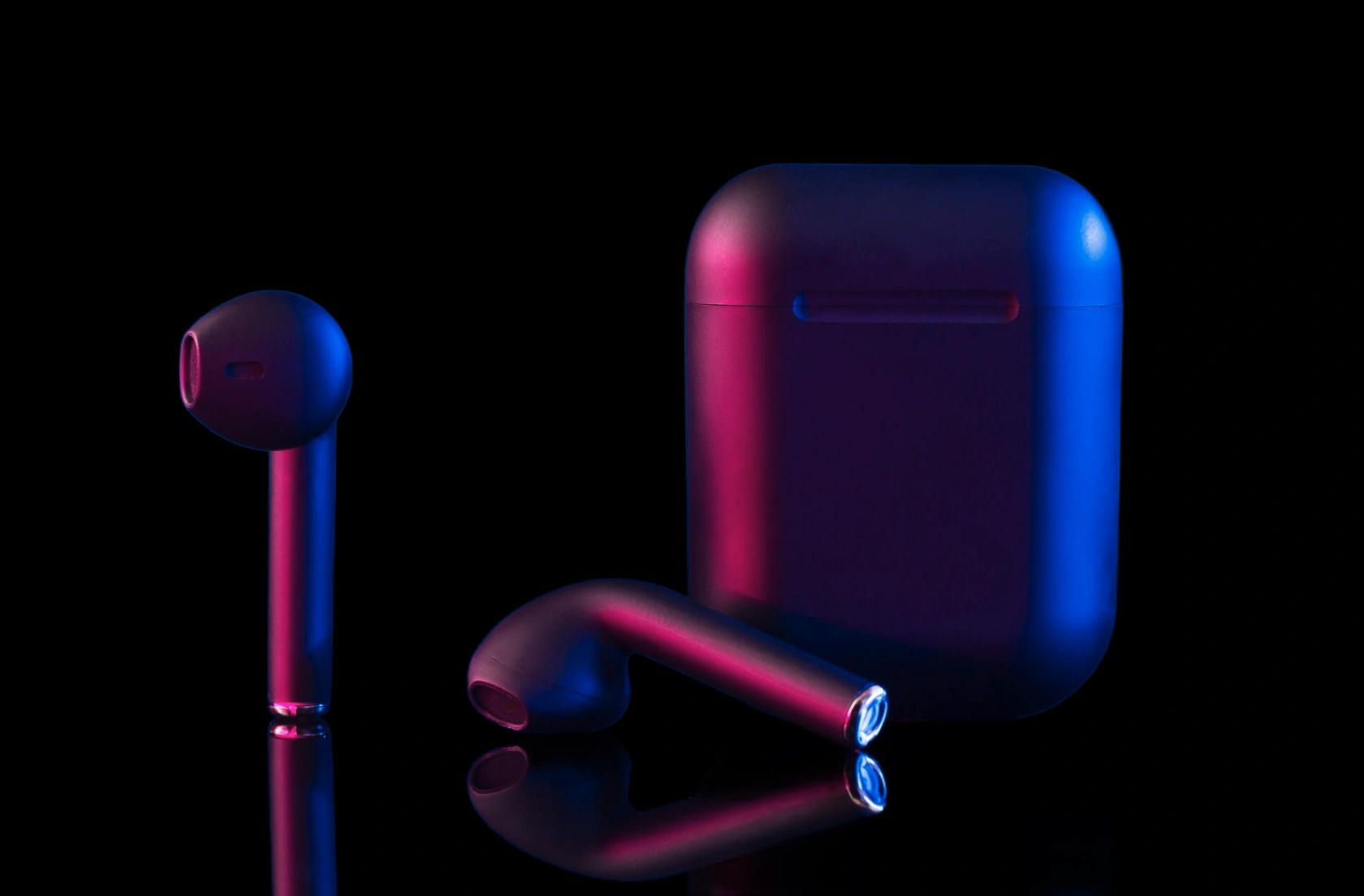
A black background creates strong contrast that makes light-colored products stand out more clearly. If you're working with white, beige, or pastel-toned items, a dark backdrop helps those colors appear more vivid and eye-catching. This contrast draws attention to your product without needing extra effects, props, or heavy editing. It’s an easy way to highlight your product’s design and color while keeping your images simple, clean, and high impact.
Get the Look of a Studio Backdrop without the Setup
You don't need a lighting kit or a seamless roll to get that polished studio look. Just upload your product photo and add a black background with AI. It gives you a clean, consistent result in seconds, without the hassle of setting up a shoot. Want to create more versions for different listings? You can also use our tools to change the background color or add a white background for darker products - all from the same original image.
Explore More AI Tools
Frequently Asked Questions
How to add a black background to my image?
To add a black background to a product photo, upload your image to an online tool. You can use Patternful to add a black background with AI, making your product stand out more clearly against other listings.
Can I use the black background tool for product photos?
A black background can work very well for product photos when you want extra contrast and focus on the item. It can help products stand out in marketplace listings, especially when you want to highlight shape, finish, or small details.
Will a black background affect how my product looks?
A black background will affect how your product looks by increasing contrast and making colors appear stronger. You can try black, white, and colored backgrounds in Patternful and compare the results to see which version fits your product and brand best.
What about privacy? Are my product photos safe?
Yes, your images are safe with us. Patternful.ai prioritizes user data safety. Your images are always private, proprietary, and they remain your property. All your uploaded images are automatically deleted from our servers after a few hours.