Black and White Background - AI Photo Editor
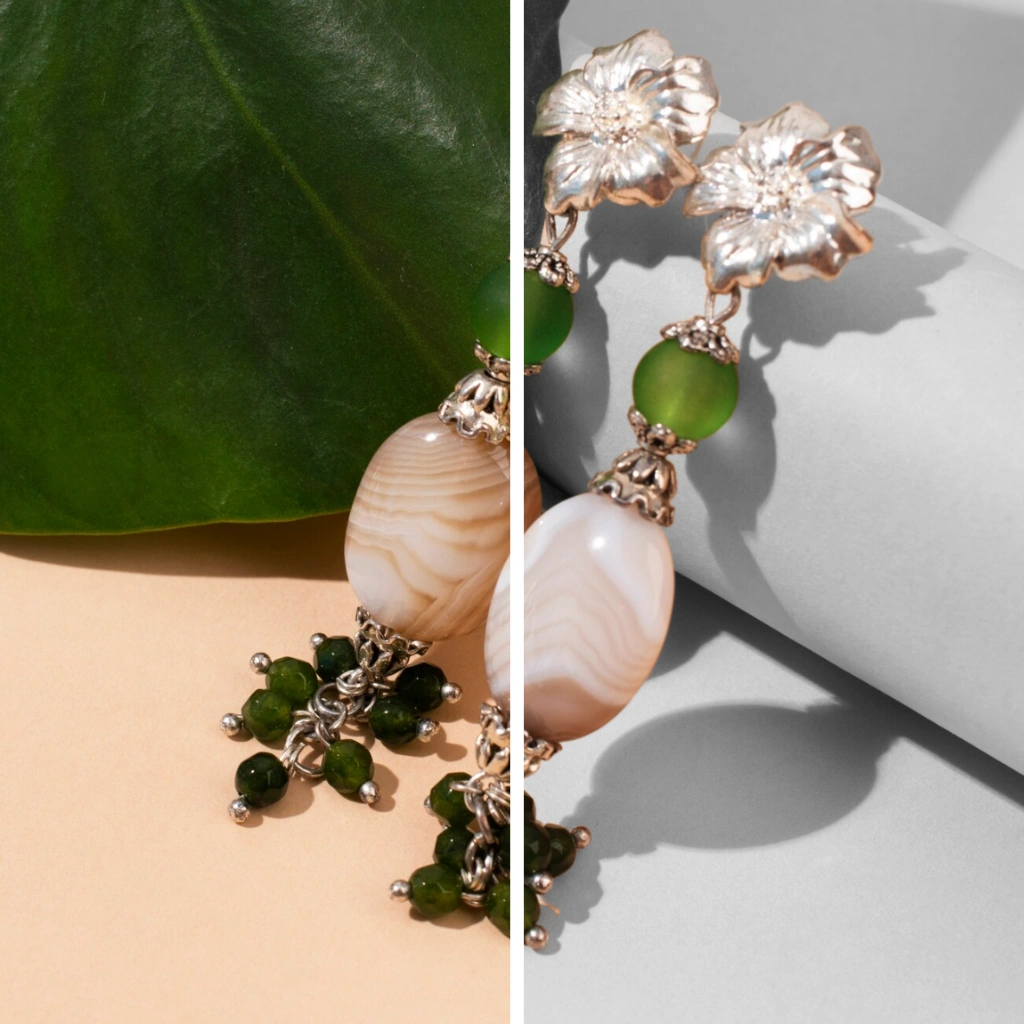
Create Timeless Artistic Effects Instantly
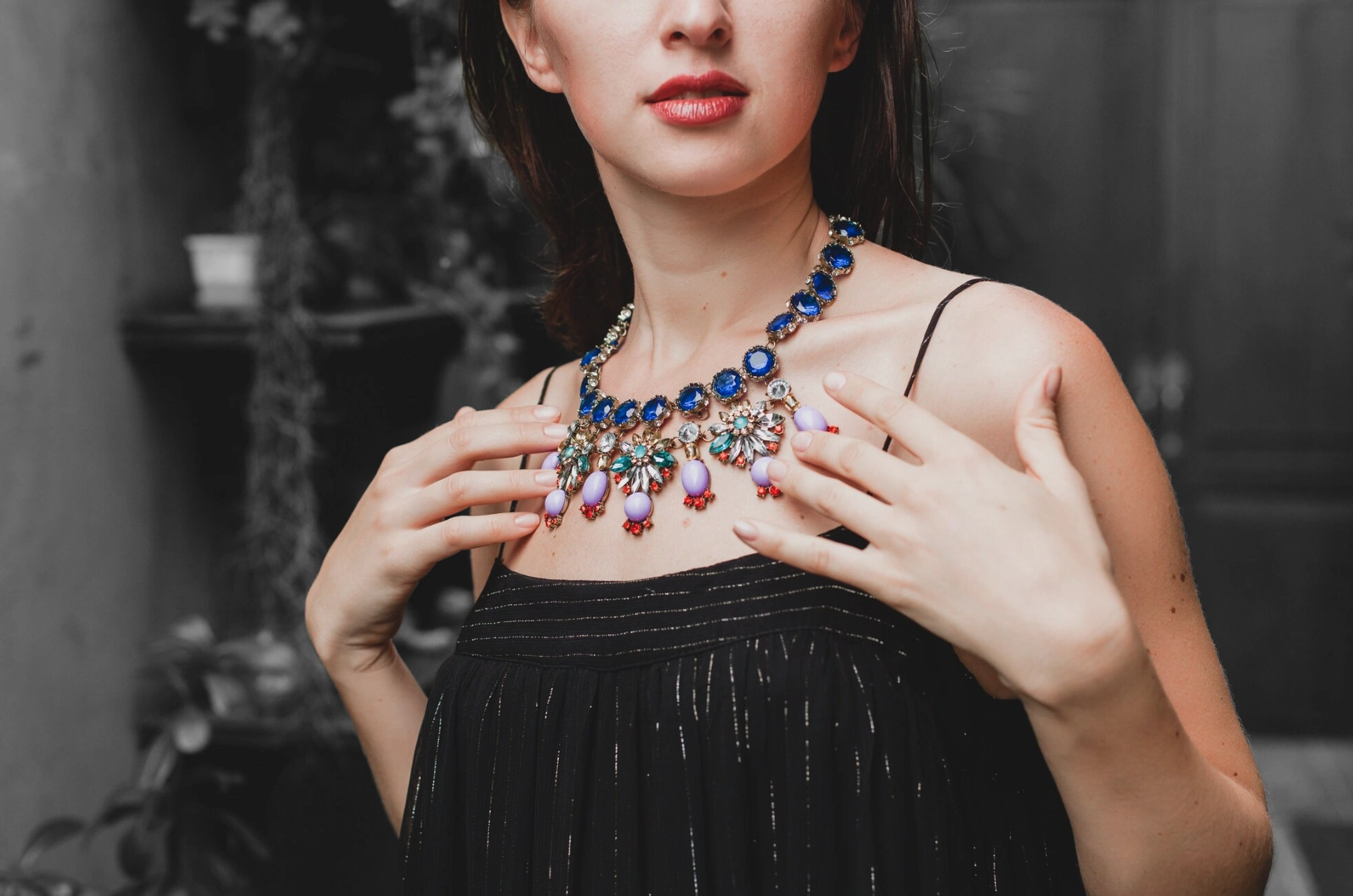
No need for complex photo editing software. Patternful AI automatically removes your background and converts your photo to black and white, placing your colorful subject on top for a striking, professional look in seconds.

Make Your Subject Pop with Dramatic Contrast
The black and white background creates powerful visual contrast that draws the eye directly to your subject. Perfect for product photography, portraits, and artistic presentations where you want maximum impact.
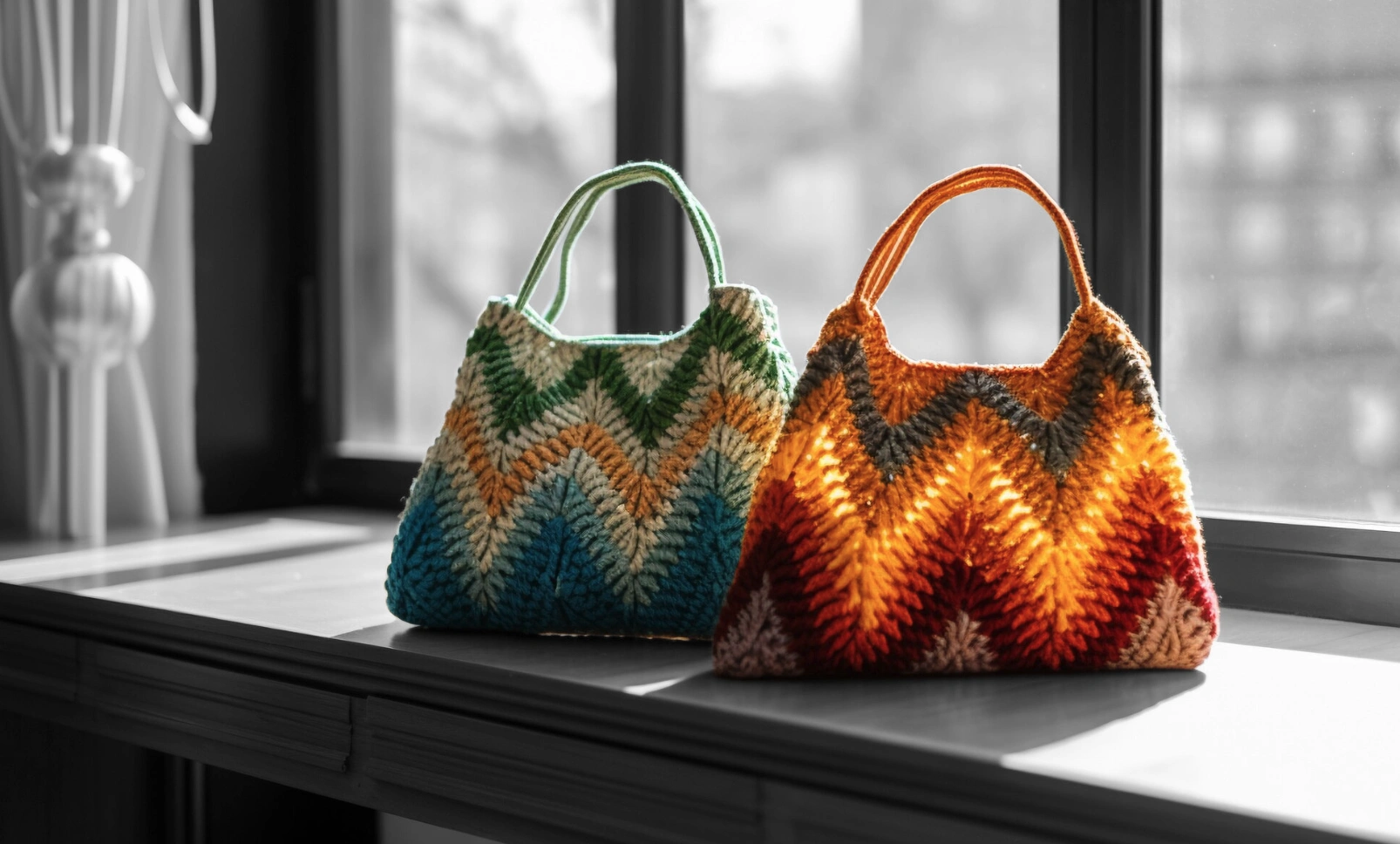
Perfect for Professional & Artistic Projects
Create sophisticated images for portfolios, art galleries, fashion lookbooks, and premium product listings. The black and white background effect gives your photos a timeless, elegant quality that stands out.
Explore More AI Tools
Frequently Asked Questions
How does the black and white background tool work?
Patternful.ai's black and white background tool uses AI to remove the background from your image, then converts the original photo to black and white and places your subject on top in full color. This creates a striking artistic effect that makes your subject stand out.
What type of images work best with black and white background?
Black and white background works great with portraits, product photos, fashion photography, and any images where you want dramatic contrast. It's perfect for artistic presentations, vintage-style photos, and creating timeless, elegant imagery.
Will my subject remain in color?
Yes! The AI removes your subject's background, keeping it in full color while converting only the background to black and white. This creates a beautiful contrast that draws attention to your subject.
Is this different from regular background removal?
Yes! While background removal gives you a transparent background, the black and white background tool keeps your original photo as a grayscale backdrop, creating an artistic, timeless effect that adds depth and sophistication to your images.
Can I use black and white background images commercially?
Absolutely! Images created with Patternful.ai's black and white background tool can be used for both personal and commercial purposes, including e-commerce, marketing materials, art portfolios, and social media.