Profile Portrait Filter
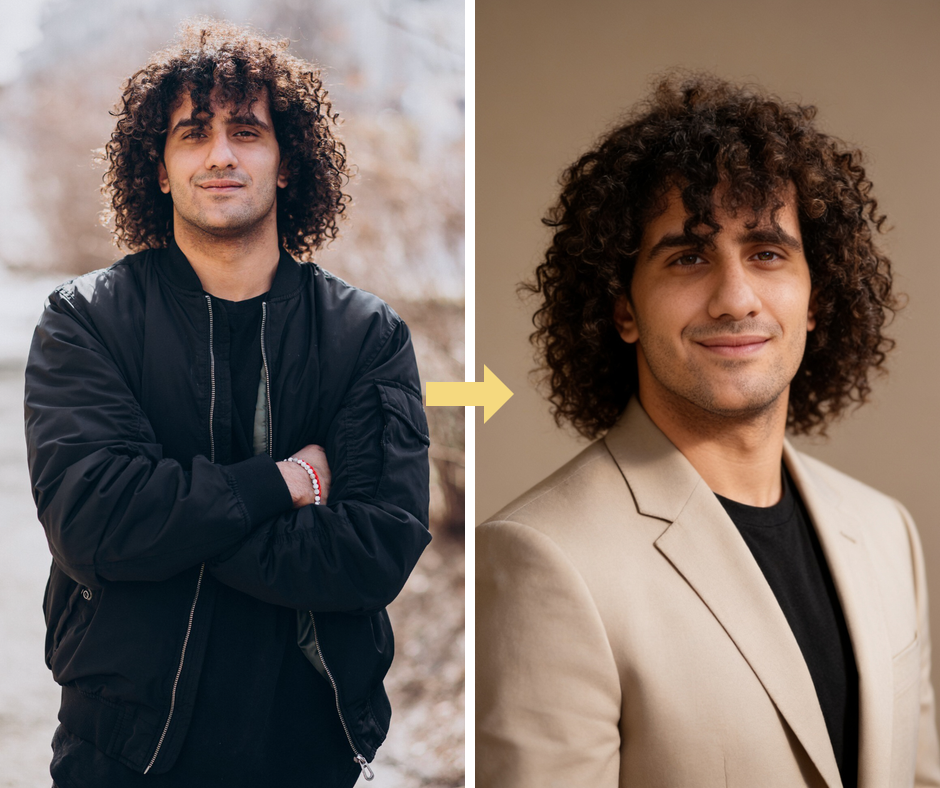
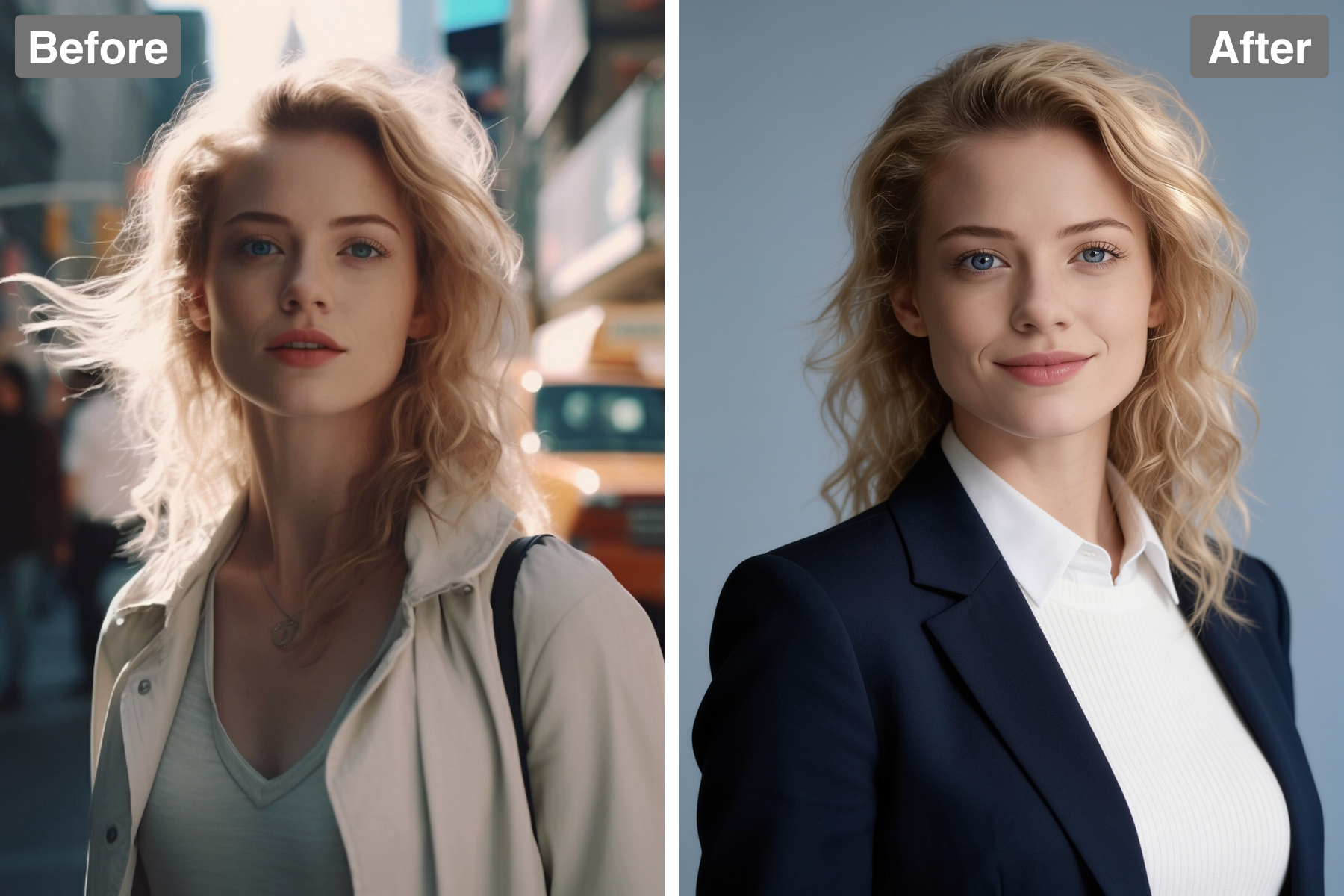
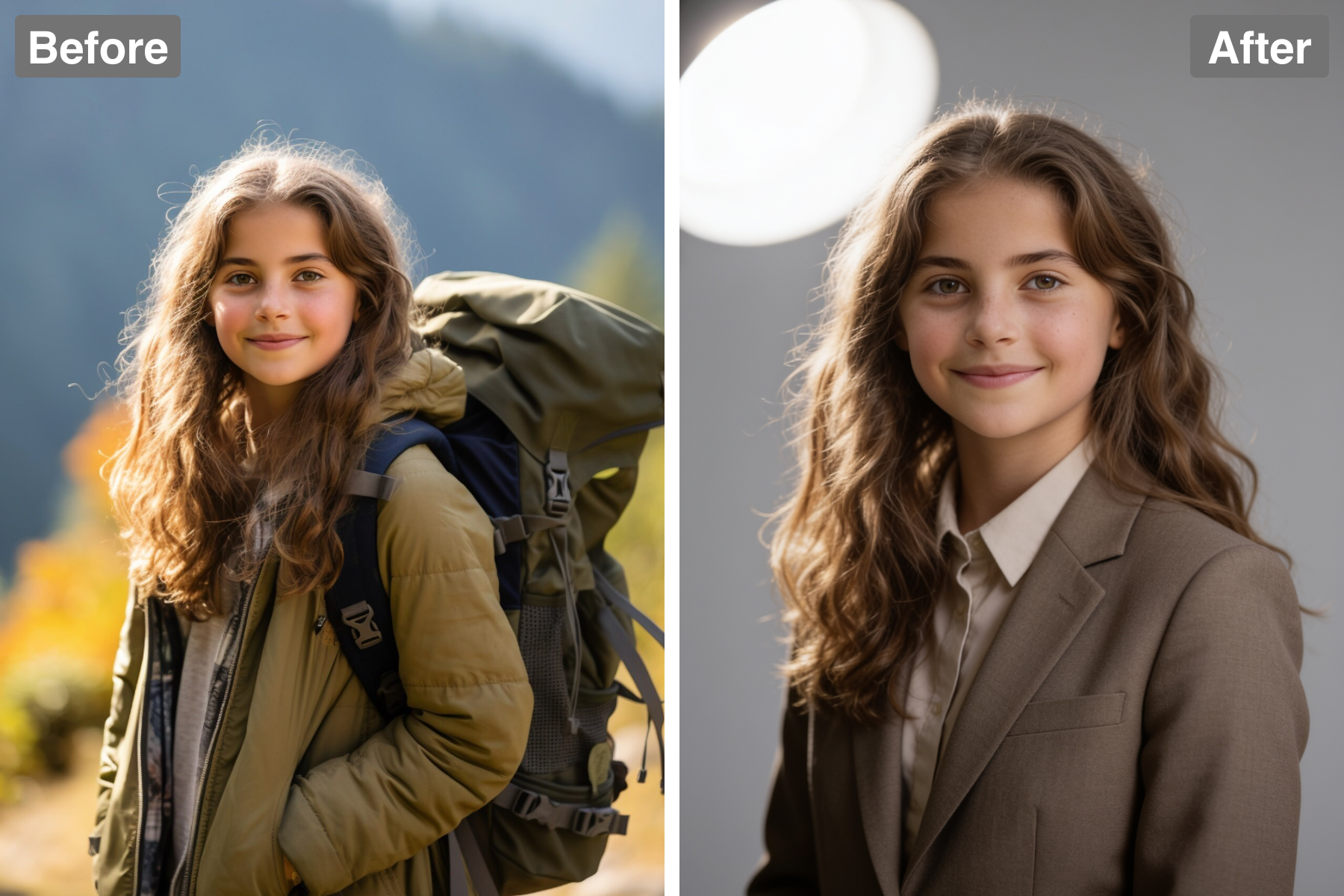
Get a polished profile picture. AI relights your photo with flattering studio lighting and a clean backdrop for a sharp, professional headshot.
AI-Driven Precision
Harness the power of advanced AI technology to ensure that every detail in your profile portrait is polished and refined. The Profile Portrait filter automatically enhances contrast and sharpness for a breathtaking look that stands out. Put your best face forward with an image that is both captivating and professional.
User-Friendly Interface
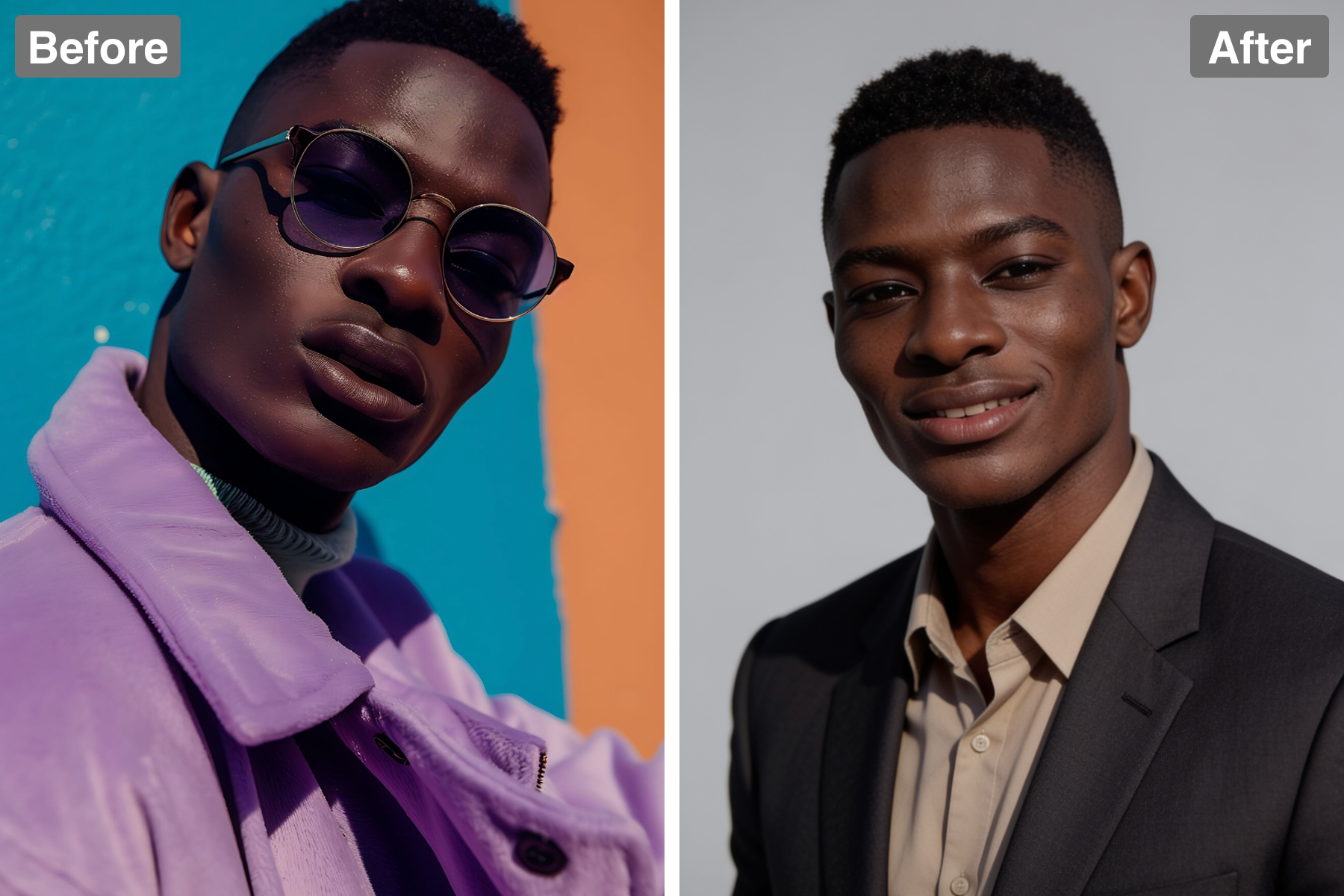
With an intuitive interface, uploading and editing your photos with the Profile Portrait filter is a breeze. No need for technical skills; just a few clicks can transform your images. Enjoy a seamless experience that allows you to focus on what matters: showcasing your best self.
Customizable Options
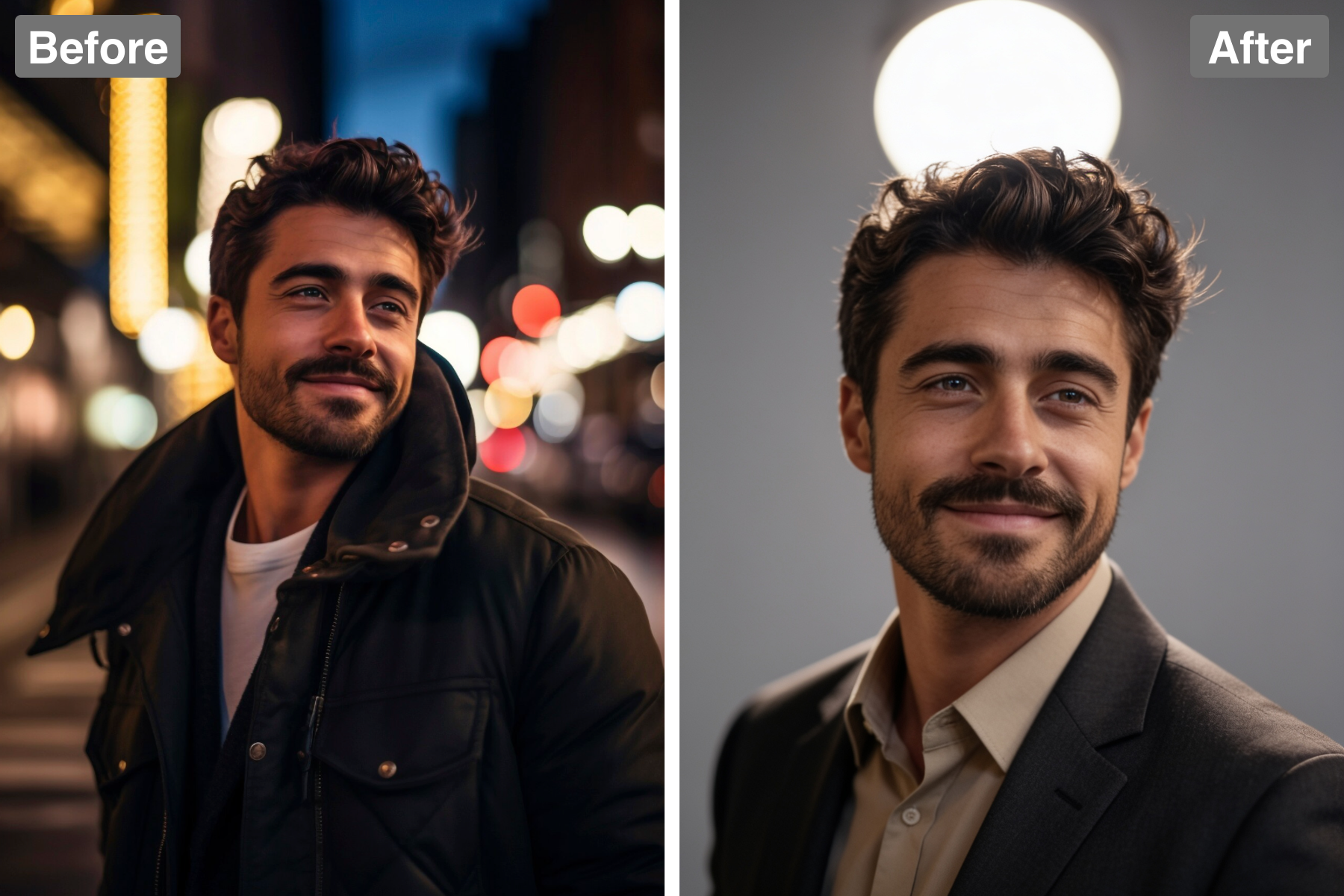
While the Profile Portrait filter has a streamlined design, it also offers customizable options to suit your personal style. Adjust brightness, contrast, and more, ensuring each portrait reflects your unique persona. Get ready to tailor your profile picture to your liking whenever you want.
Instant Preview and Download
Don’t wait to see your transformation! With the Profile Portrait filter, you receive an instant preview of your newly enhanced image. Once satisfied, easily download your portrait for immediate use across all platforms—no hassle, just stunning results at your fingertips.
Discover the Possibilities
Real-World Applications of Profile Portrait
Boost Your Professional Brand
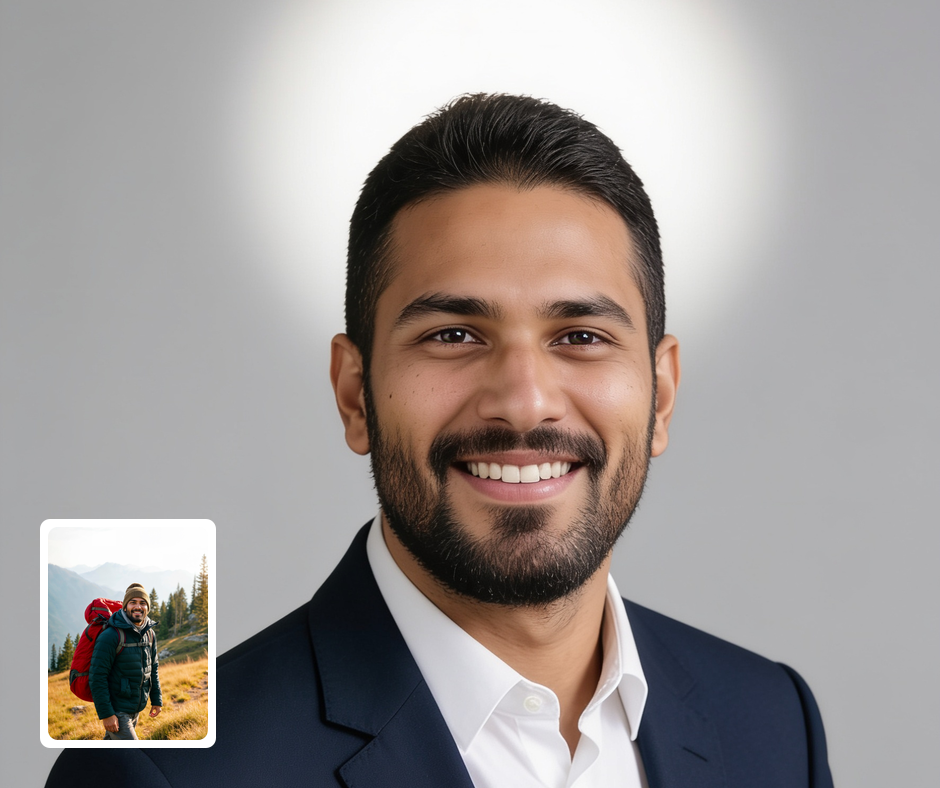
A striking profile portrait can significantly enhance your professional brand. Use it for LinkedIn or company websites to show your potential employers or clients who you are. With our AI-enhanced filter, you can achieve a look that communicates professionalism and reliability at a glance.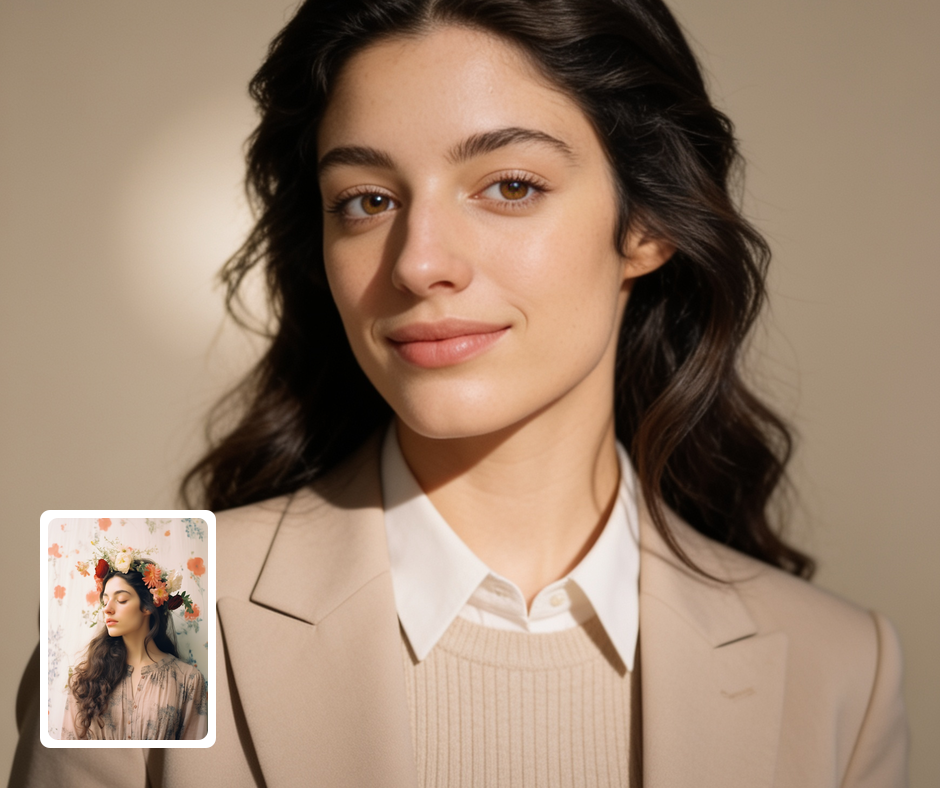
Perfect for Networking Events
Networking events are all about first impressions, and our Profile Portrait filter sets you up for success. Showcase your best side-profile headshot that conveys confidence and approachability. Make the most out of your networking opportunities with a photo that speaks volumes before you even say a word.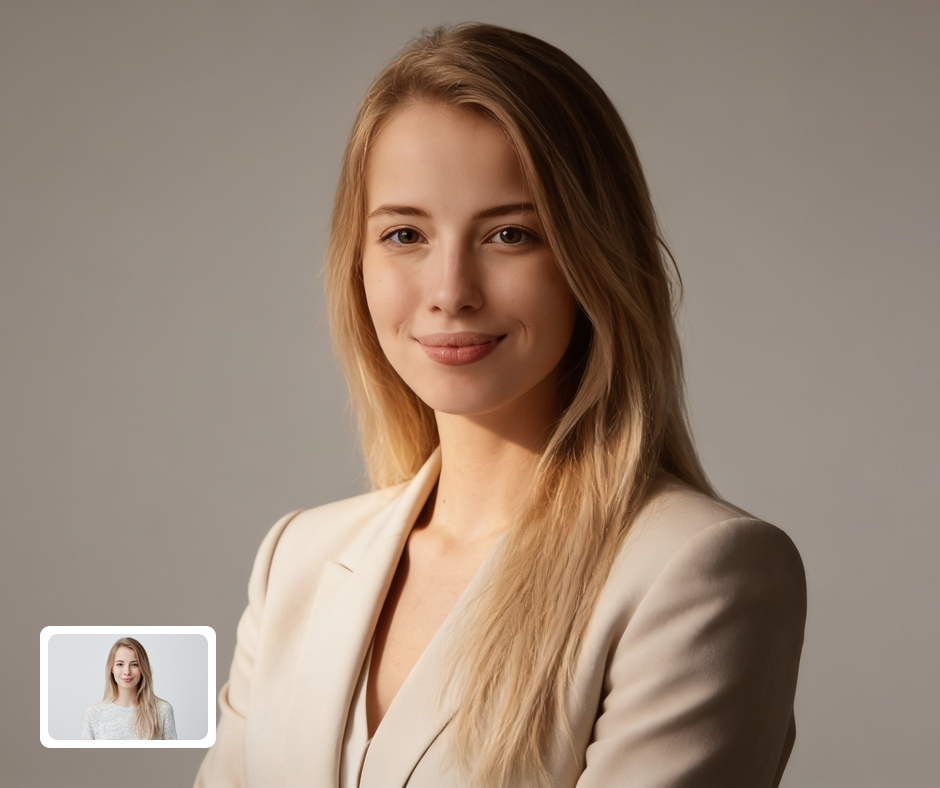
Create Stunning Social Media Profiles
In the digital age, your online presence matters more than ever. A professional side-profile headshot can make your social media profiles more engaging and trustworthy. Enhance your personal image and connect better with your audience using the Profile Portrait filter.
Transform Your Photos
Explore More AI Image Filters
Frequently Asked Questions
What makes the Profile Portrait filter different?
The Profile Portrait filter is designed to create a stunning, clean, and professional side-profile headshot that stands out in any context. With just a simple upload, you can achieve a polished look that instantly elevates your personal or business brand. This filter leverages advanced AI technology to ensure your photo reflects professionalism and clarity, perfect for CVs, business profiles, or networking events.
Can I use the Profile Portrait filter for social media?
Absolutely! The Profile Portrait filter is perfect for enhancing your social media presence. With its sleek and polished output, your side-profile images will convey confidence and professionalism, making you stand out in a sea of standard photos. Whether it’s for LinkedIn, Instagram, or any other platform, this filter helps you make a lasting impression.
What types of images work best with this filter?
The Profile Portrait filter works best with clear, well-lit images where your profile is visible and facing to the side. Aim for a background that is not too busy so that the focus remains on you. The cleaner the image, the better the AI can enhance the details, resulting in a refined and professional portrait.
Is my privacy protected when using Patternful.ai?
Yes, your images are safe with us. Patternful.ai prioritizes user data safety. Your images are always private, proprietary, and they remain your property. All your uploaded images are automatically deleted from our servers after a few hours.