Plush Pillow Filter
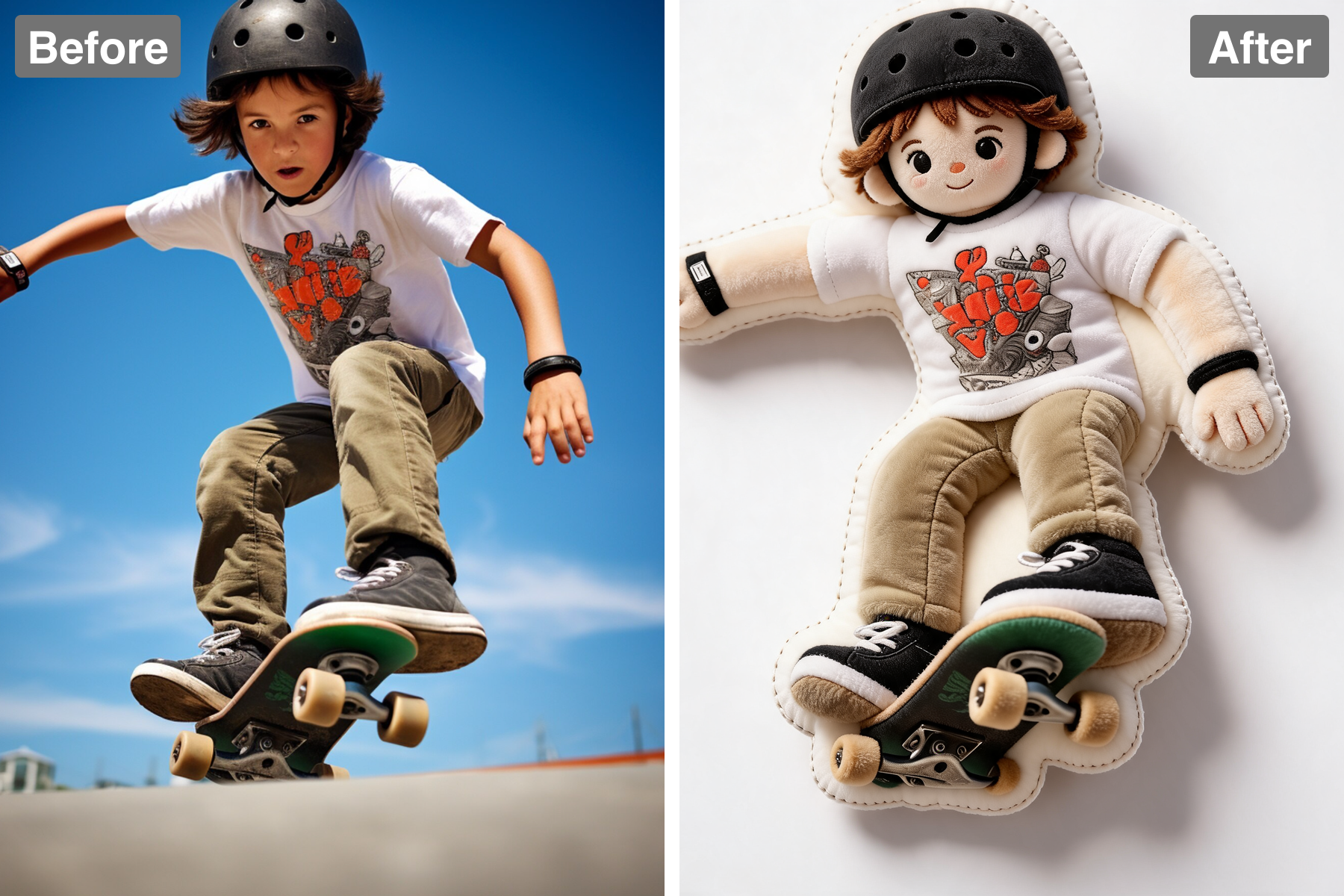
Turn photos into a plush pillow. AI rebuilds your subject as a squishy stuffed cushion with soft fabric texture and neatly stitched edges.
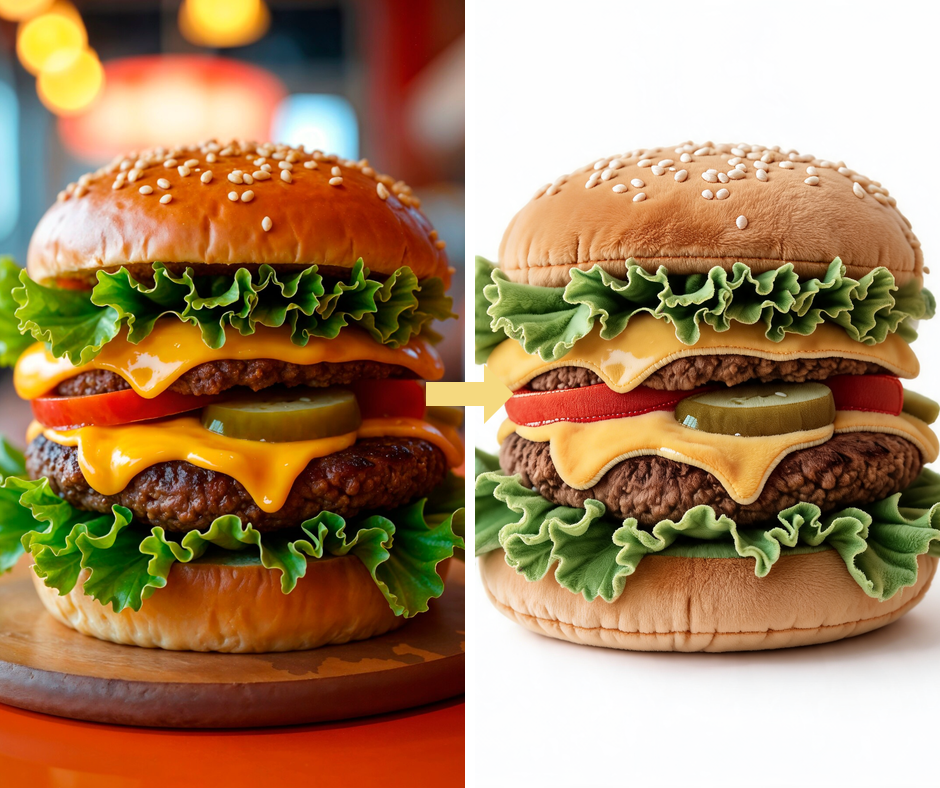
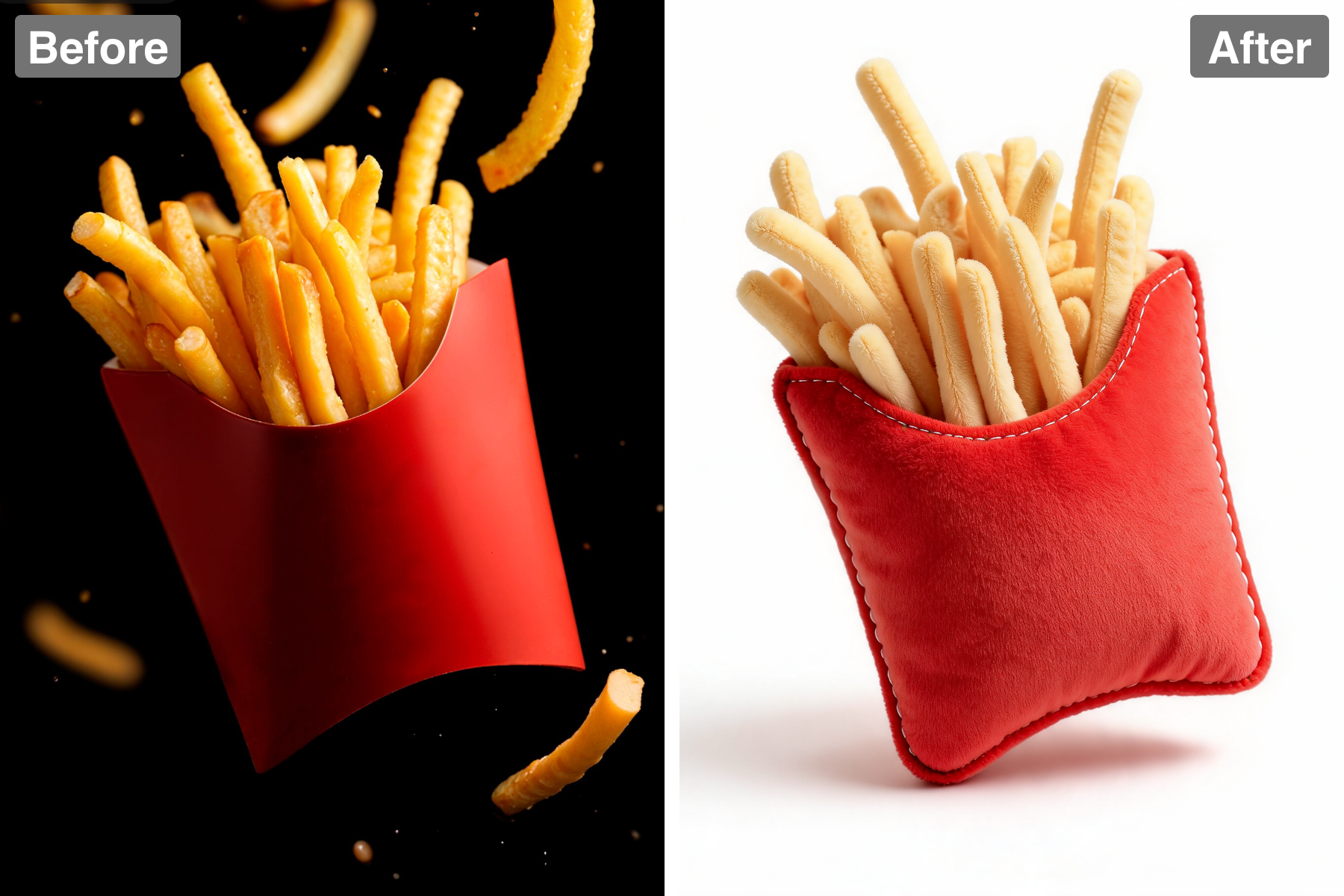
Squishy Cushion Shape
Your subject becomes a flat, puffy stuffed cushion shaped to its own outline. The silhouette is simplified into a single closed, rounded form, because a real sewn pillow cannot hold thin protrusions or deep concave gaps without losing its stuffing. Volume is greatest at the centre and tapers toward the sewn edge, exactly how a stuffed cushion distributes filling. Gentle bulges and soft creases show where the stuffing presses against the fabric from inside. Slight asymmetry keeps it looking hand-sewn rather than machine-perfect. It looks genuinely squeezable.
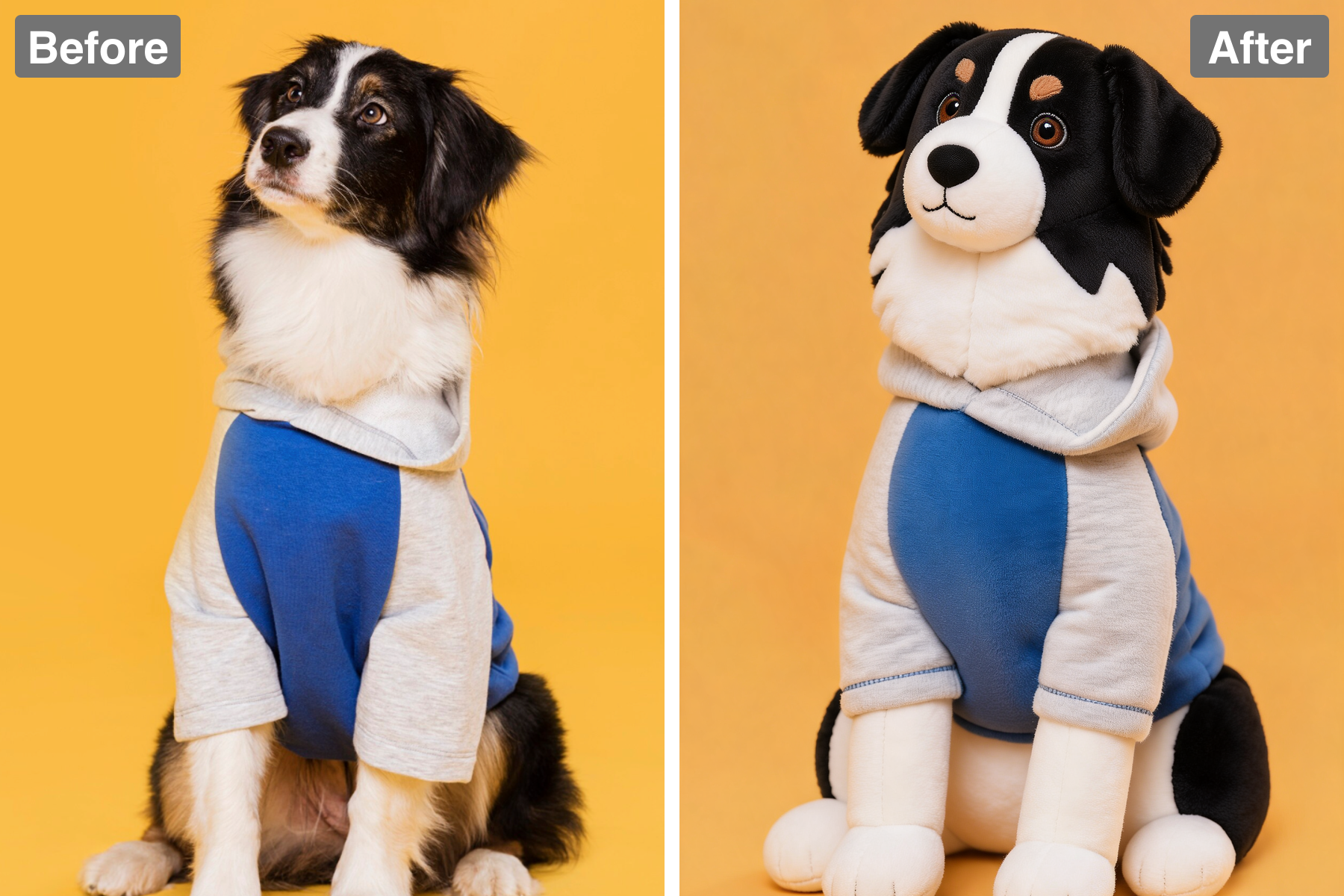
Soft Fabric Texture
Gentle fabric texture and visible seam stitching around the edge sell the plush material. The stitch line runs consistently around the entire perimeter with even spacing, the way a real sewn seam does, and the fabric puckers very slightly at each stitch where the thread pulls it in. The material reads as soft brushed minky or fleece, with a fine fibrous nap that catches light along the edges and softens every contour. A narrow flat border sits outside the stitching, matching how a pillow is sewn and turned. The weave is fine enough to stay soft rather than looking canvas-like. It reads as a physical object you could pick up.
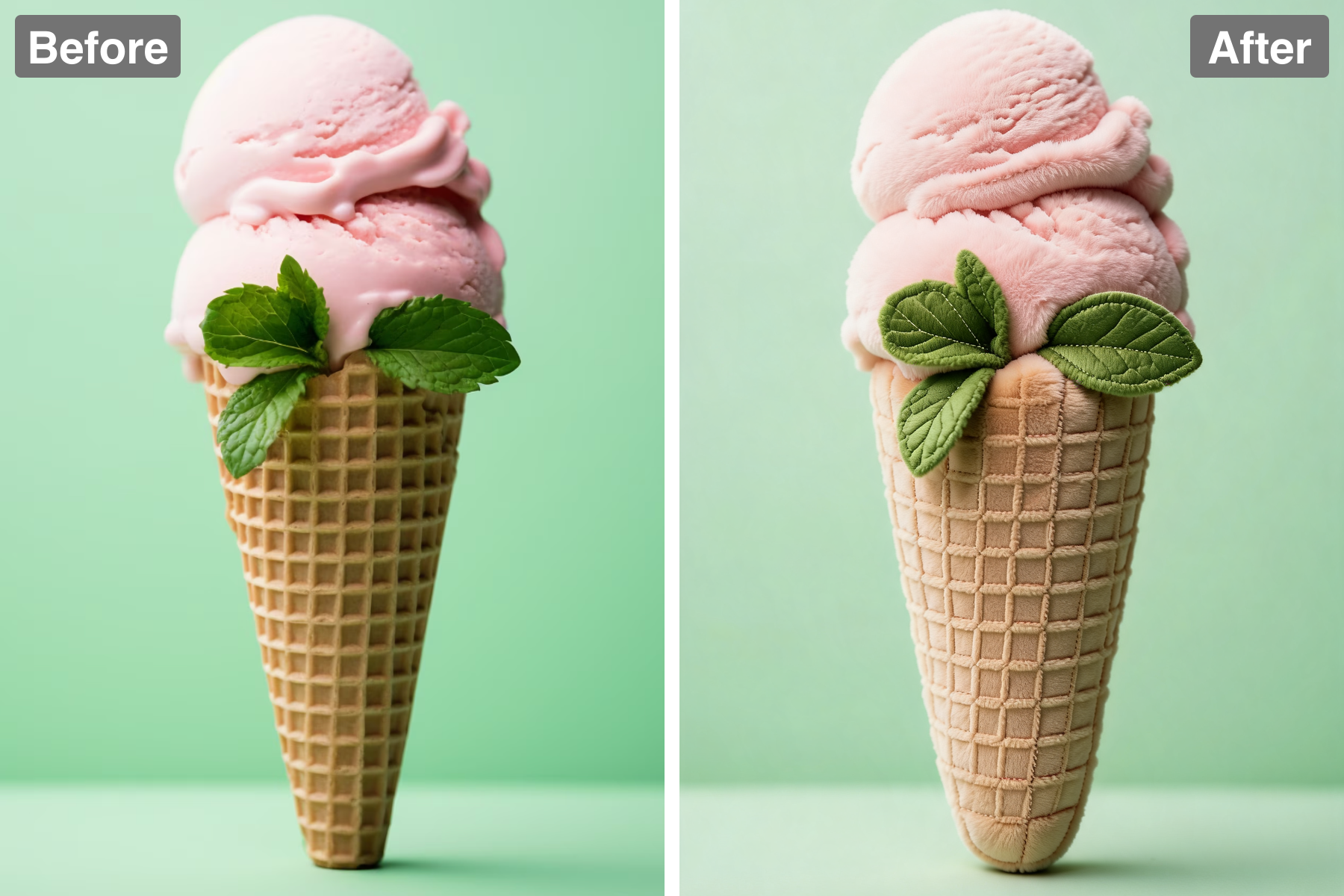
Embroidered Features
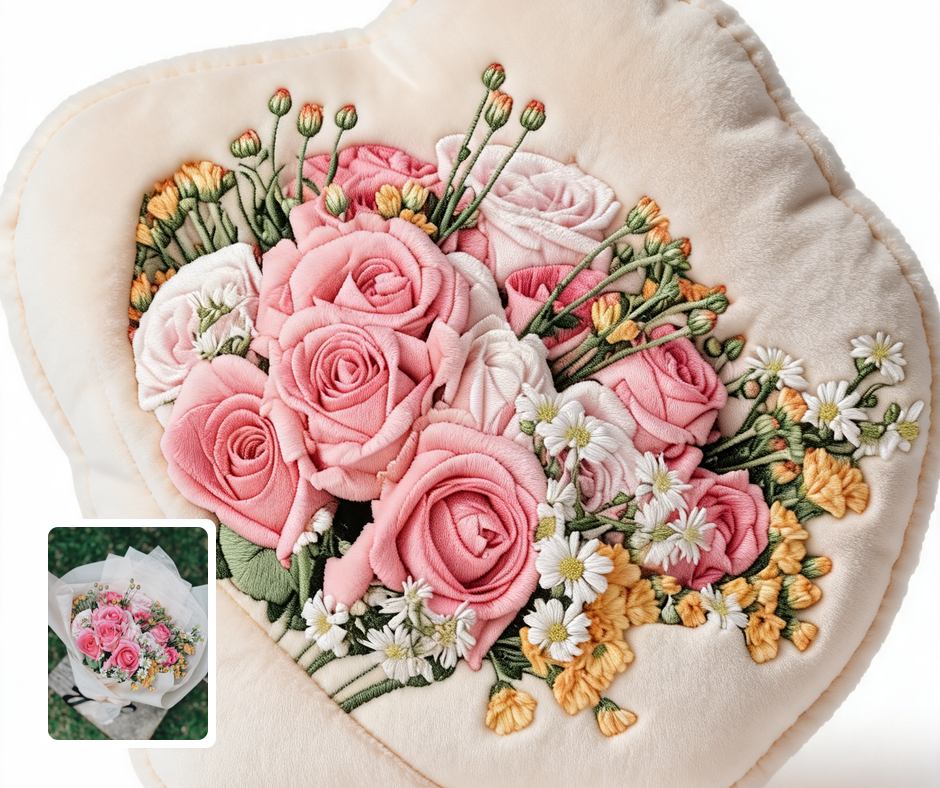
Features are rendered as embroidered or printed details for a cute, cosy look. Real plush faces are made with satin-stitch embroidery, so the features are given the slightly raised, directional sheen that packed embroidery thread produces. Details are simplified to what stitching can genuinely hold, keeping the design sweet and readable rather than photographic. Embroidered areas sit slightly proud of the surrounding fabric and catch light along the thread direction. Colour blocking is used for larger areas the way appliqué panels would be sewn on. It gives the pillow warmth and real personality.
Clean Studio Backdrop
The pillow is presented on a plain solid-colour backdrop with soft, even studio lighting. A single flat background colour removes every distraction, letting the pillow's silhouette and stitching read cleanly — the standard approach for product photography of soft goods. Broad, even light reveals the nap of the fabric and the texture of the embroidery without harsh shadows that would flatten the material. A soft contact shadow beneath grounds the pillow so it sits on a surface rather than floating. The backdrop colour is chosen to contrast the pillow so its edges stay crisp. The result feels warm, tactile, and cleanly presented.
Discover the Possibilities
Turn Your Photo Into a Plush Pillow
Cozy Gifts
A plush-pillow portrait makes a warm, huggable-looking gift concept. It reads as soft and comforting. It suits loved ones, kids, and pets. It feels made with real care.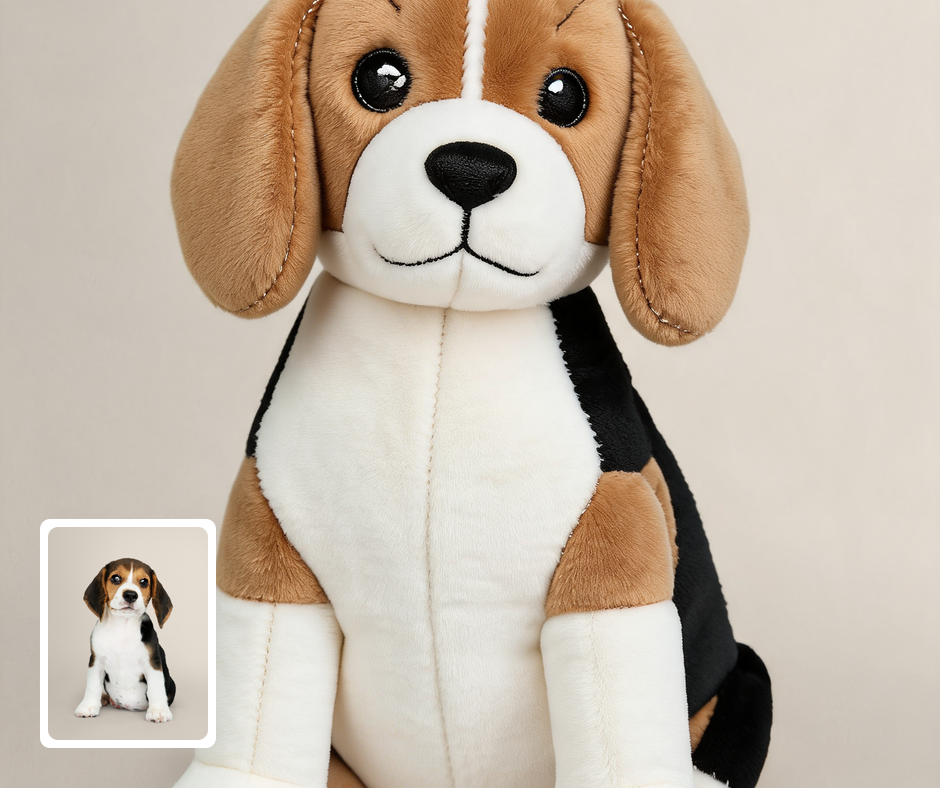
Merch Mockups
Preview a character or pet as a plush cushion before producing merch. It shows exactly how a real pillow would look. It helps plan physical products. It flatters the subject in plush form.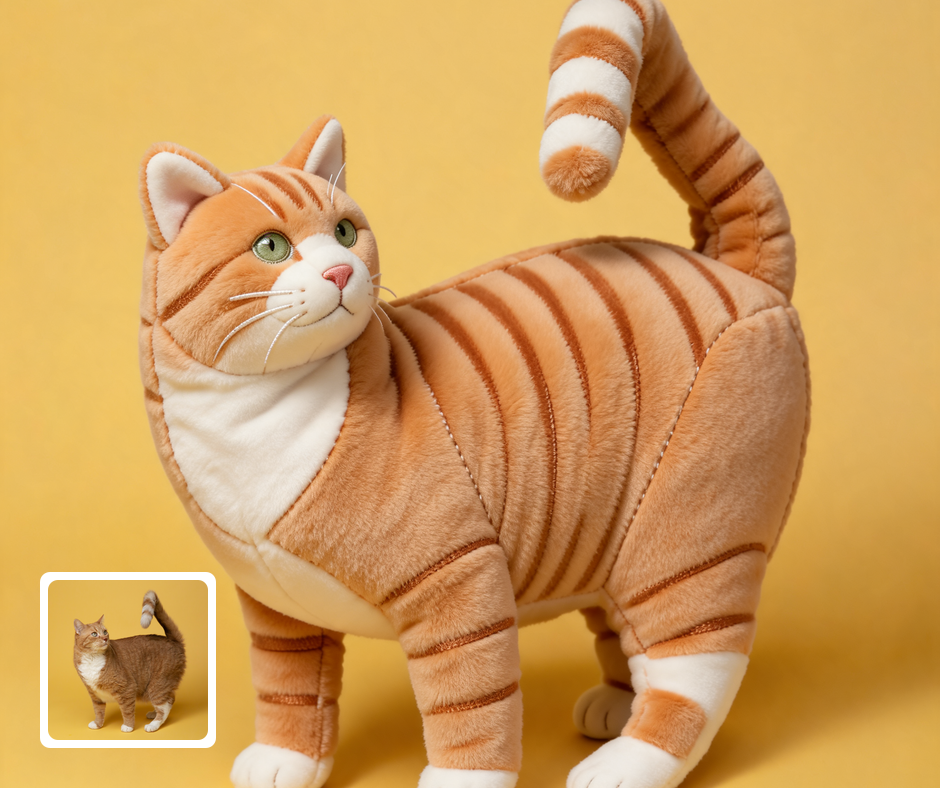
Cute Keepsakes
Turn loved ones or pets into adorable pillow art. The plush look is endlessly endearing. It captures them in a cozy, soft form. It is a keepsake people genuinely love.
Transform Your Photos
Explore More AI Image Filters
Frequently Asked Questions
What is the AI Plush Pillow filter?
The Plush Pillow filter turns your subject into a soft, squishy plush pillow. Patternful.ai applies the effect automatically with AI, producing a polished plush pillow from your photo in seconds — no editing skills or software required.
Which photos work best with the Plush Pillow filter?
Subjects with a clear silhouette make the cutest pillows. Simple poses work best for the cushion shape. In general, clear, well-lit images where the subject is unobstructed give the AI the most to work with and produce the most convincing results.
How do I use the Plush Pillow filter?
Upload your photo and Patternful.ai creates the plush pillow in seconds. Download the finished image at full resolution when it is ready, and try a few photos to see which one transforms best.
What about privacy? Are my photos safe?
Yes, your images are safe with us. Patternful.ai prioritizes user data safety. Your images are always private, proprietary, and they remain your property. All your uploaded images are automatically deleted from our servers after a few hours.