Linocut Filter
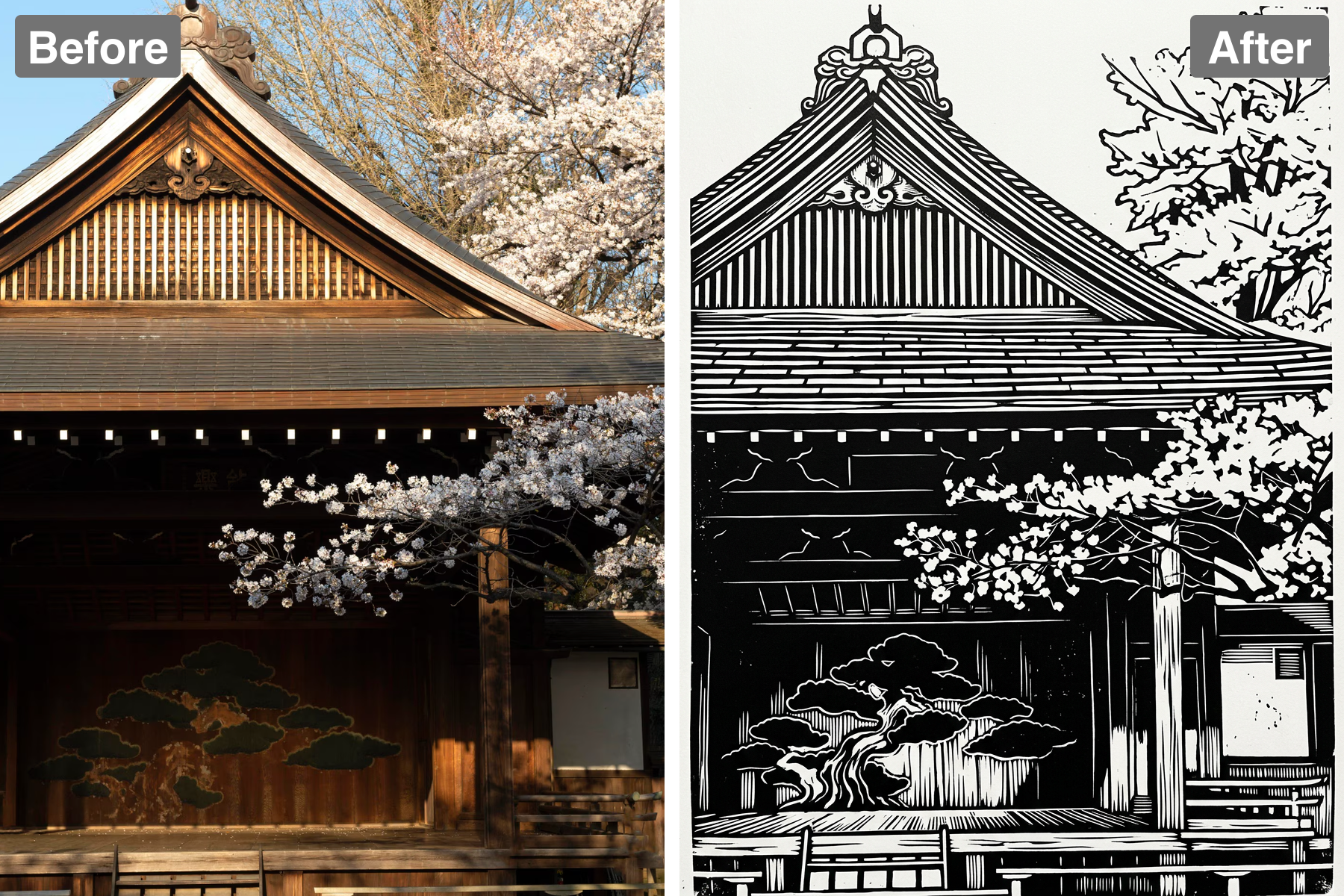
Turn photos into linocut prints. AI rebuilds your image with carved-block texture, bold high-contrast shapes, and hand-pressed ink character.
Advanced AI Technology
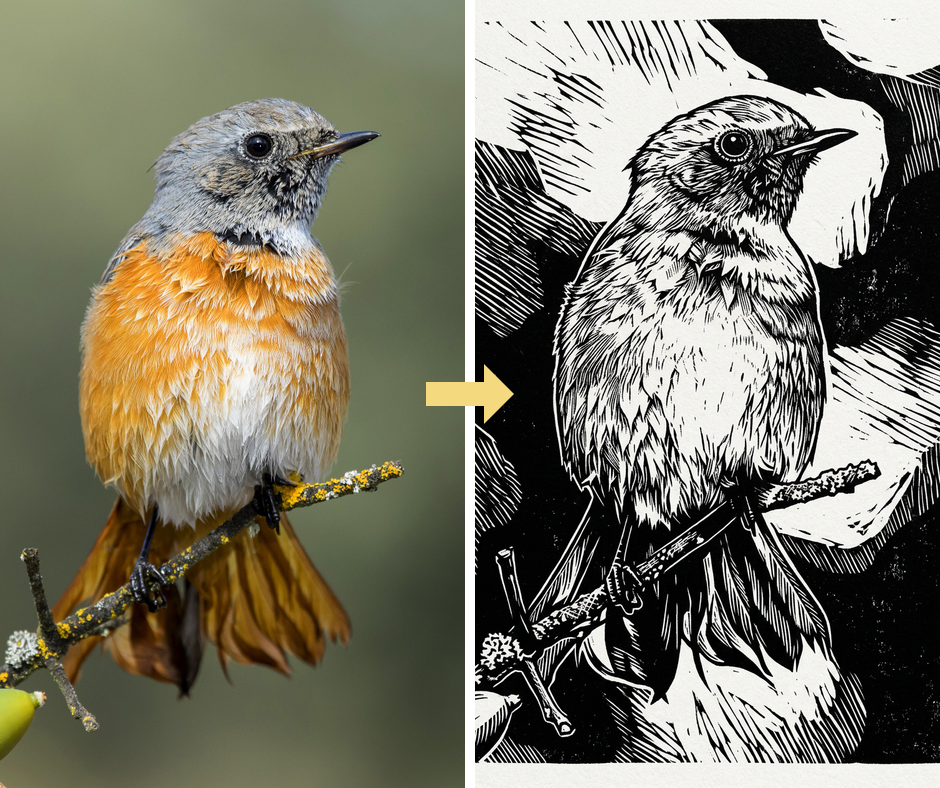
Patternful.ai harnesses the power of advanced artificial intelligence to deliver high-quality transformations in seconds. Our unique algorithms intelligently interpret your photos, applying the classic linocut styling for a seamless artistic experience. This ensures that every image you create retains its original detail while showcasing new, artistic elements. Enjoy professional-quality results with minimal effort and time!
User-Friendly Interface
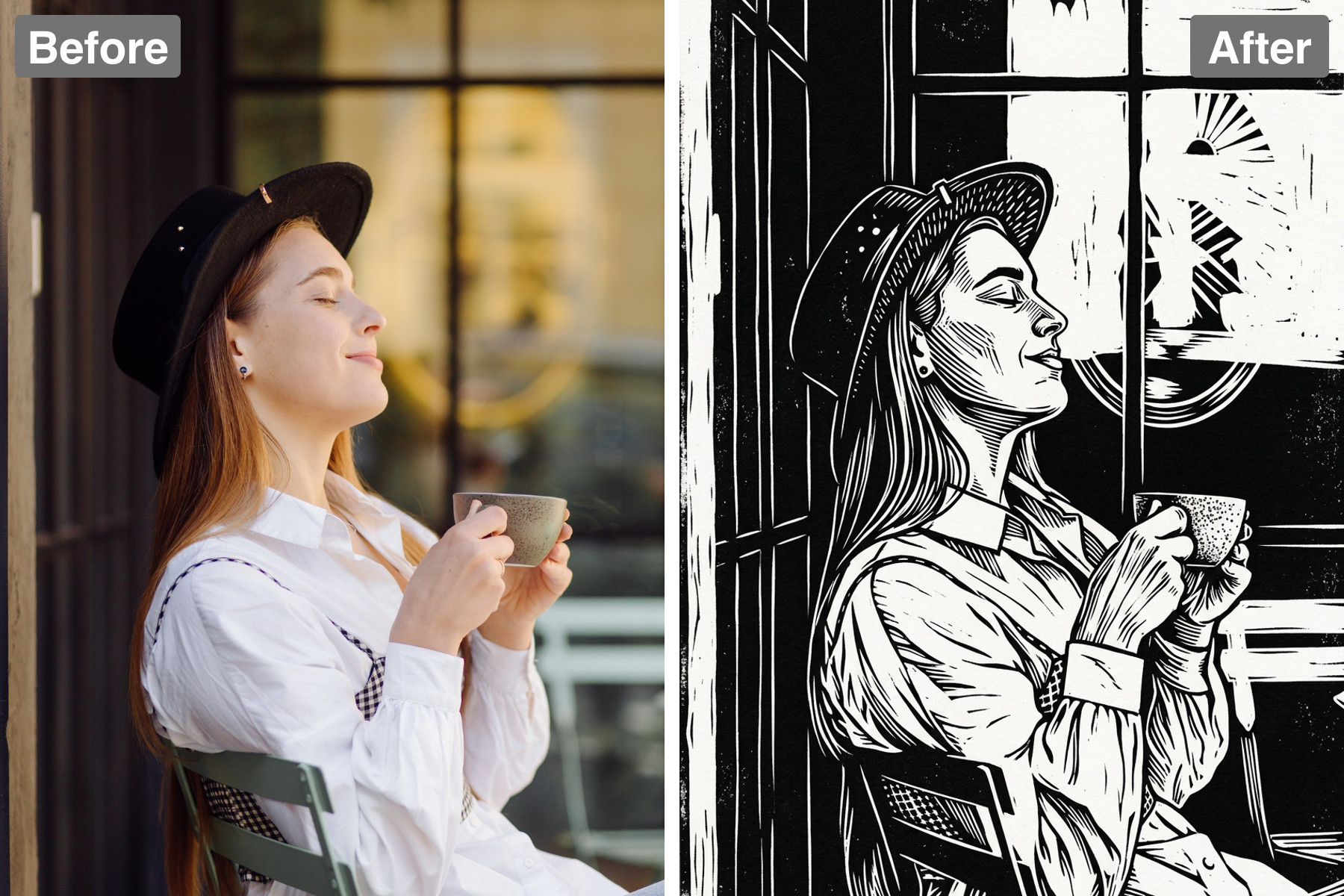
With a streamlined and intuitive interface, Patternful.ai makes it easy to navigate and apply the Linocut filter. You don't need to be a tech expert or a professional artist to create stunning images. Simply upload your photo, choose the desired filter, adjust the settings, and you're ready to share your masterpiece! Experience the joy of creating art without the hassle of complicated software.
Real-Time Preview
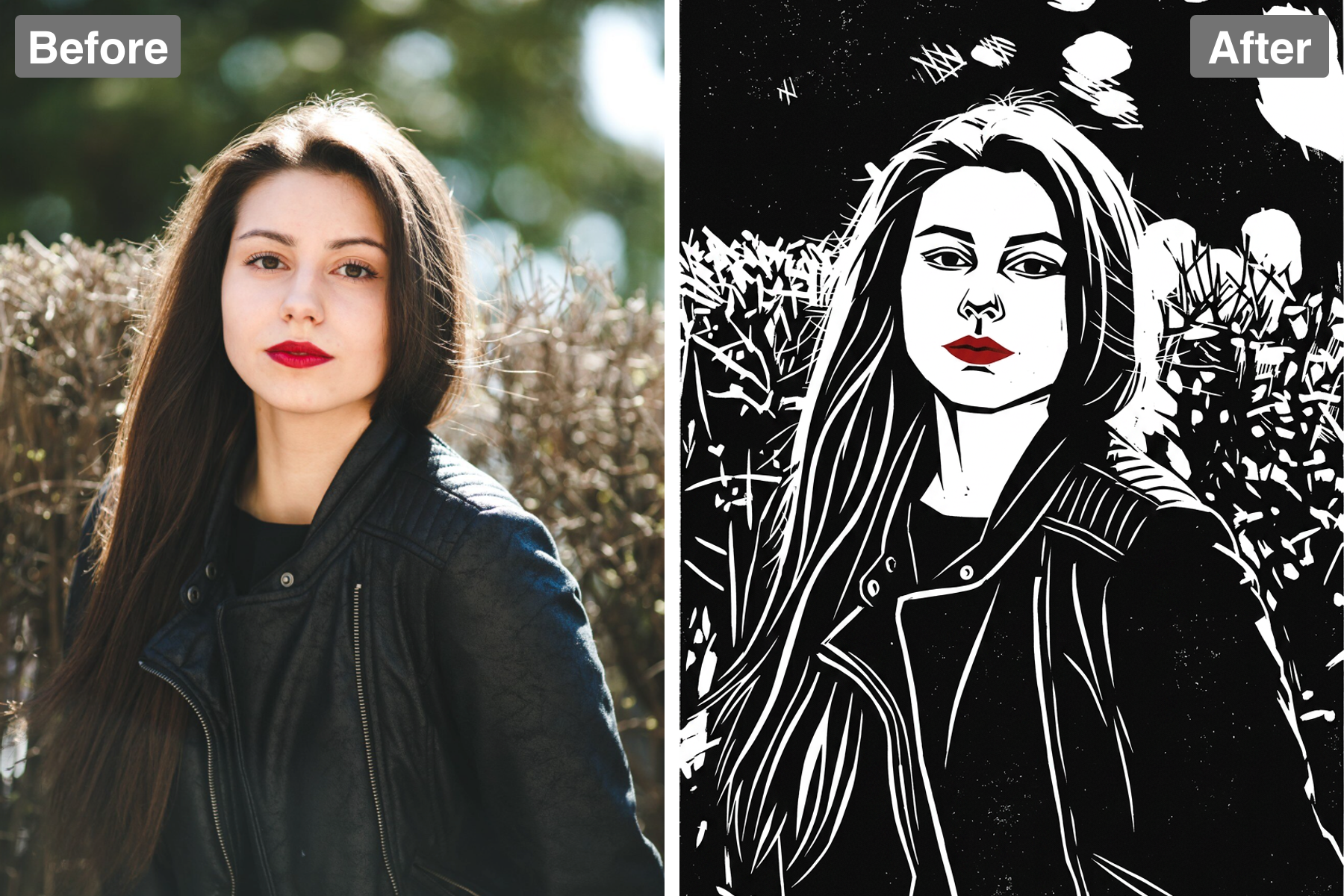
Experience the excitement of seeing your transformation in real-time with our live preview feature. As you adjust settings, you’ll witness your photo evolving into an incredible linocut print instantly. This gives you complete control over the final look, allowing for experimentation and creativity at your fingertips. Create confidently, knowing you can see exactly how your changes will affect the outcome.
Share and Inspire
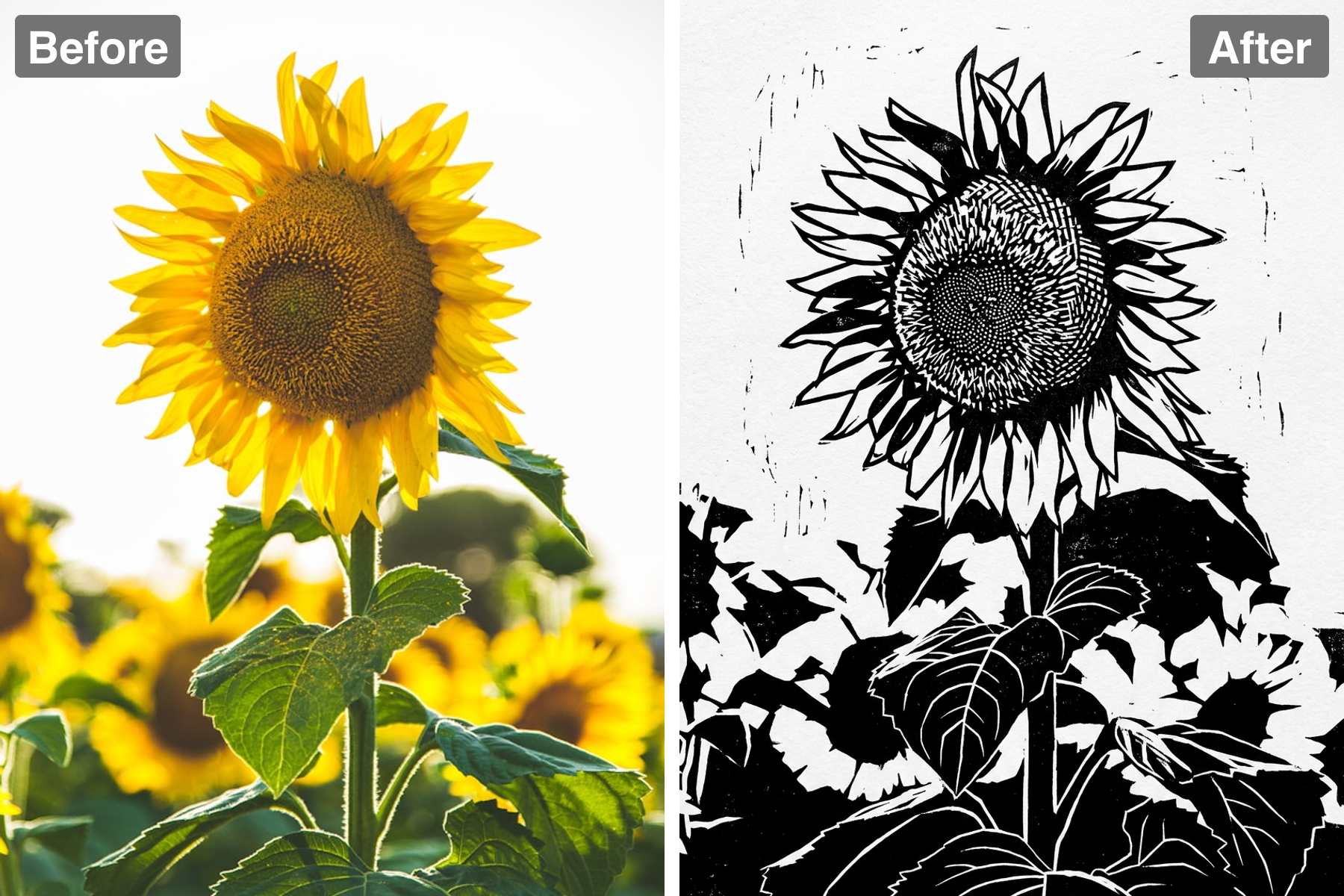
Once you've created your stunning linocut masterpiece, sharing it with friends, family, and followers is just a click away. Easily export your images in various formats, perfect for printing or online sharing. Inspire others with your artistic creations and showcase your unique style across your social media platforms. Unleash your creativity and connect with a community of fellow art lovers!
Discover the Possibilities
Creative Use Cases for Linocut Filter
Artistic Portraits
Transform your ordinary portraits into striking pieces of art with the Linocut filter. This filter captures the essence of the subject while adding an artistic flair that brings out their personality. Perfect for professional photographers and creatives looking to showcase their work in a unique style that captures attention. Share them on social media or add them to your portfolio for a standout presentation!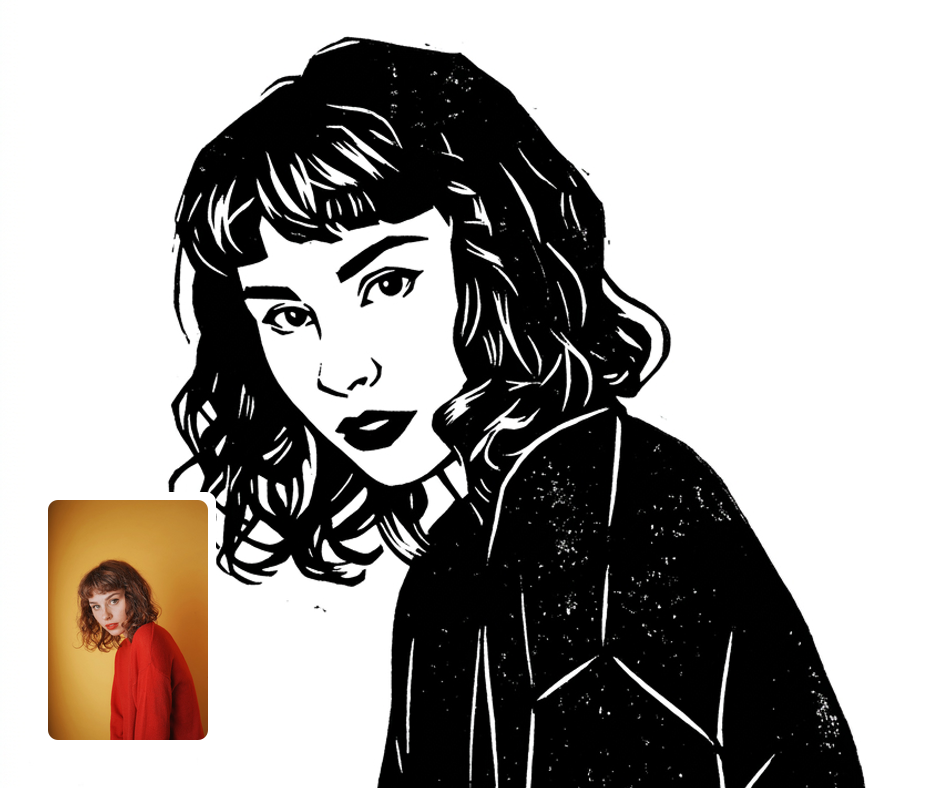
Unique Gift Ideas
Create personalized gifts by converting cherished photographs into beautiful linocut prints. Whether it’s for a birthday, anniversary, or special occasion, these artistic prints will make for memorable presents. Customizing your images with the Linocut filter turns the ordinary into extraordinary, ensuring your gift is one-of-a-kind and deeply meaningful. Brighten someone's day with a thoughtful, artistic touch!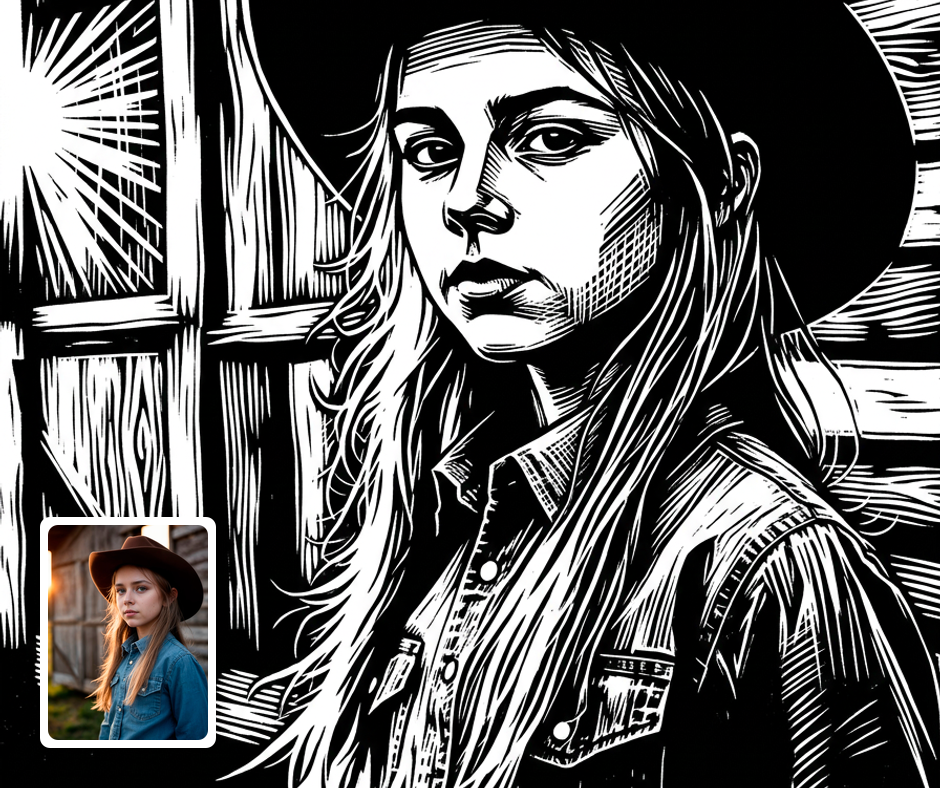
Social Media Content
Enhance your social media profile by sharing eye-catching, stylized images using the Linocut filter. Stand out from the crowd with unique visuals that capture the attention of your audience and spark engagement. With customizable features, you can develop a consistent aesthetic that reflects your brand or personal style. Elevate your online presence with artistic flair and creativity!
Transform Your Photos
Explore More AI Image Filters
Frequently Asked Questions
What is the Linocut filter?
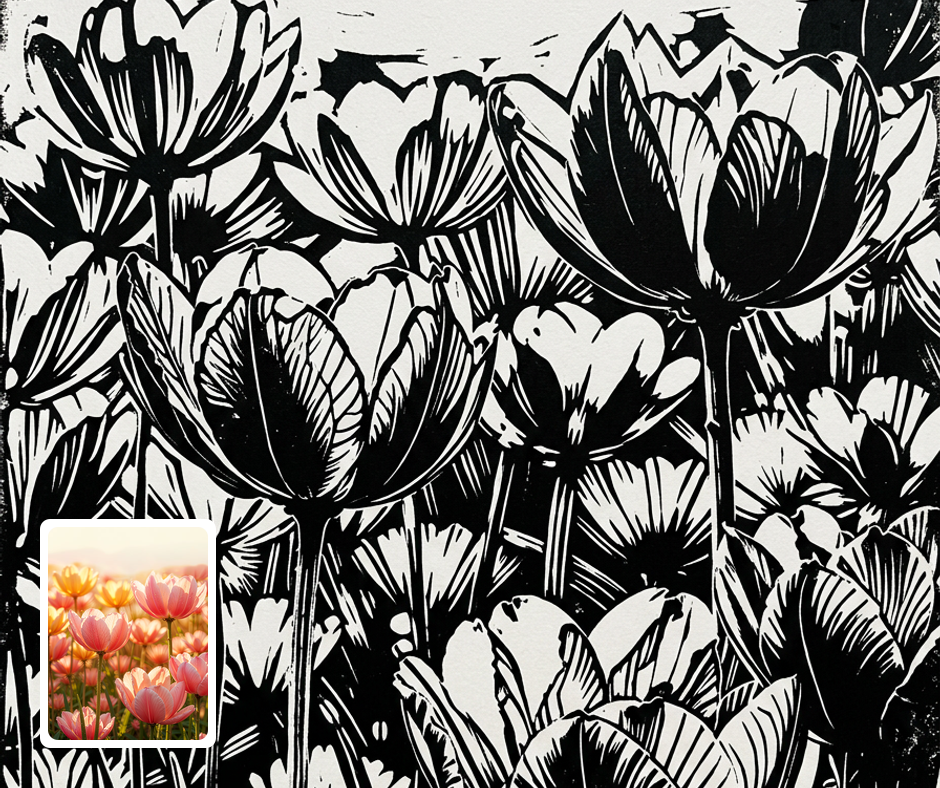
The Linocut filter transforms your photos into stunning, handcrafted linocut prints. This traditional printing technique is reimagined using advanced AI technology to create striking black-and-white designs that resemble actual linoleum prints. Enjoy the unique texture and bold contrasts, making your images stand out like never before. Perfect for artists, designers, and anyone who loves a vintage aesthetic!
How does the Linocut filter work?
Our Linocut filter utilizes sophisticated algorithms that analyze your image and convert it into intricate patterns and textures found in classic linocut art. This process highlights the essential elements of your photo while reducing unnecessary details, resulting in a stunning, stylized transformation. Simply upload your photo, select the filter, and watch your image turn into a work of art in seconds. It’s that easy to add an artistic touch to your memories!
Can I customize the Linocut filter settings?
Absolutely! Patternful.ai offers a variety of customization options to enhance your linocut prints. You can adjust the depth of the contrast, the texture intensity, and even apply different styles of linocut aesthetics to match your vision. With these features, you can create unique, personalized designs that reflect your artistic preferences, giving every photo a distinctive flair.
Is my privacy protected when using Patternful.ai?
Yes, your images are safe with us. Patternful.ai prioritizes user data safety. Your images are always private, proprietary, and they remain your property. All your uploaded images are automatically deleted from our servers after a few hours.