Gta Screenshot Filter
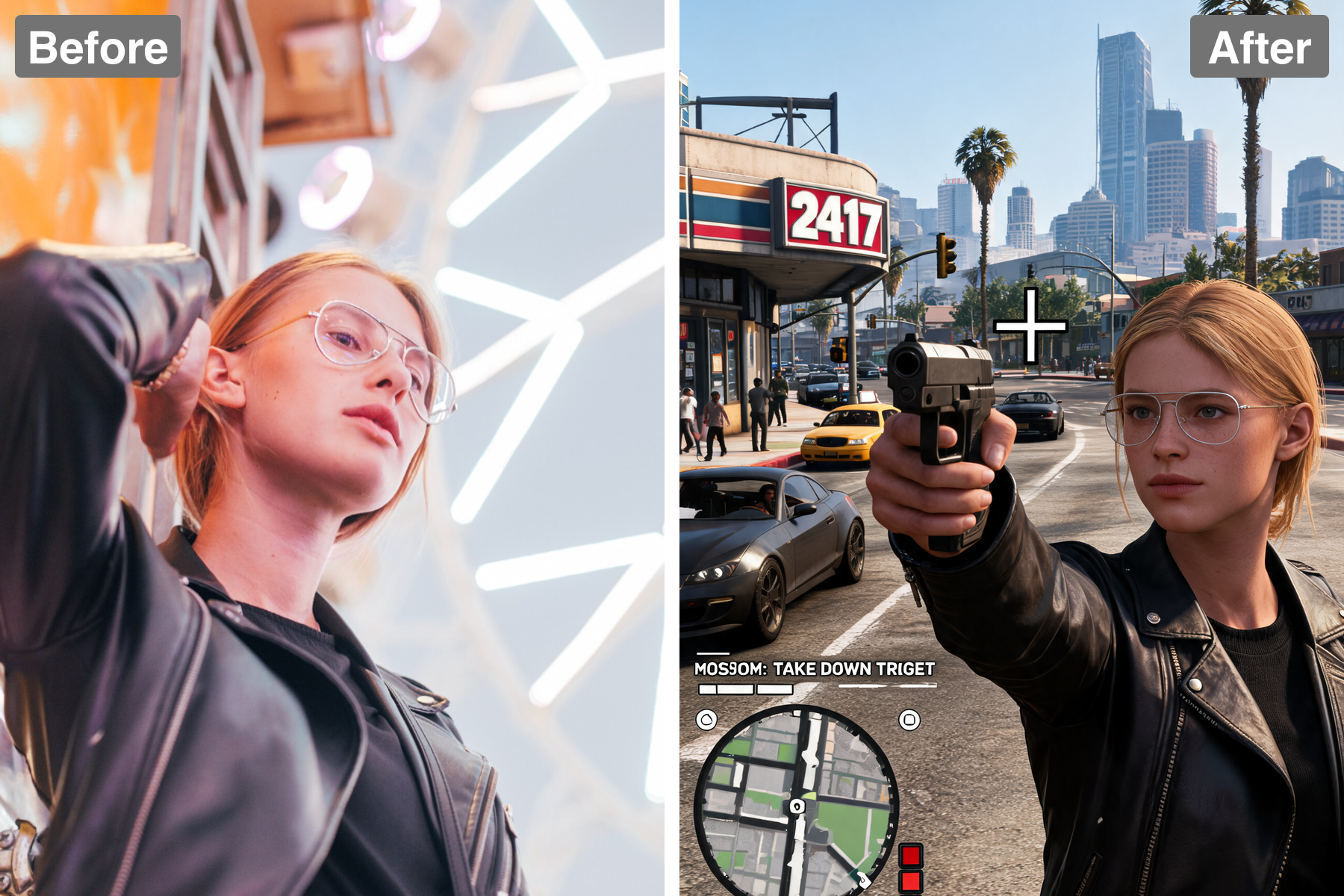
Look like you're in the game. AI restyles your photo as a realistic open-world screenshot with game-engine lighting, HUD-free framing, and grade.
Dynamic Image Transformation
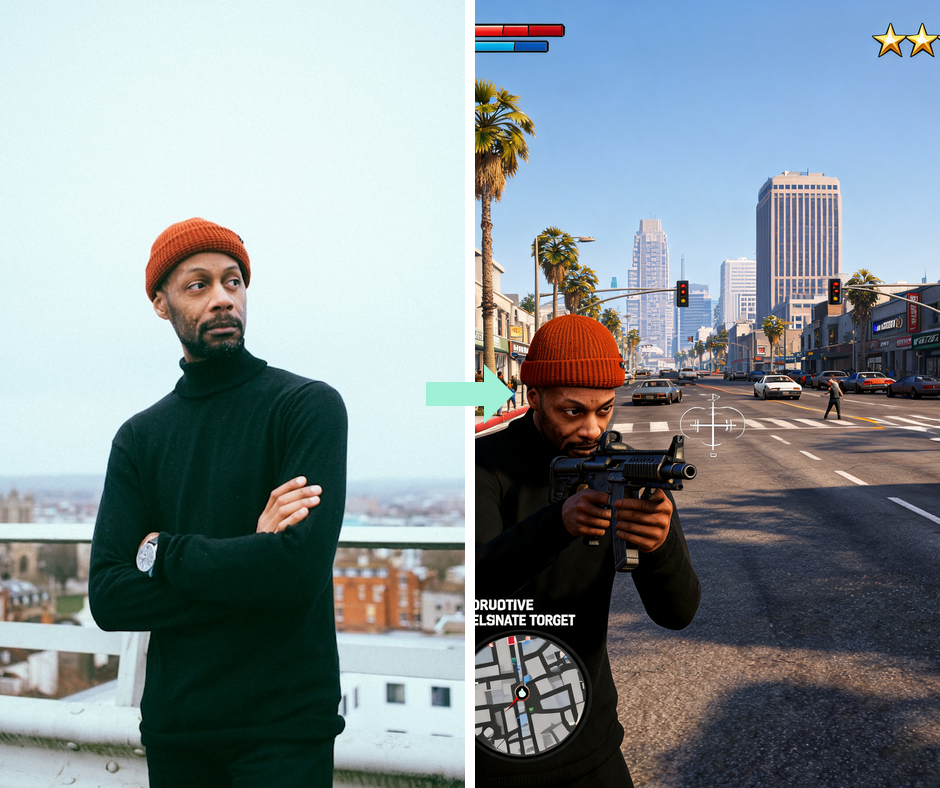
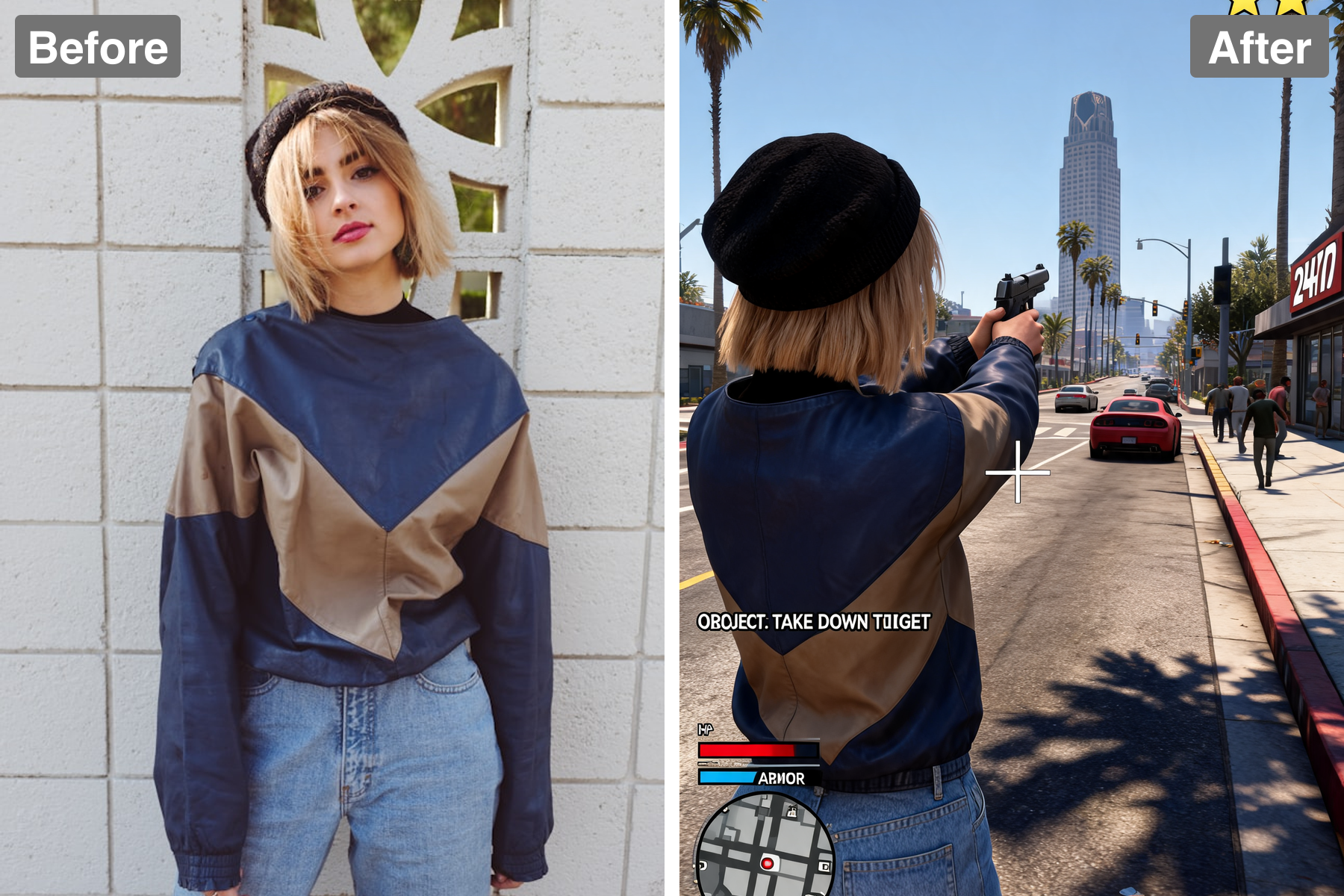
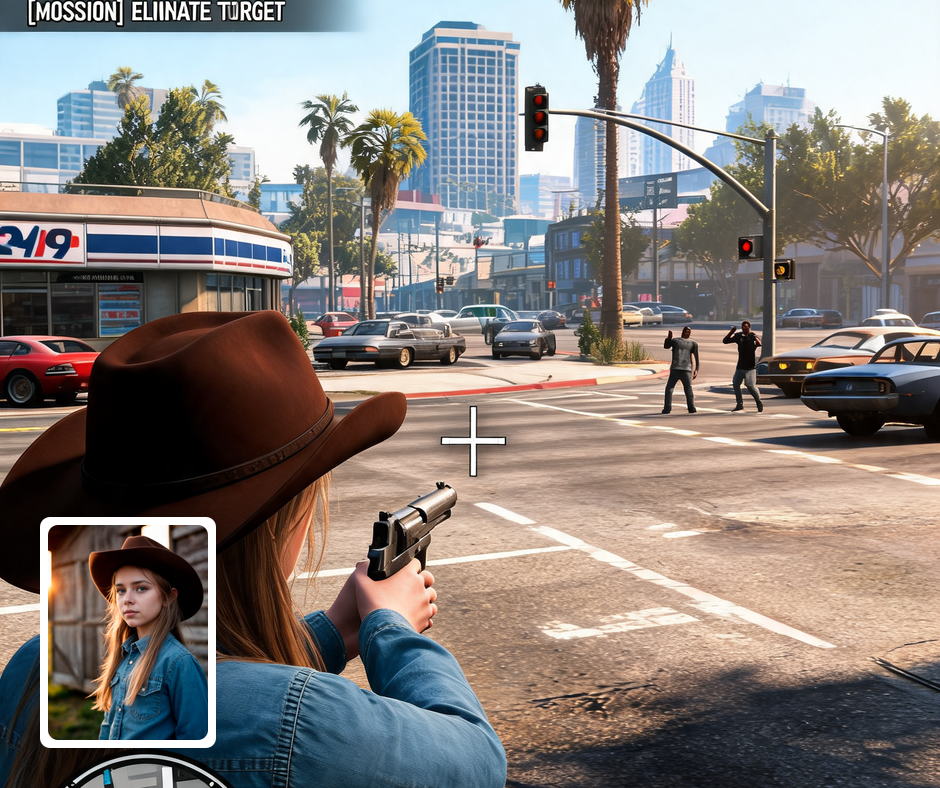
Experience the thrill of turning ordinary images into dynamic visuals with Patternful.ai's AI-powered GTA Screenshot filter. Our advanced algorithms analyze and apply intricate details from the game, ensuring that each photo tells a unique story. Dive into the art of visual storytelling, elevating your photography to new heights.
User-Friendly Interface
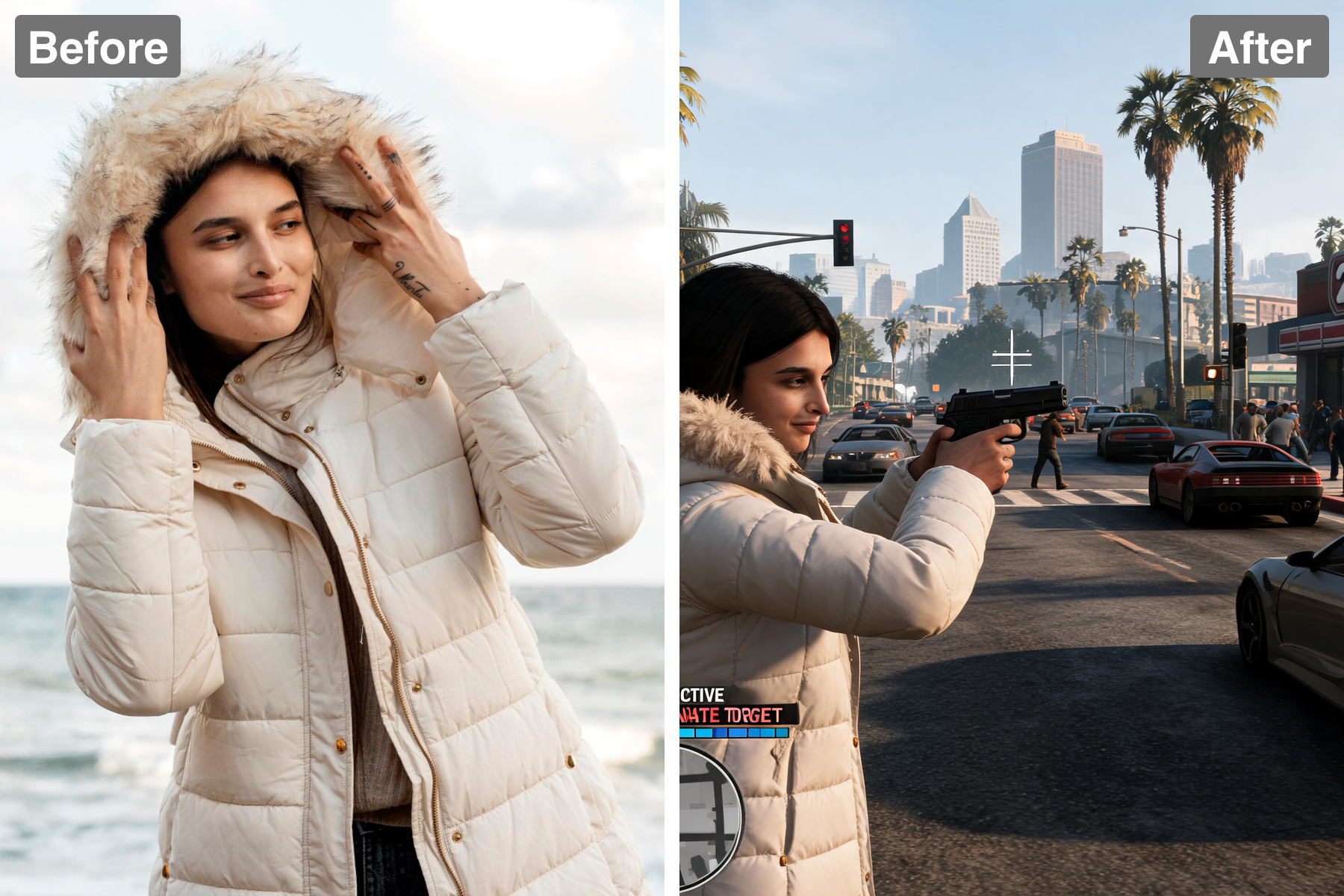
Patternful.ai is designed with user experience in mind, enabling anyone to create stunning visuals with ease. The intuitive interface allows you to upload, select filters, and preview results in just a few clicks. Even if you're a novice, our app empowers you to explore advanced photo editing with simplicity and speed.
Share Your Unique Style
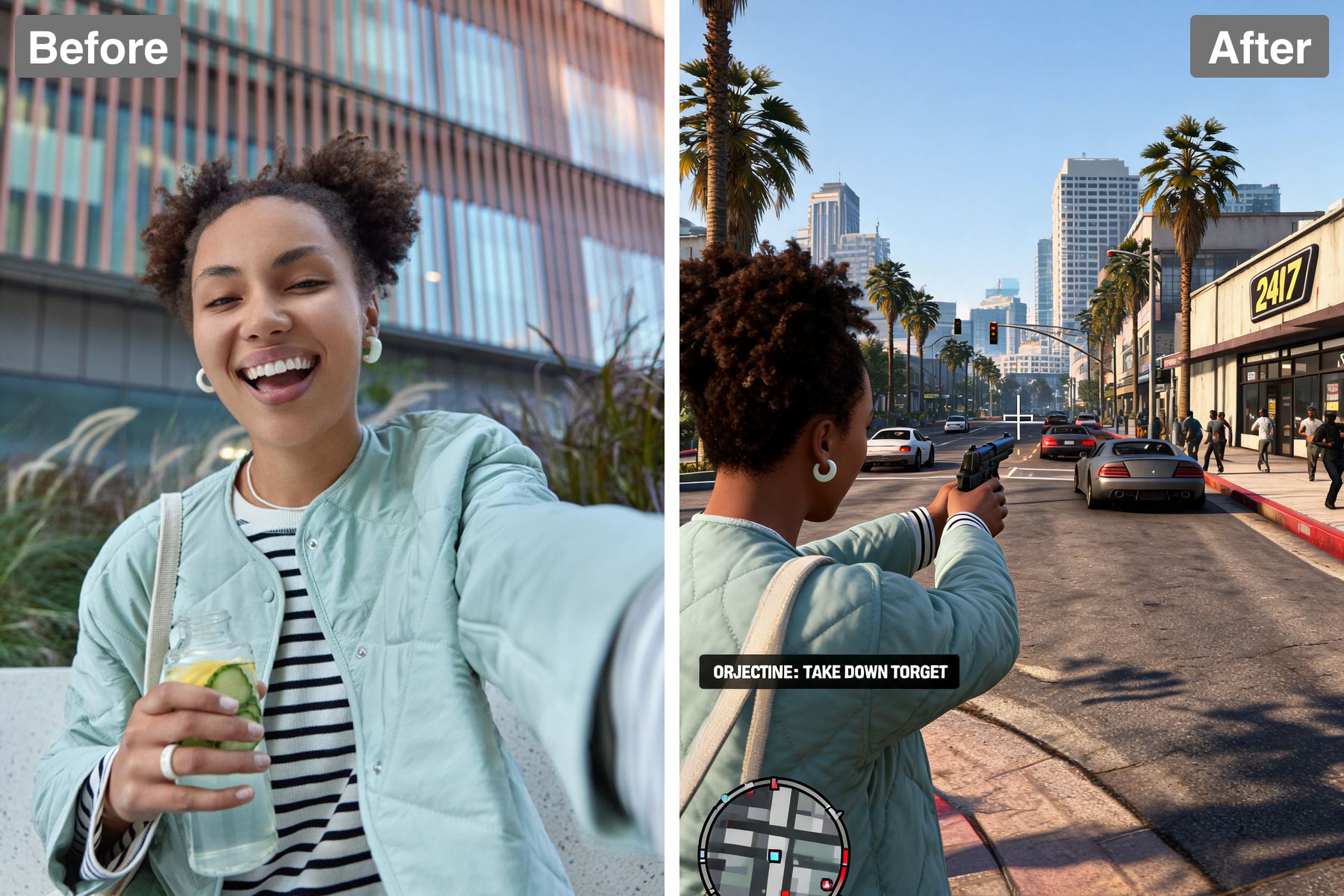
With the GTA Screenshot filter, you can express your individuality and creativity. Showcase your personality through artful photos that are sure to grab attention. Each edited image becomes a reflection of your unique style, making it perfect for sharing with friends or displaying in your portfolio.
Endless Creativity
Break free from conventional photo editing boundaries by harnessing the unique creativity of the GTA Screenshot filter. Experiment with different images and styling options to discover endless possibilities. Your imagination is the only limit when using Patternful.ai, so unleash your creativity and let your photos shine.
Discover the Possibilities
Explore Creative Uses for the GTA Screenshot Filter
Create Memorable Moments
Transform your personal photos into unforgettable memories with the GTA Screenshot filter. Whether it's a casual hangout, a family gathering, or a trip to the city, this filter adds an extraordinary touch that captures the excitement. Make your memories stand out as vibrant pieces of art that you can cherish and share.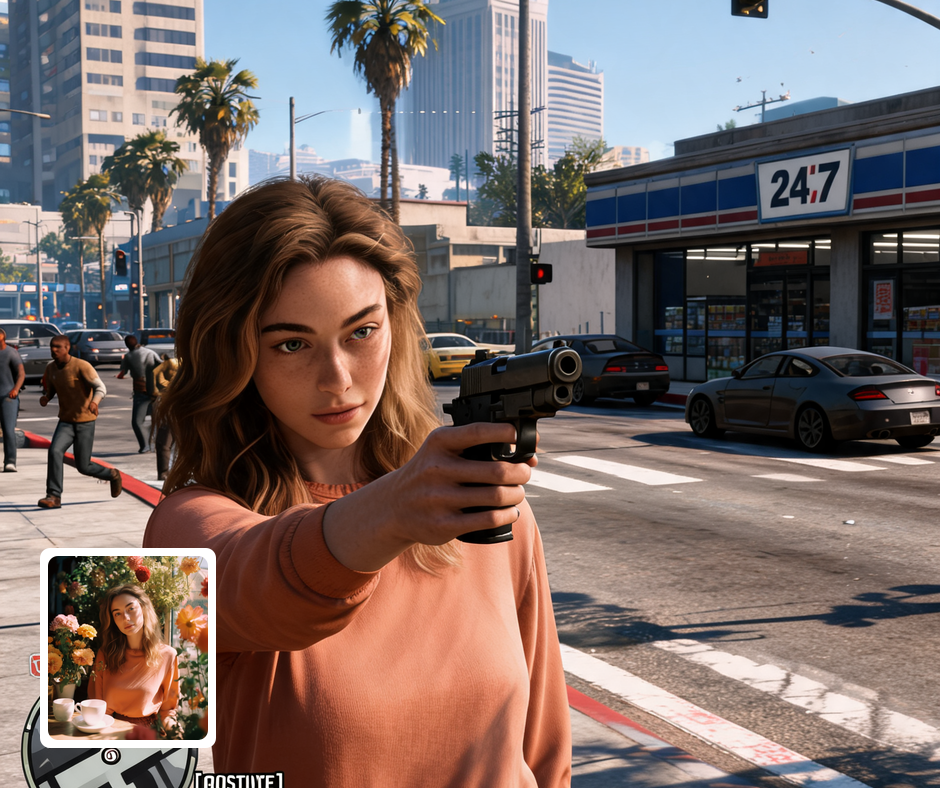
Enhance Your Social Media Presence
Elevate your social media game by posting photos with the GTA Screenshot filter. Stand out in your friends' feeds with unique and visually stunning images that spark conversations and likes. Create a consistent and striking aesthetic that showcases your adventurous side, appealing to fellow gamers and photographers alike.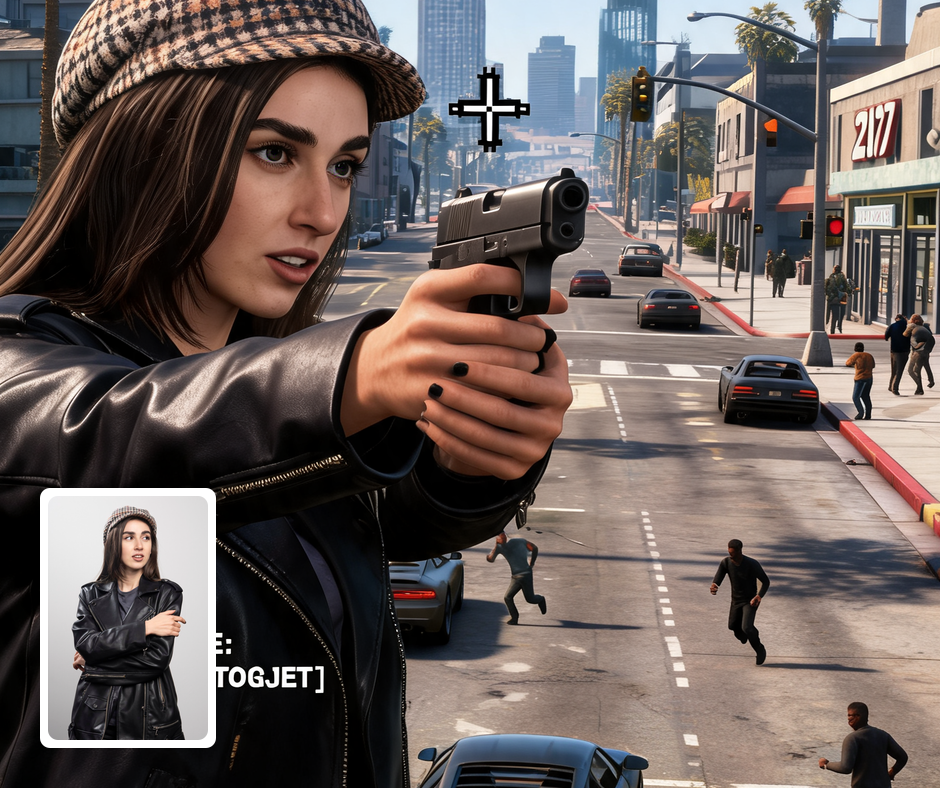
Perfect for Gamers and Creatives
Whether you're a gamer, artist, or aspiring influencer, the GTA Screenshot filter is designed to resonate with your interests. The bold visuals not only reflect the gaming culture but also inspire creativity and innovation. Use it as a tool for artistic expression, creating standout graphics that reflect your love for iconic gaming aesthetics.
Transform Your Photos
Explore More AI Image Filters
Frequently Asked Questions
What is the GTA Screenshot filter?
The GTA Screenshot filter is a unique feature of Patternful.ai that transforms your photos into vibrant, high-energy visuals reminiscent of the stunning graphics found in Grand Theft Auto V. With this filter, your images take on the rich colors and unique styles of in-game environments, providing a creative twist to your everyday photography. Experience your moments like never before and capture the essence of action-packed adventures right from your smartphone.
How do I use the GTA Screenshot filter?
Using the GTA Screenshot filter is as simple as uploading your image and selecting the desired filter effect. Once you choose the filter, our AI will work its magic, enhancing your photo with bold colors and dynamic aesthetics that resemble the art style of GTA V. It's an effortless way to elevate your photography and bring a bit of that iconic video game vibe into your life.
Can I share my edited images on social media?
Absolutely! After applying the GTA Screenshot filter to your image, you can easily share your stunning creations directly on social media platforms like Instagram, Facebook, and Twitter. Stand out among your friends with eye-catching visuals that showcase your personality and creativity. Unleash your inner artist and let the world see your photos like never before!
Are my images safe with Patternful.ai?
Yes, your images are safe with us. Patternful.ai prioritizes user data safety. Your images are always private, proprietary, and they remain your property. All your uploaded images are automatically deleted from our servers after a few hours.