Collage Magazine Filter
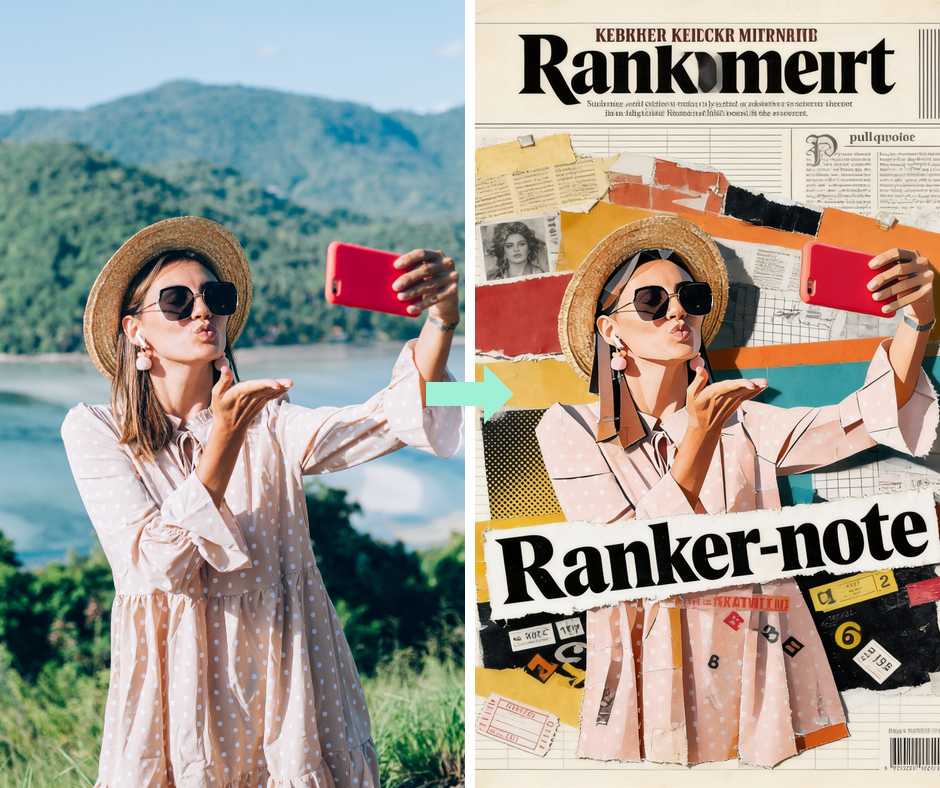
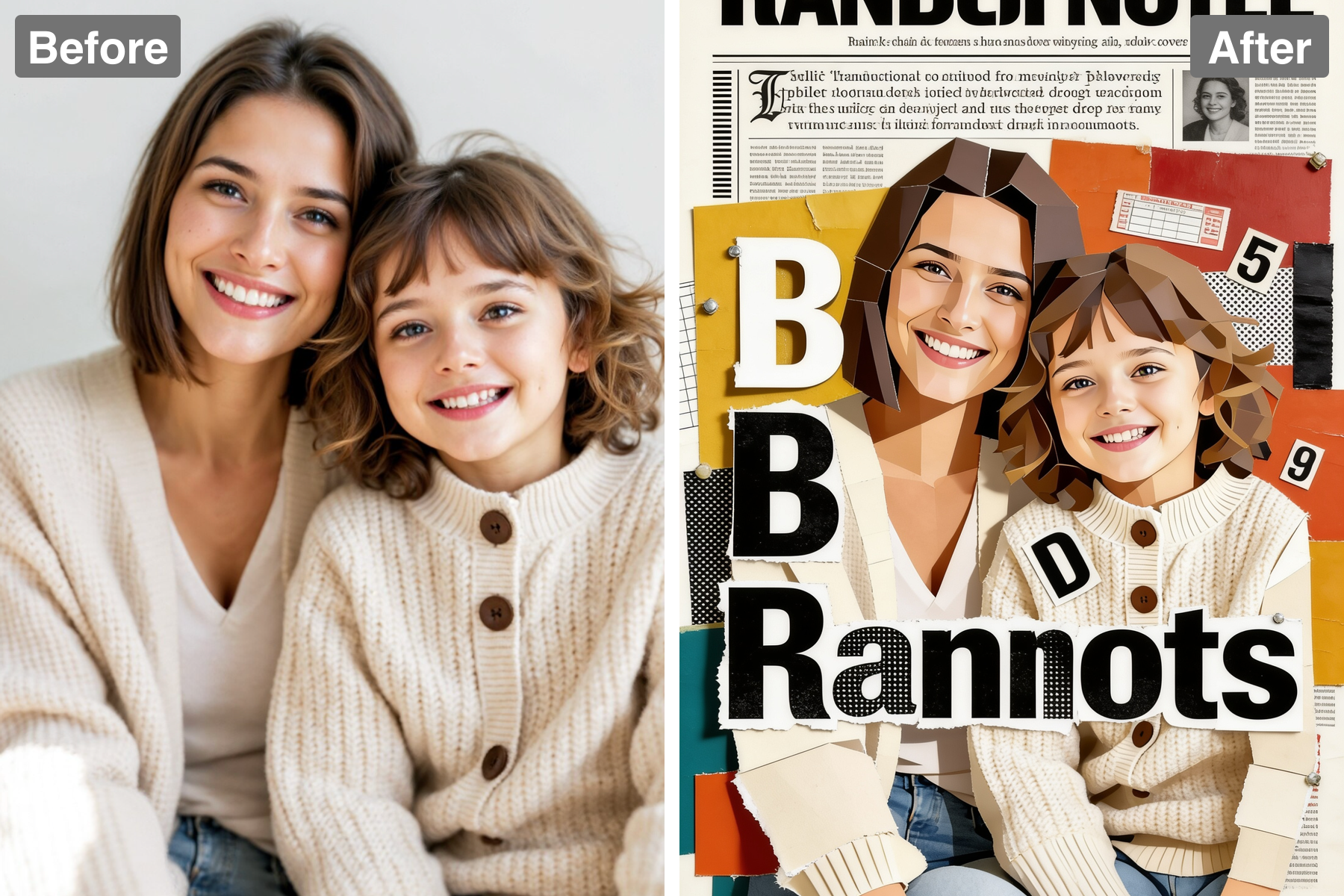
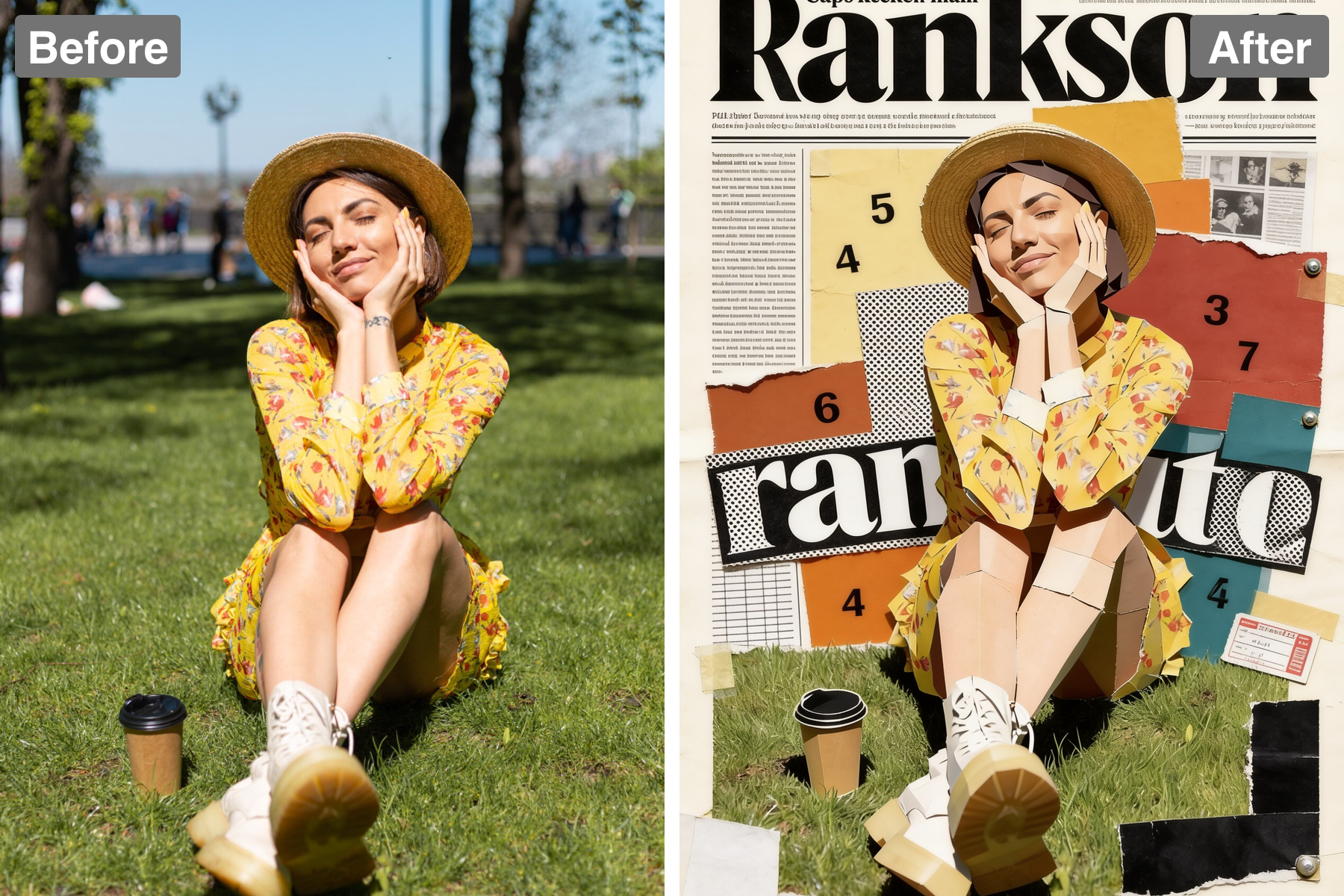
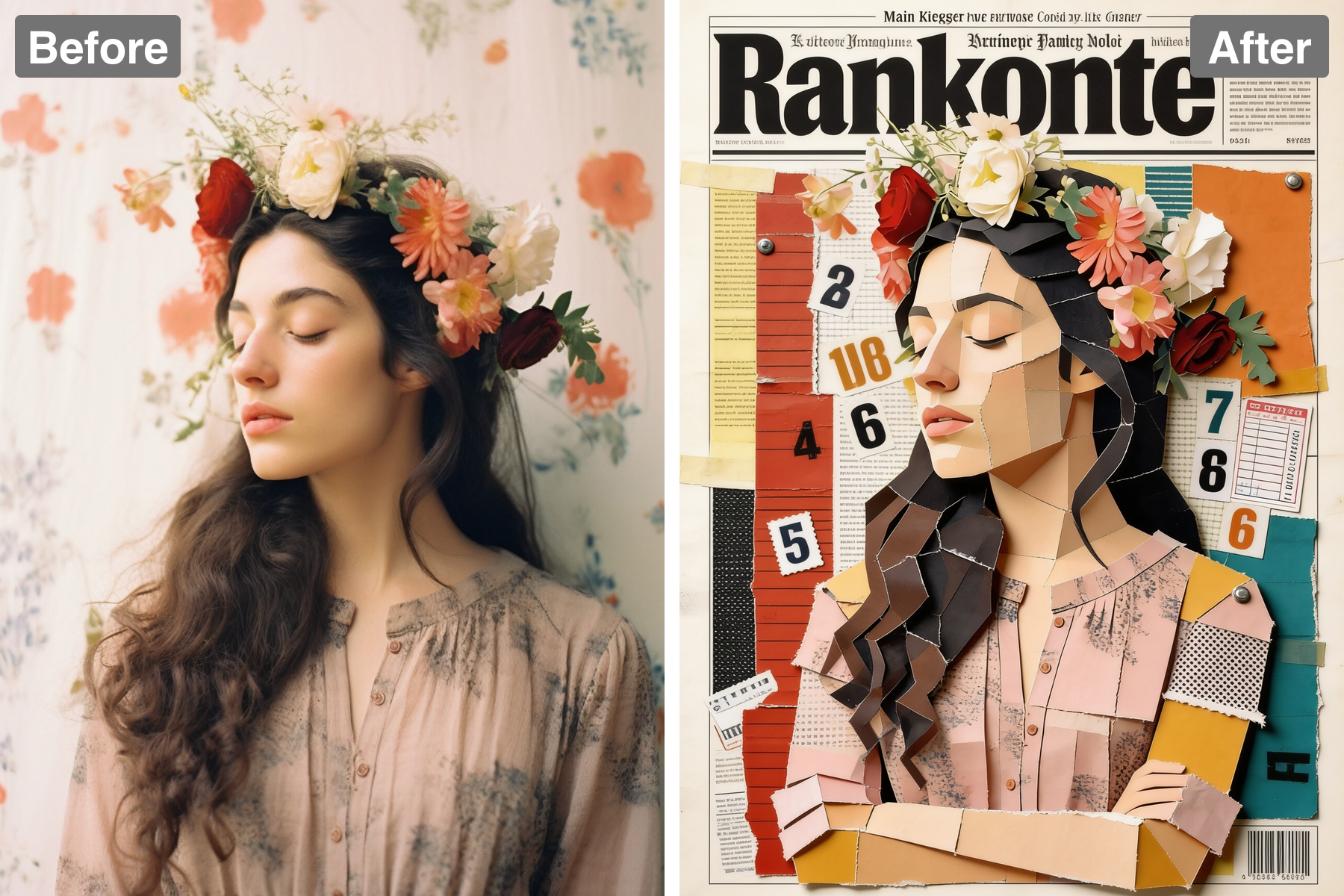
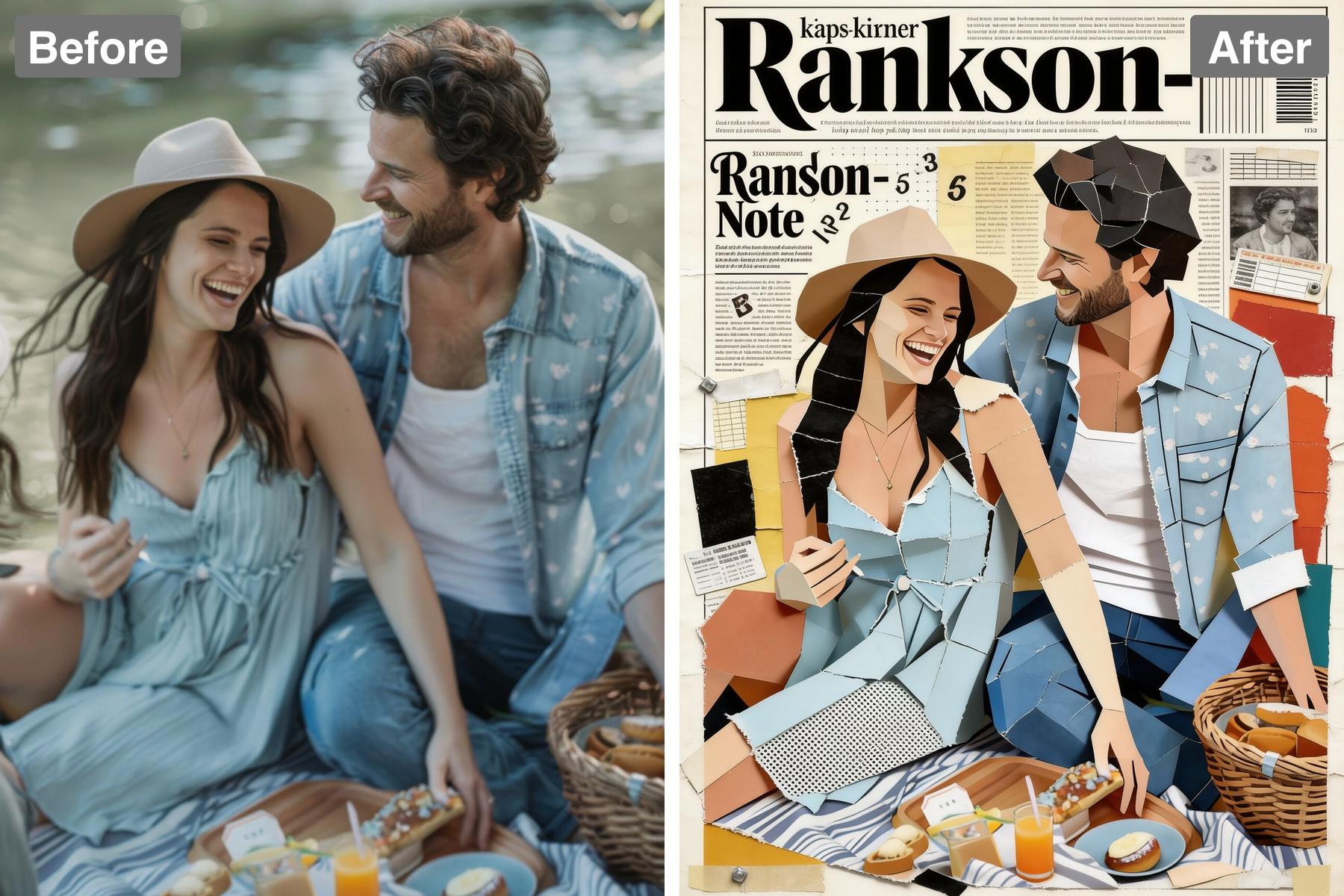
Turn photos into a paper collage. AI rebuilds your image from torn magazine cut-outs, mixed type, and layered tape for a raw zine aesthetic.
Unique Mixed-Media Aesthetic
The Collage Magazine filter offers a distinct mixed-media aesthetic, combining torn paper edges and halftone textures that are sure to impress. It adds depth and creativity to your photos, making them more than just simple snapshots. Capture attention with a style that stands out in any collection.
Intuitive User Experience
Designed for everyone, the user interface is intuitive and straightforward, allowing you to focus on creativity rather than technicalities. Simply upload your images, apply the look, and effortlessly create stunning collages with just a few taps. Dive into your creative project in no time!
Versatile for All Occasions
Whether you’re creating art for your home, planning an event, or looking to spice up your social media, the Collage Magazine filter is versatile enough for any occasion. It adapts to your personal style and intent, whether whimsical or professional. The possibilities are endless with your imagination!
Instant Sharing
Once you’ve crafted your collage, sharing it with friends and followers is a breeze. With just a tap, you can post directly to social media or save it to your device. Quickly sharing your artistic creations allows you to connect with others and spark conversations around your work.
Discover the Possibilities
Explore Creative Applications for the Collage Magazine Filter
Artistic Scrapbooking
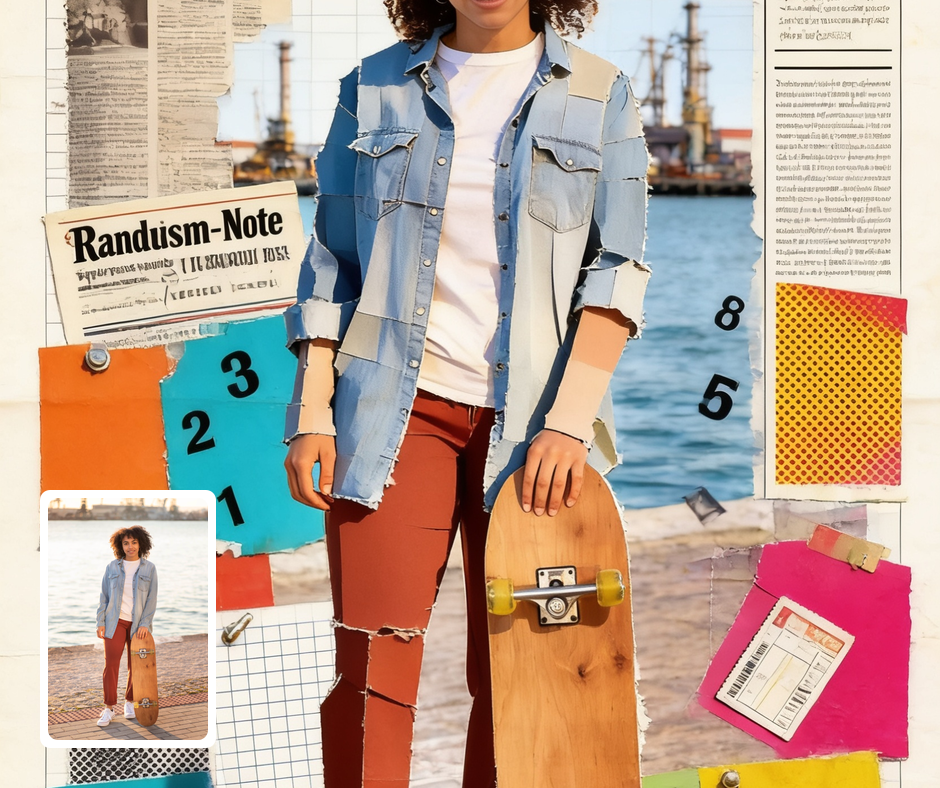
Transform your everyday photos into beautiful artistic scrapbooks that tell your story. The Collage Magazine filter gives your images a mixed-media quality, perfect for preserving memories in a creative way. Whether it's a trip to the beach or a family gathering, showcase your moments in an artistic format.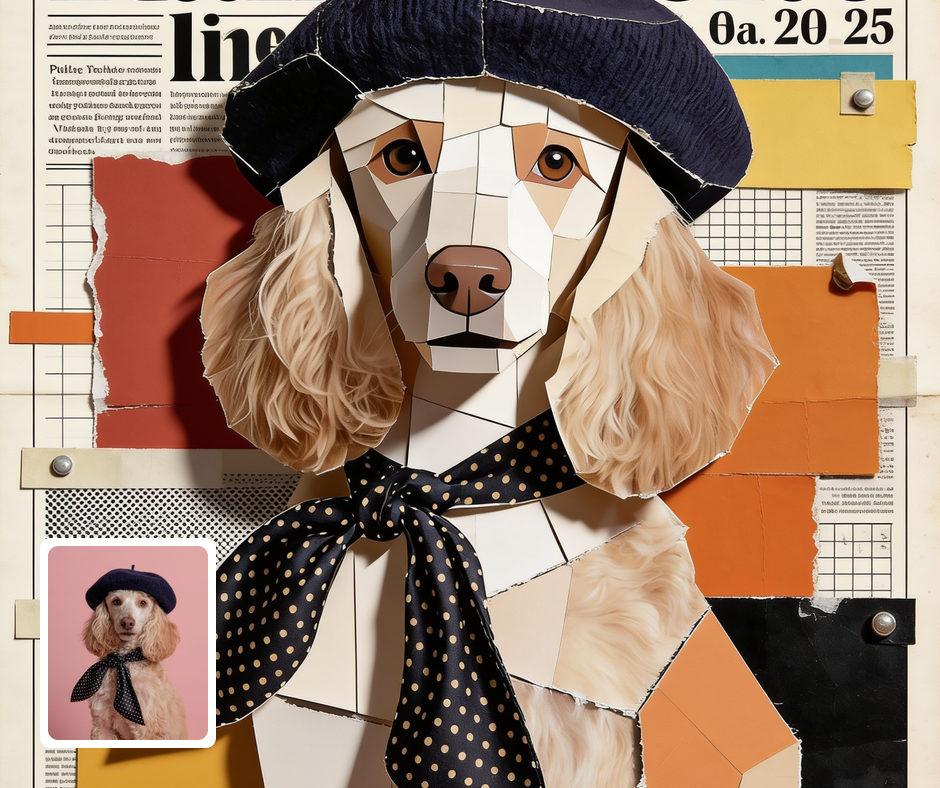
Social Media Content Creation
Stand out on social media with stunning collages that attract attention and engagement. Use the Collage Magazine filter to create unique content that breaks away from standard posts. With vibrant, textured designs, you’ll capture the interest of your followers and enhance your digital presence.
Creative Marketing Materials
Elevate your marketing materials with eye-catching visuals that reflect creativity and innovation. The Collage Magazine filter enables businesses to create engaging promotional content that resonates with their audience. Inform potential customers while making a strong visual impact, driving interest and engagement.
Transform Your Photos
Explore More AI Image Filters
Frequently Asked Questions
What types of images can I use with the Collage Magazine filter?
You can use a wide variety of images, including personal photos, travel memories, and social media snapshots, to create unique collages. The Collage Magazine filter enhances them with a mixed-media look that makes them stand out. Whether you're crafting an art project or a social media post, this filter gives your images an artistic twist.
Can I customize the collage further after applying the filter?
Absolutely! Once you've applied the Collage Magazine filter, you can continue to make adjustments to tailor the collage to your liking. Add text, stickers, or additional images to create a truly personalized piece. The flexibility ensures that your creative vision is fully realized.
Is the Collage Magazine filter easy to use?
Yes, using the Collage Magazine filter is incredibly user-friendly! With just a few clicks, you can upload your images, apply the filter, and watch as they transform into stunning collages. The intuitive interface allows anyone, regardless of technical skill, to create beautiful mixed-media artworks.
Is my privacy protected when using Patternful.ai?
Yes, your images are safe with us. Patternful.ai prioritizes user data safety. Your images are always private, proprietary, and they remain your property. All your uploaded images are automatically deleted from our servers after a few hours.